
AI Video Editorfor InstantVideo Changes
Upload your footage, input your creative changes, and our AI video editor will generate a new version in minutes. Update product videos, social media videos, UGC, and other marketing materials without reshooting or manual editing.
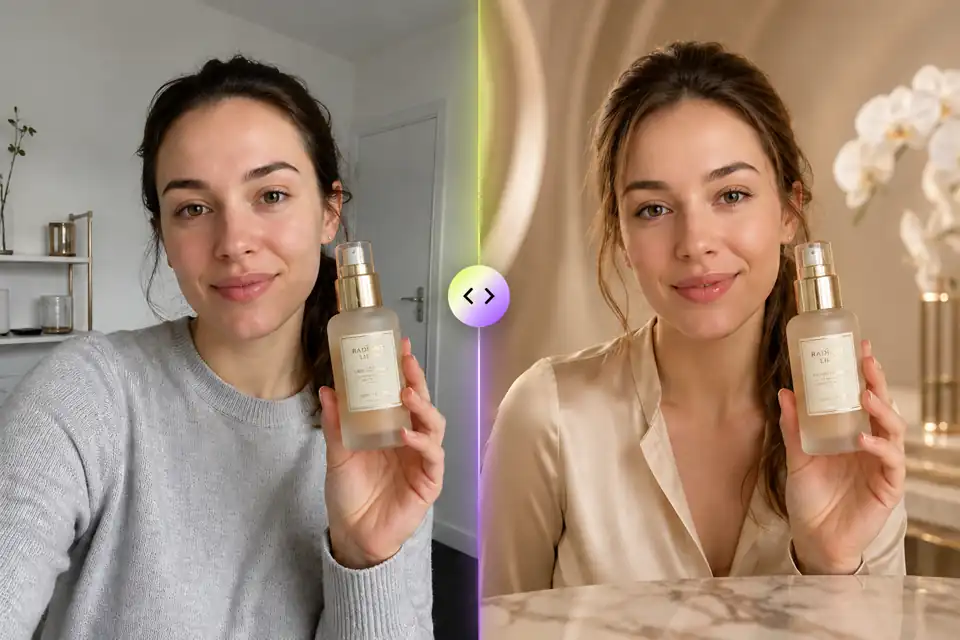
Keep the creator and product, upgrade the scene, lighting, styling, and product detail.
Make Your First AI Video Edit Here
Result
See Ordinary Videos Turn Into Polished Visuals
Explore real before-and-after examples built from detailed creative prompts. See how lighting, background, product focus, atmosphere, and visual style can be transformed while keeping the original video idea intact.
How to Edit a Video with AI
Go from an existing clip to a revised version in a few simple steps. No timeline editing, masking, or reshooting required.
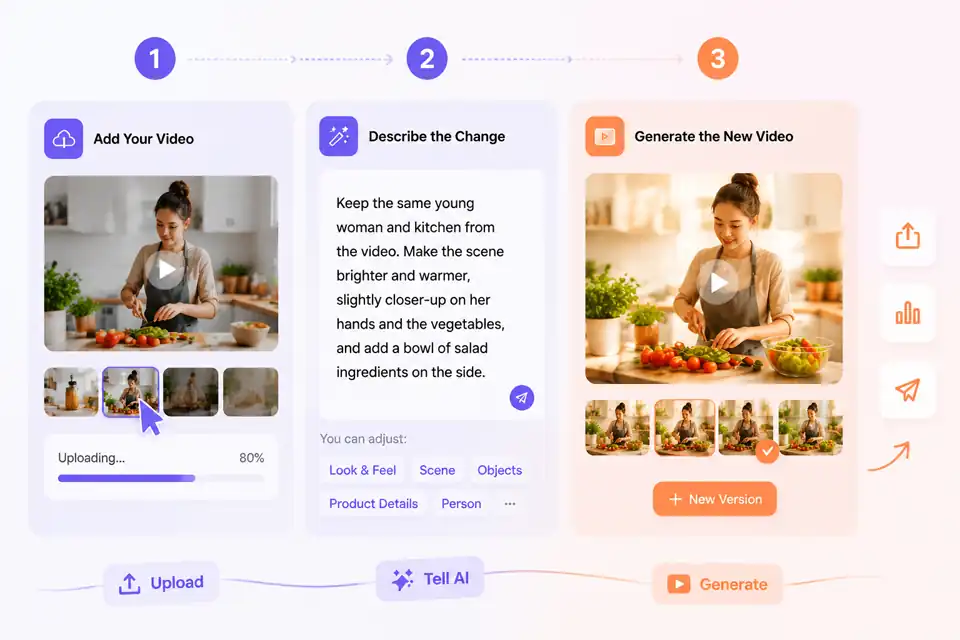
Add Your Video
Upload a product clip, social video, UGC recording, or any short video you want to improve or repurpose.
Describe the Change
Tell the AI what should be adjusted, such as the look, scene, object, product detail, person, or overall creative direction.
Generate the New Video
Review the edited result, keep the version that works, and use it for publishing, testing, or your next creative idea.
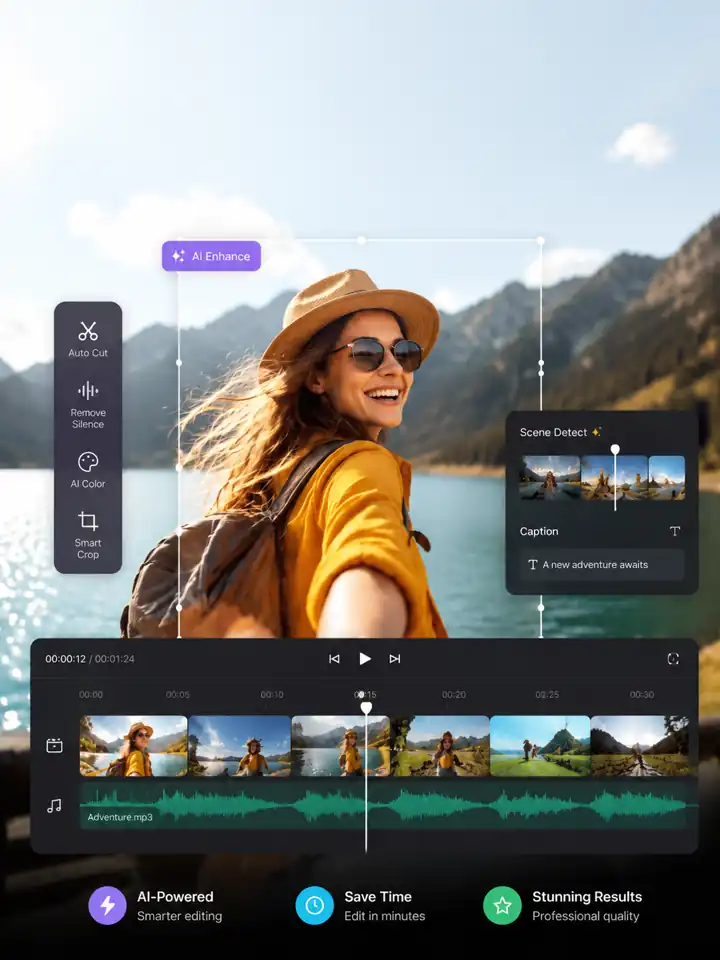
Powerful AI Video Editor Features for Real Video Changes
From visual fixes to platform-ready versions, these tools help turn existing videos into content you can publish, share, test, or reuse.
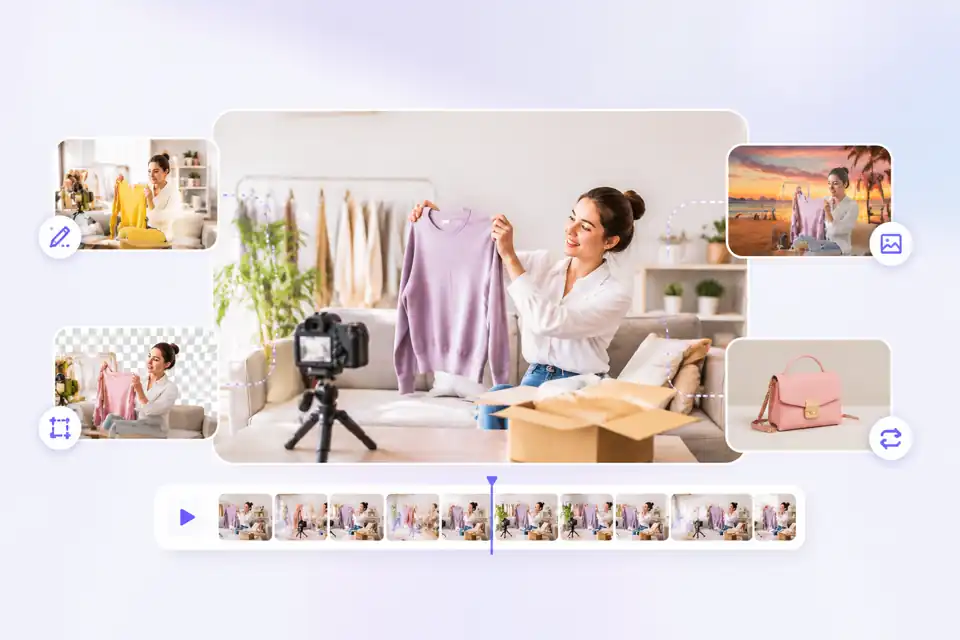
Make Prompt-Based Changes to Objects, Scenes, and Product Details
Describe what should change in the frame, from removing unwanted objects to replacing products, adjusting backgrounds, or refining visual details. This gives you a faster way to edit videos with AI when the footage is useful but one part needs to be fixed.
Change Video Details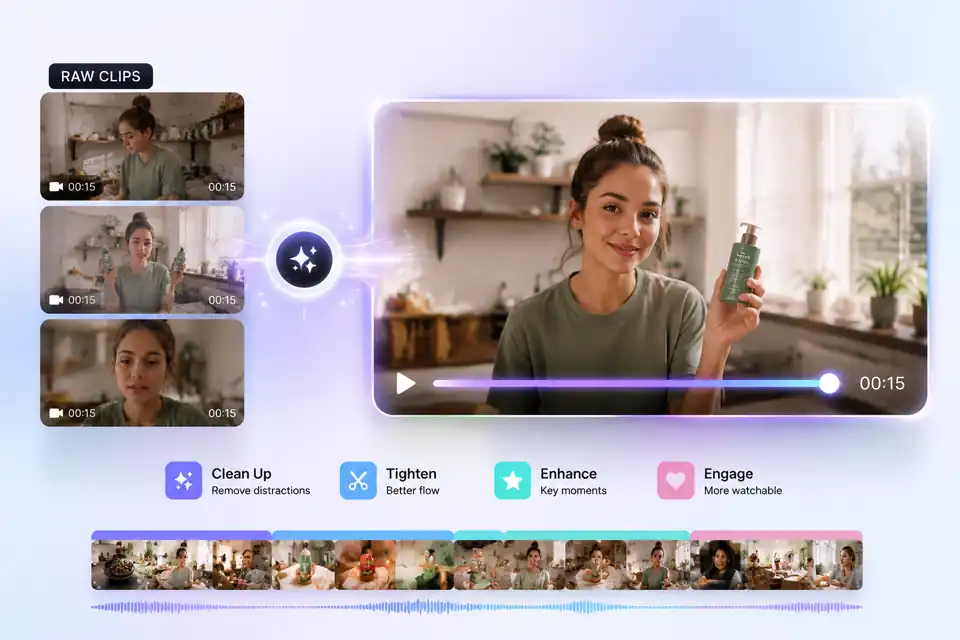
Turn Raw Footage Into Cleaner, More Watchable Short Videos
Improve rough clips by cleaning up distractions, tightening the visual flow, enhancing key moments, and making the result easier to watch. Use it for product demos, creator clips, testimonials, UGC videos, and social content that needs a more finished look.
Improve Your Video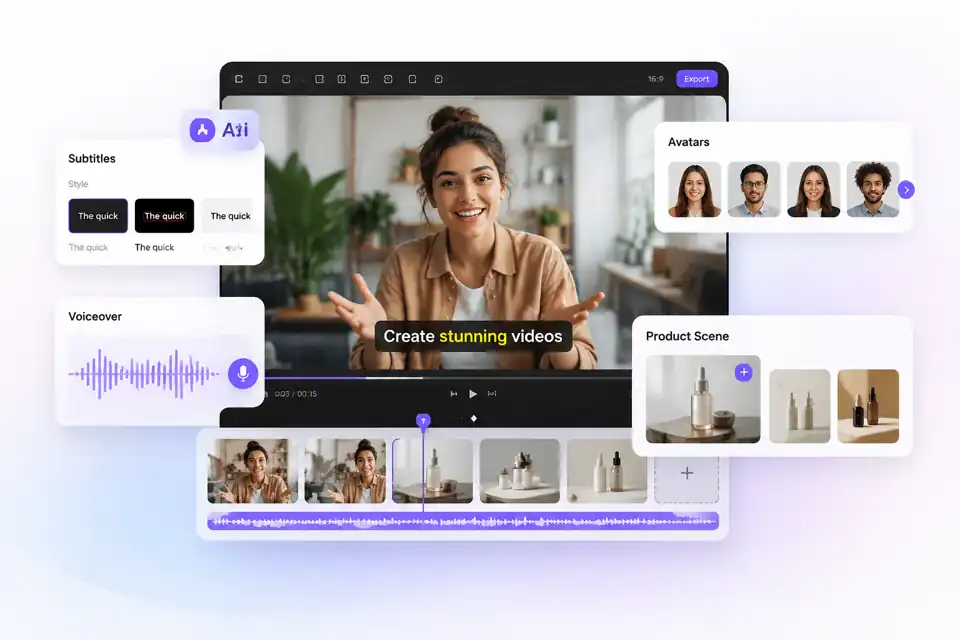
Add Subtitles, Voiceovers, Avatars, and Product Scenes in One Workflow
Bring a video closer to publish-ready with captions, voice narration, AI avatars, or additional product-focused scenes. Instead of moving between separate tools for editing, voice, and presentation, build a complete short-form asset in one AI video editing workflow.
Create a Finished Video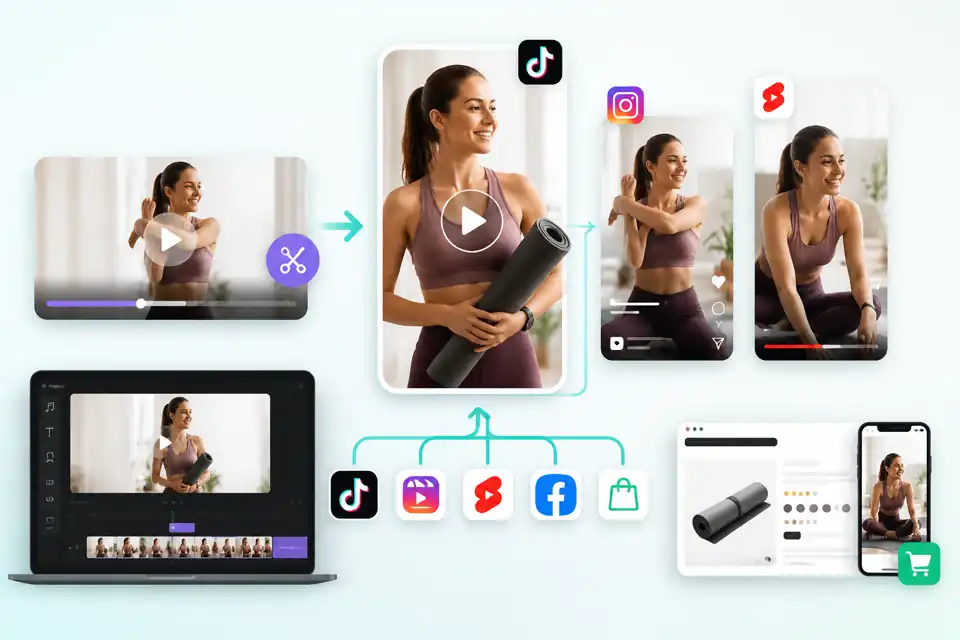
Reframe and Repurpose Videos for TikTok, Reels, Shorts, and Ads
Adapt the same video for different placements by changing the crop, pacing, scene focus, or creative angle. Create versions for TikTok ads, Instagram Reels, YouTube Shorts, Meta campaigns, product pages, or ecommerce content without rebuilding every video from scratch.
Create Platform VersionsExplore More AI Tools for Video Creation
Why Create and Edit Videos with Vokes
Fast Generation
Generate edited video results in minutes and move from idea to usable content faster.
No Watermark
Export clean videos without distracting watermarks for brand, social, and campaign use.
Ultra-Clear Quality
Create sharp, polished videos with high-resolution output for product and marketing visuals.
Privacy & Security
Keep uploaded videos and creative assets protected throughout the editing workflow.
Works Across Platforms
Prepare videos for TikTok, Reels, Shorts, Meta ads, ecommerce pages, and more.
Multi-Task Creation
Explore multiple creative directions faster, from style changes to product edits, without waiting between tasks.
An AI video editor uses artificial intelligence to help modify, enhance, and repurpose videos with less manual editing. It can help update visual details, improve scenes, and create new versions from existing video content.
Upload your video, describe what you want to change, and generate an edited version. Instead of working through complex timelines, you can use AI to adjust the look, scene, details, or creative direction.
Yes. With prompt-based video editing, you can ask AI to remove unwanted objects, replace items, clean up backgrounds, or refine specific visual details while keeping the main video content usable.
Yes. An AI product video editor can help improve product clips by enhancing the scene, adjusting the visual style, refining product focus, and making simple footage look more polished for ecommerce or product pages.
No. You do not need professional editing experience. You can describe the change in plain language and let AI handle the visual edit without using layers, masks, or traditional editing software.
Yes. Vokes can help prepare short-form videos for TikTok, Instagram Reels, YouTube Shorts, Meta ads, and other marketing channels by refreshing existing content and creating platform-ready versions.

What Creators Say About Our AI Video Editor