Vokes Free
Free access

Create high-quality videos online from ideas, text, or images with AI. Generate videos for ads, product marketing, avatar content, social media, and more with fast creation, flexible styles, and built-in audio.
Result
Choose from multiple AI video models for different styles, speeds, and creative needs.
Free access
1.0
1.5, 2.0, 2.0 Fast
3.0, 3.0 Omni
3.0, 3.1 Pro
1.0, 1.0 Beta
From product promos and avatar-led content to social clips and branded storytelling, text or images can be shaped into polished visuals for a wide range of creative needs.
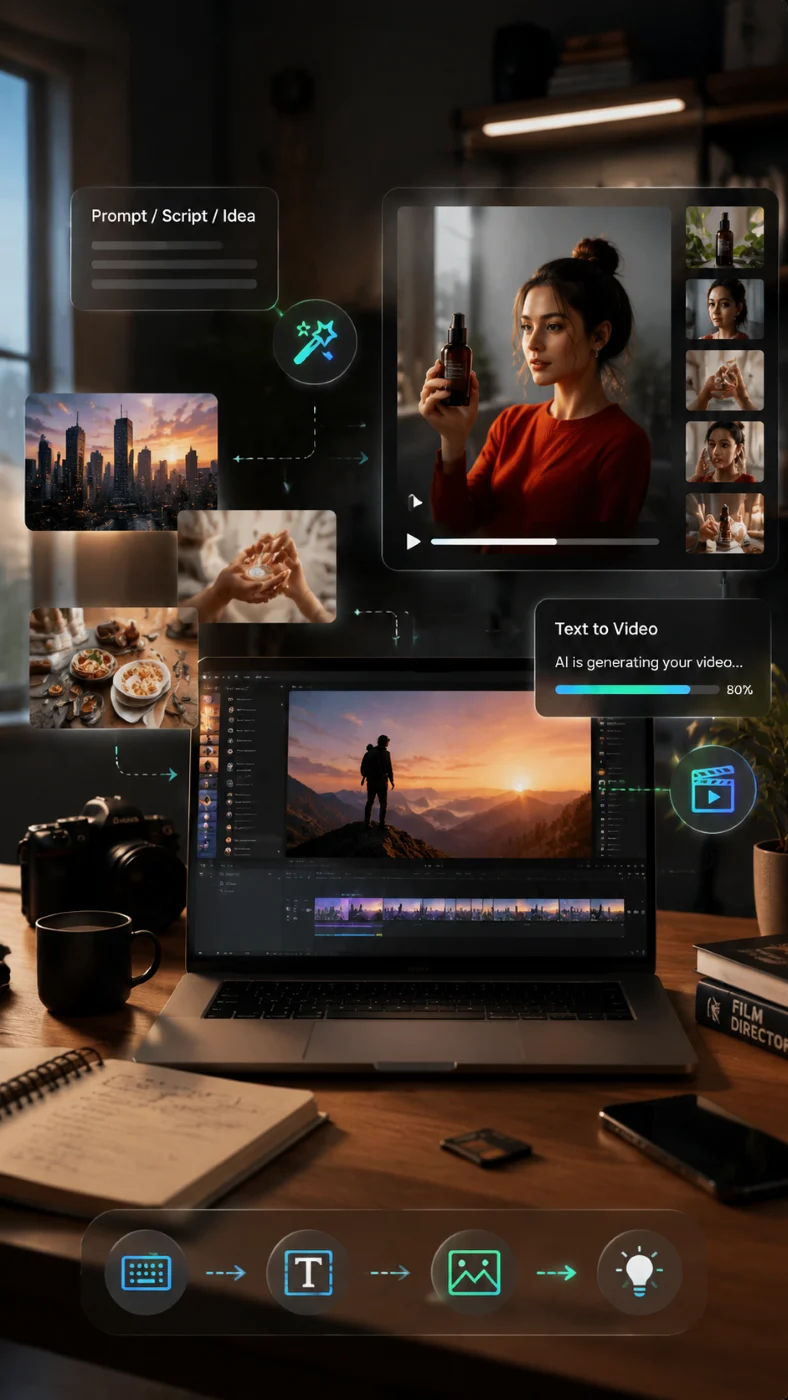
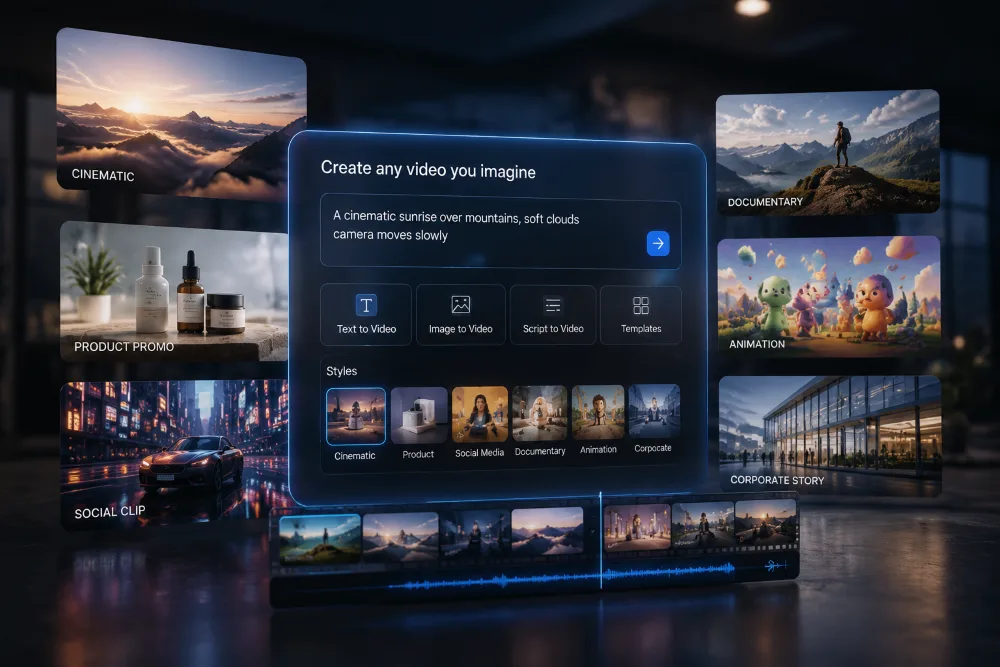
Start with a prompt, script, or rough idea and turn it into a complete visual direction without building everything from scratch.
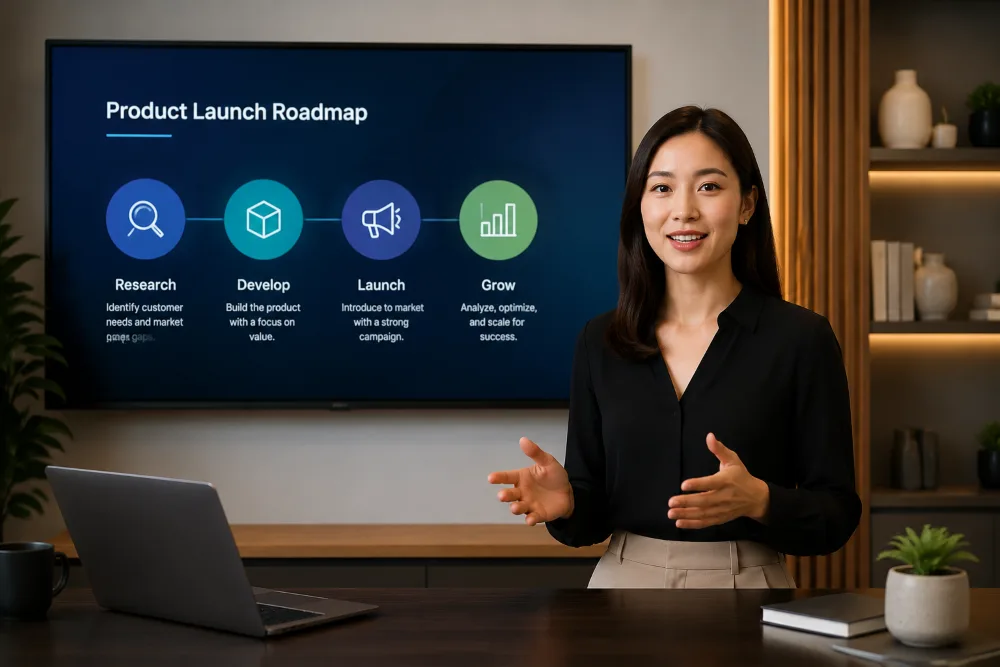
Add a clear on-screen presenter for explainers, tutorials, announcements, and message-driven content that needs a stronger human voice.
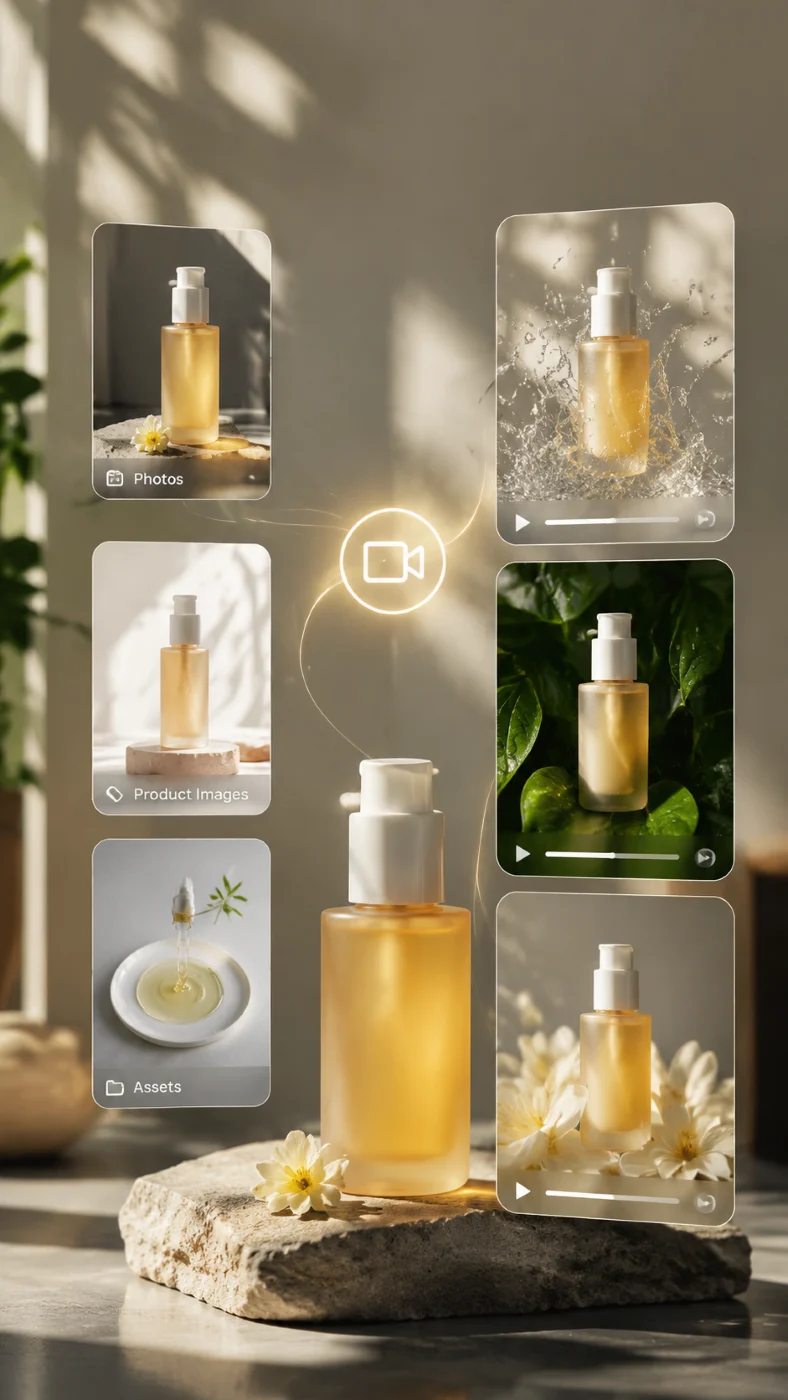
Bring still photos and design assets into motion, adding energy, depth, and visual interest to existing creative materials.
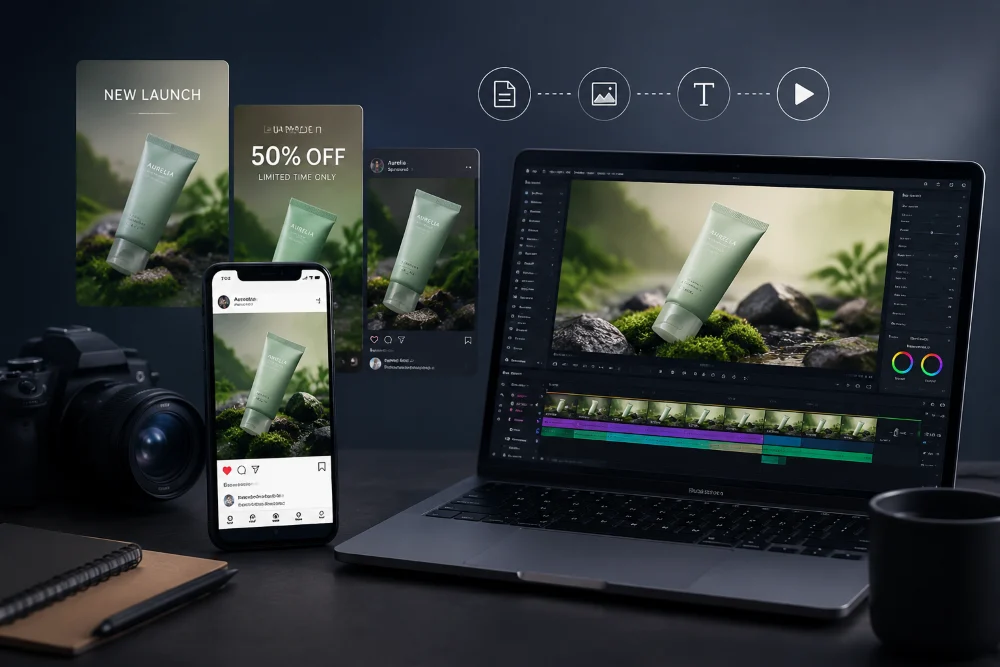
Create campaign-ready videos that spotlight product value, sharpen selling points, and support launches, promotions, and paid ads.
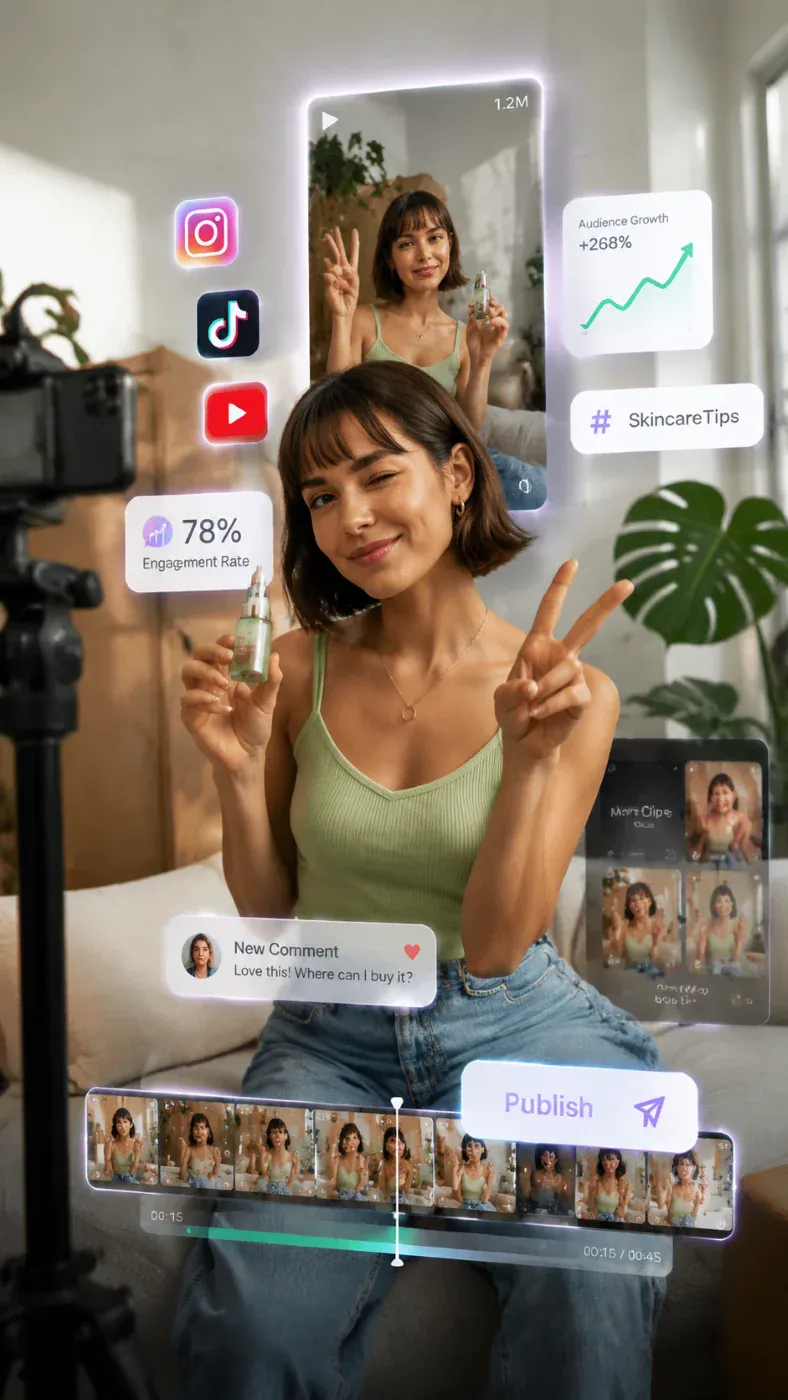
Produce fast, attention-grabbing clips designed for scrolling feeds, trending formats, and frequent posting across social platforms.
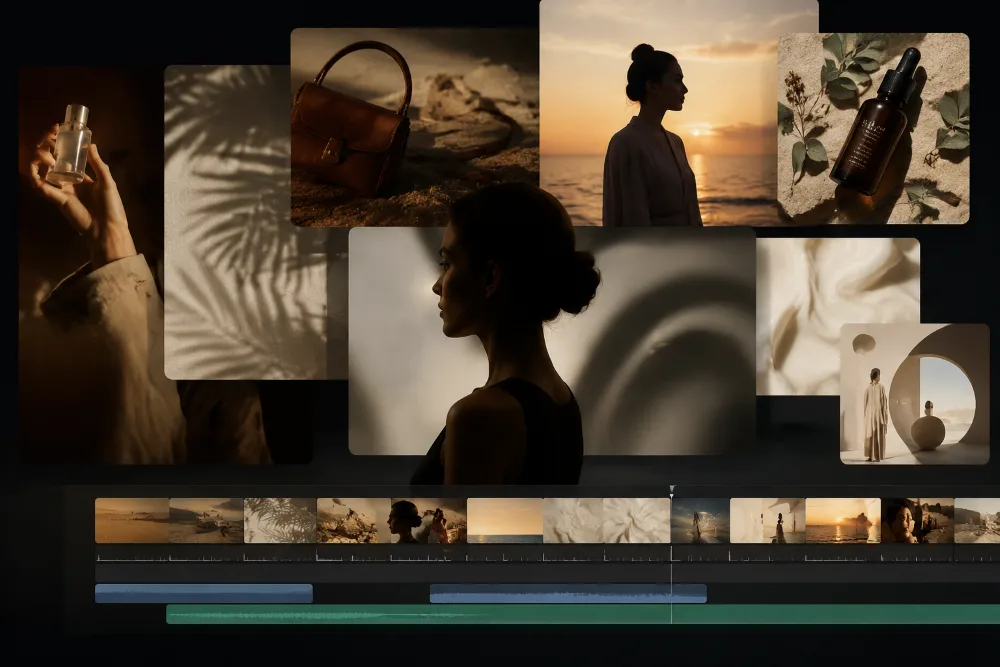
Build mood-led visuals that shape brand image, support launches, and give campaigns a stronger sense of style and narrative.
Start with a prompt or image, adjust a few settings, and turn your idea into a polished video in just a few clicks.
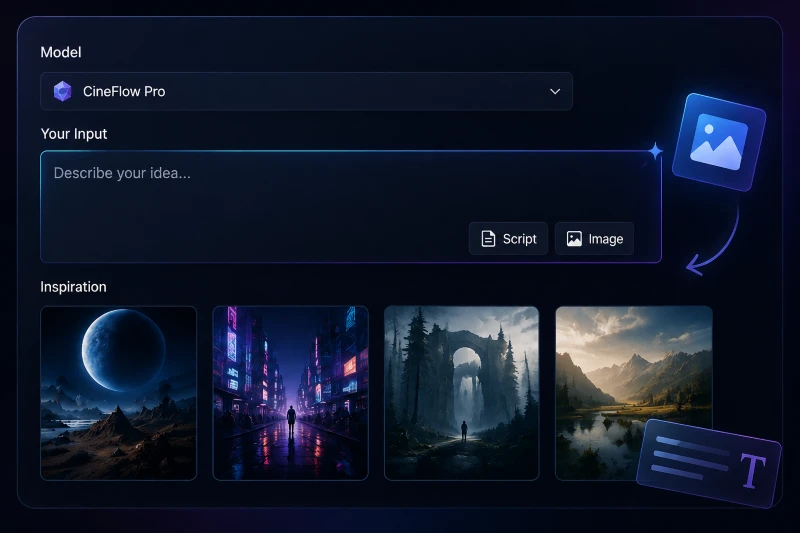
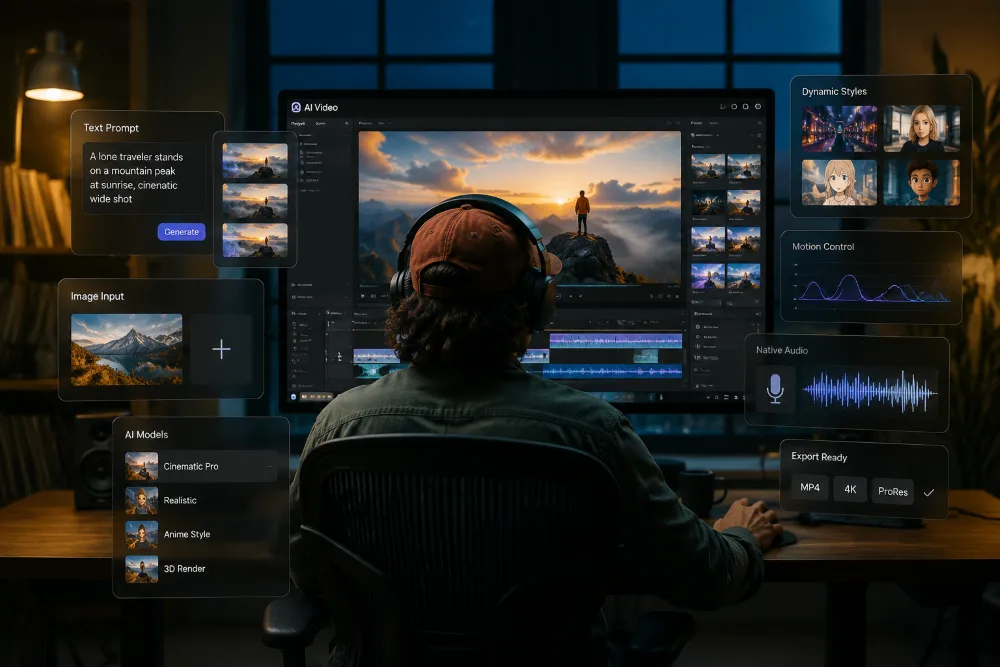
Select a video model, then enter a prompt or upload an image to start your video. You can begin with a simple idea, a written script, or an existing visual.
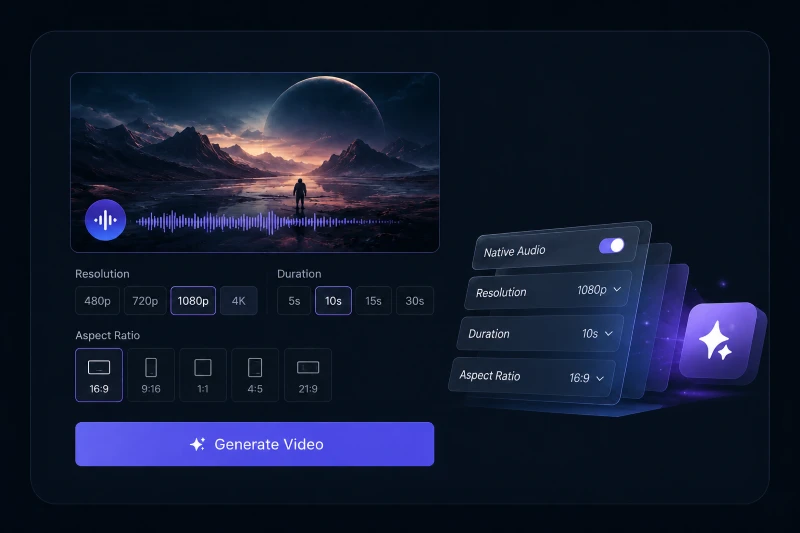
Turn on native audio if needed, then choose the resolution, video length, and aspect ratio that fit your project before generating the final result.
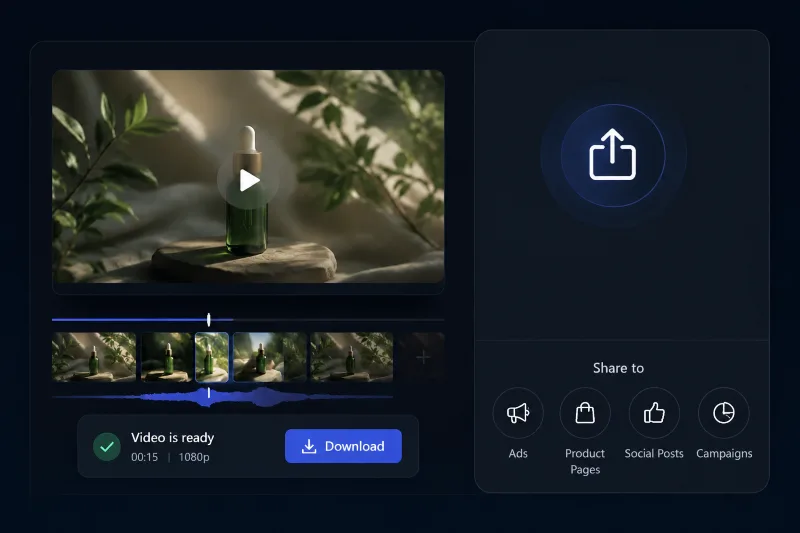
Once your video is ready, download it and use it for ads, product pages, social posts, brand campaigns, and other creative projects.
Move beyond rigid templates and simple avatars. Get a complete suite of creation tools to turn your text and images into professional, ready-to-publish videos with total creative freedom.
Start with a prompt, script, or image and create videos for almost any use case. From product promos and social clips to cinematic visuals and branded storytelling, the final style depends on what you want to describe and create.
Choose from multiple AI video models to match different visual styles, motion results, and project goals. Native audio adds another layer of control, helping you shape videos that feel more complete, more intentional, and more aligned with your creative direction.
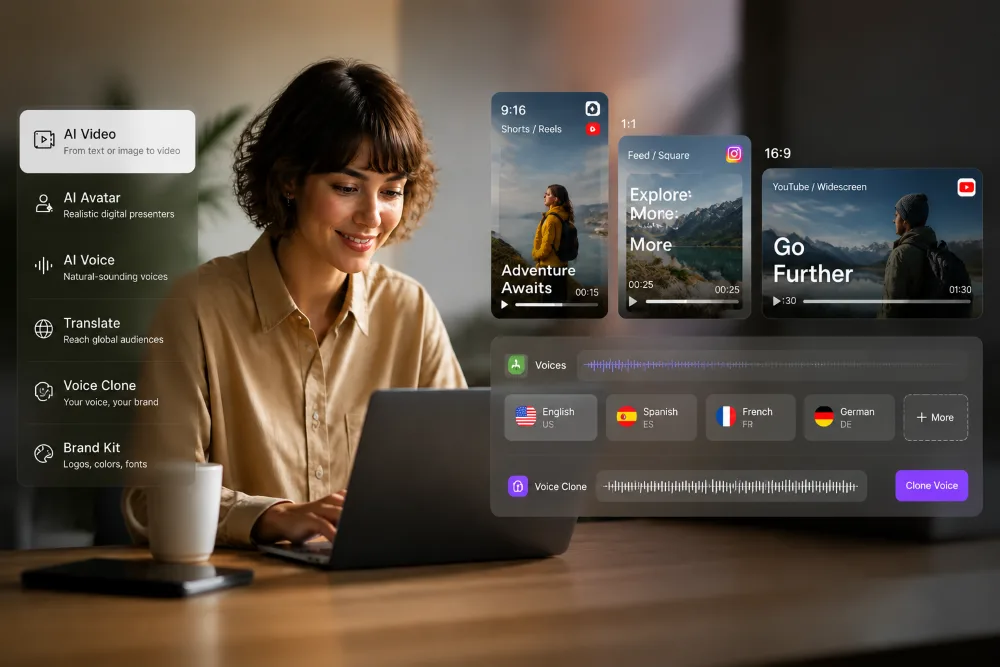
Generate videos in popular aspect ratios for different platforms, including vertical, square, and wide formats. Built-in multilingual voices and voice cloning also help you create content for different languages, markets, and audiences more easily.
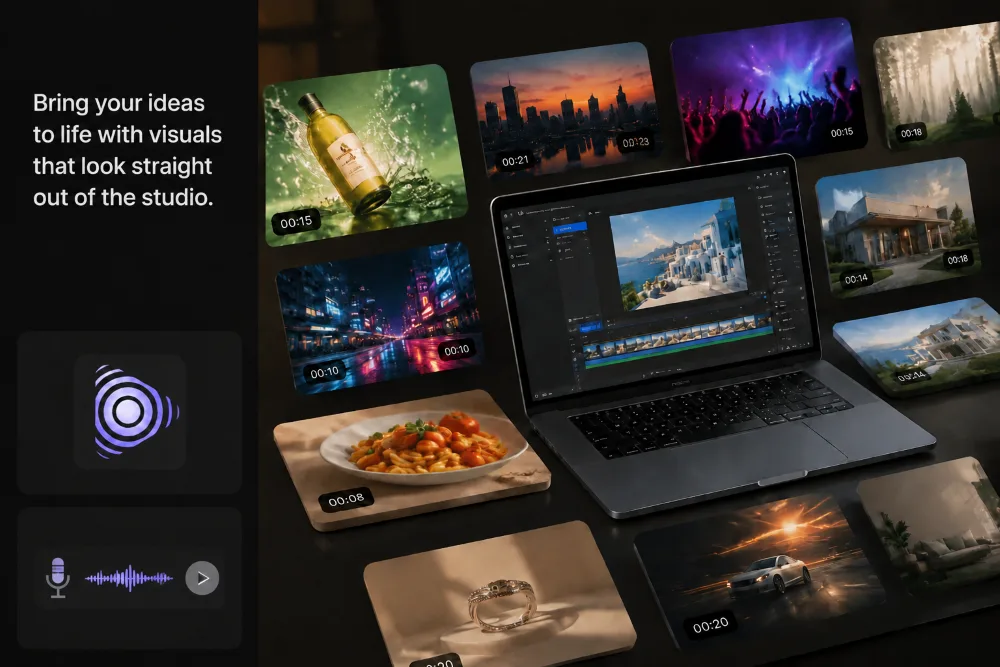
Skip the expensive production crew and get high-fidelity videos that rival professional studio work. Whether you’re creating for a massive ad campaign or a personal project, every export is optimized for clarity, fluid motion, and professional-grade textures.
Switch between models to match different visual styles, motion quality, and generation goals.
Start from a rough idea, a written prompt, or an existing image without changing your creative process.
Make scenes feel more complete with built-in sound that adds atmosphere and presence.
Move from concept to usable video in far less time than traditional production allows.
Create content that fits wide, vertical, or square layouts for different screens and channels.
Support everything from campaign assets to social posts and product storytelling with one tool.
"I usually need videos for product launches, landing pages, and paid campaigns, and this AI video generator helped me move much faster. I could start with a few images and a short prompt, then turn them into something polished without a long production process."