AI Lip Sync Generator

Free AI Lip Sync Video Generator

Create accurate lip sync videos from any short clip, no editing skills needed. Add audio or Text to Speech, sync mouths naturally without face distortion, and make videos for creators, marketers, educators, avatars, and more.

No editing skills needed Audio or Text to Speech Fast creator workflow
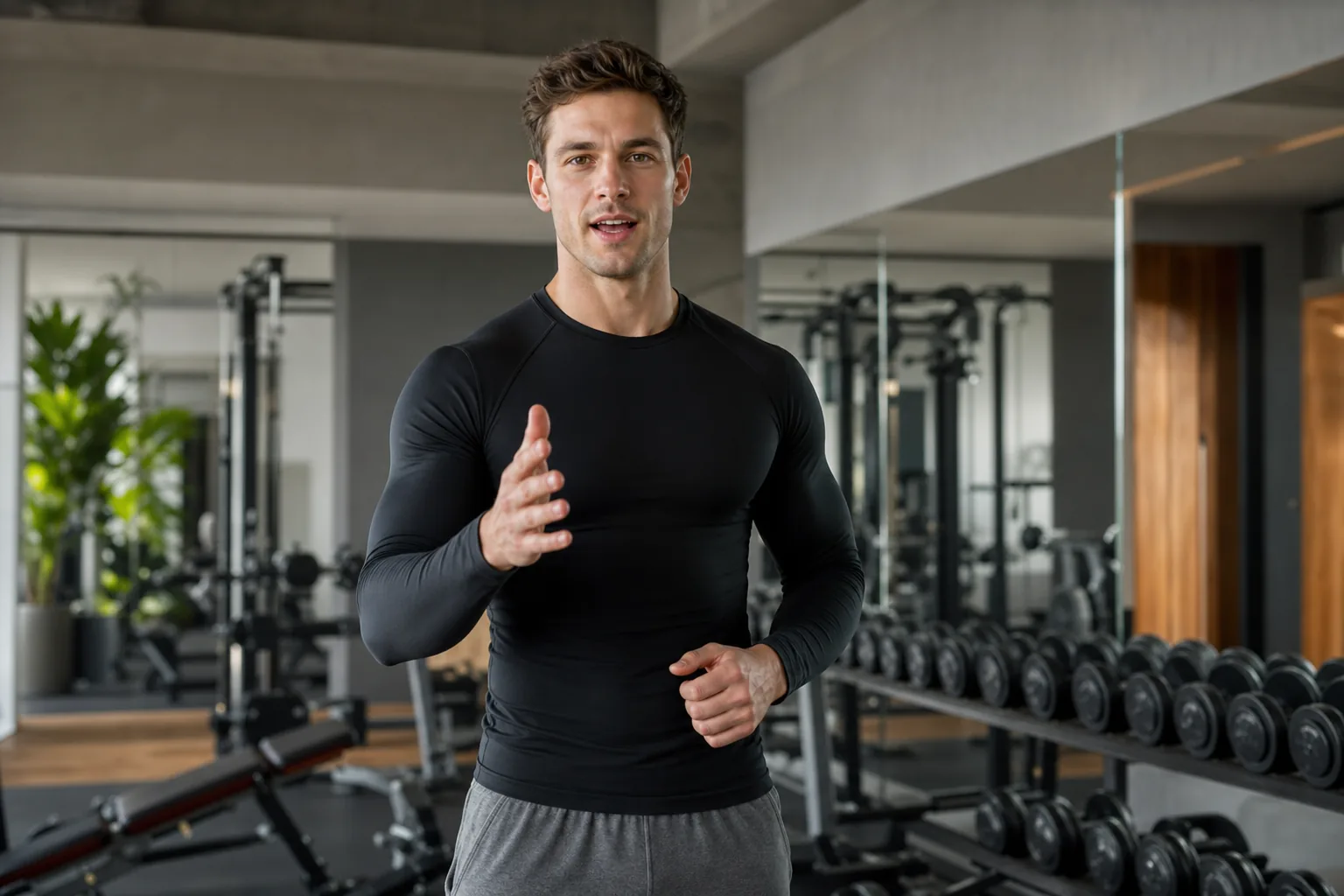
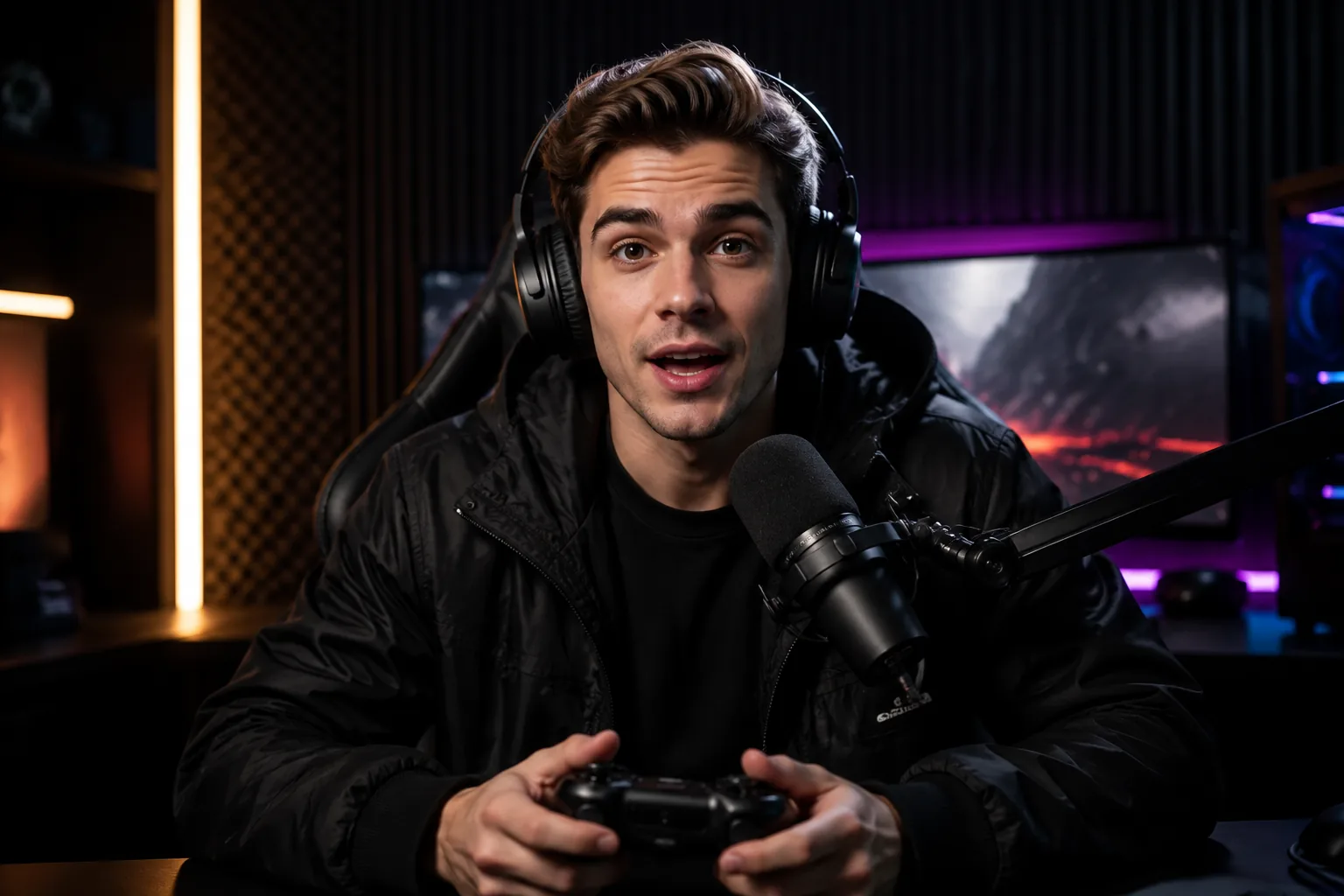
Short video clip preview prepared for AI lip sync generation with clear face framing
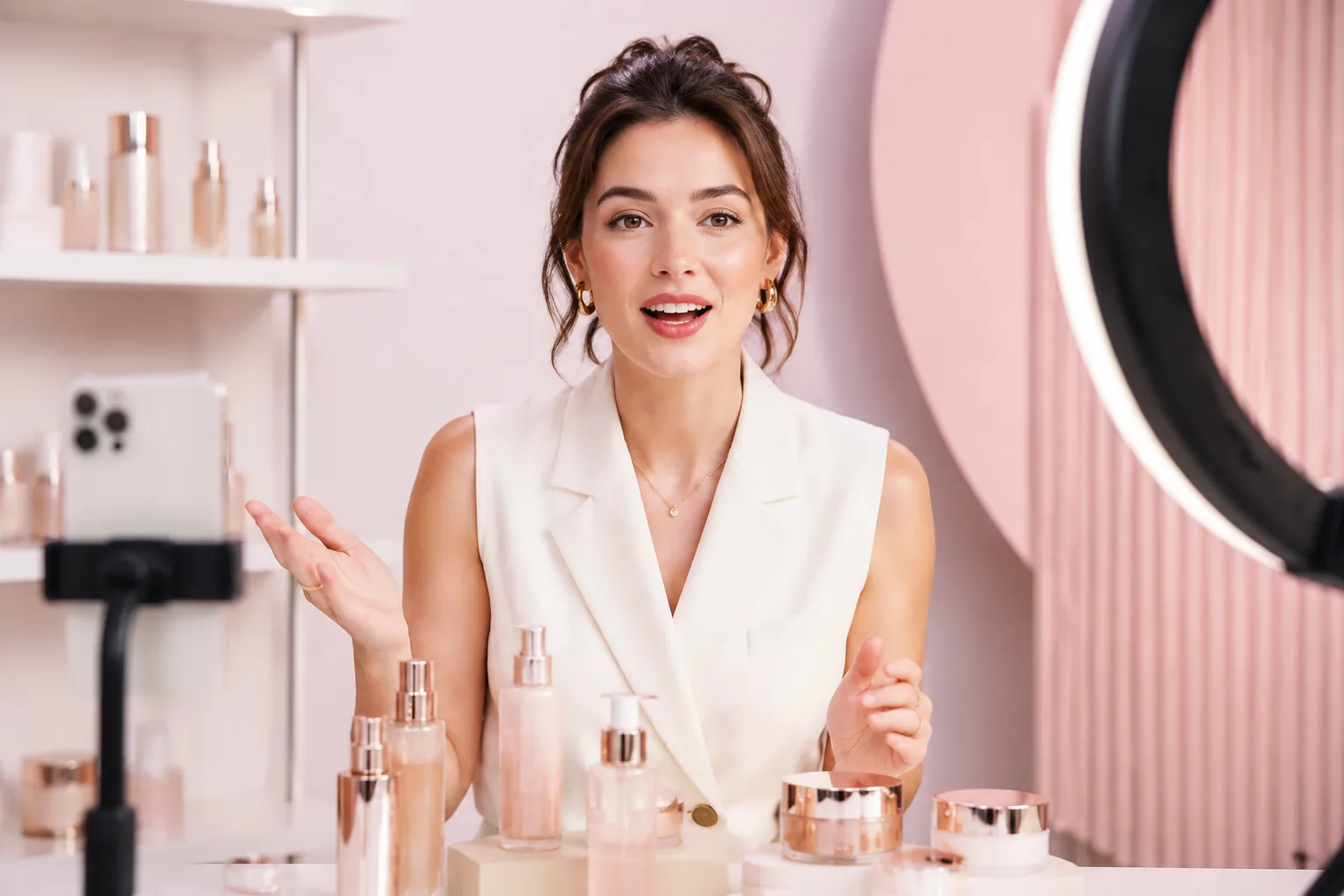
Avatar video thumbnail showing a digital presenter ready for AI lip sync
Localized talking video thumbnail for AI lip sync message adaptation
Marketing video thumbnail for testing AI lip sync in creator and ad content
Syncing voice

Try AI Lip Sync With Your Own Video

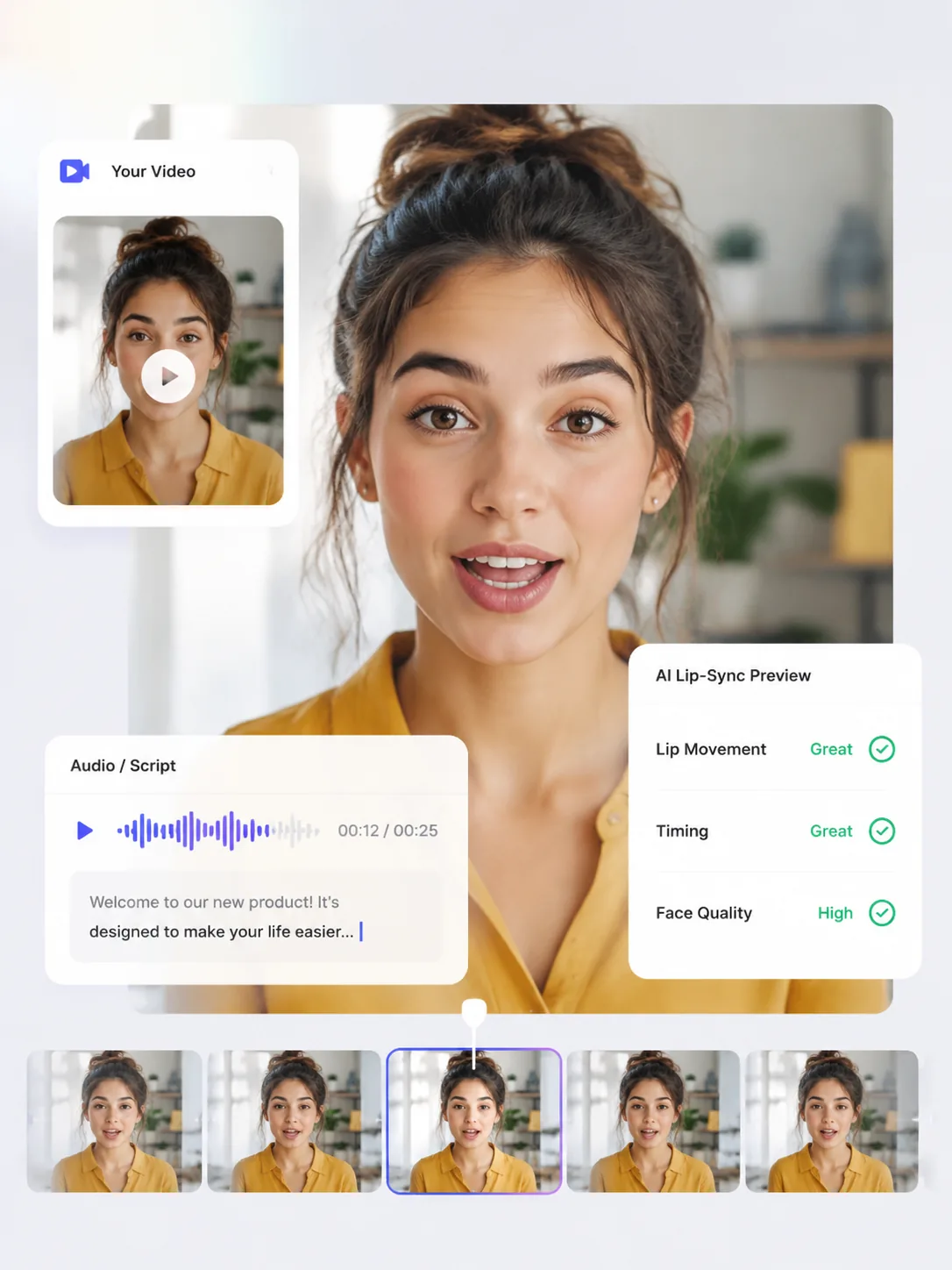
Test your own clip with audio or Text to Speech, then check the lip movement, timing, and face quality before generating.

Result

AI lip sync result preview showing the generated talking video after testing a user clip

See What Natural Lip Sync Looks Like

Preview real results and compare how lip sync works on different faces, voices, and video styles.

How to Make a Lip Sync Video Online

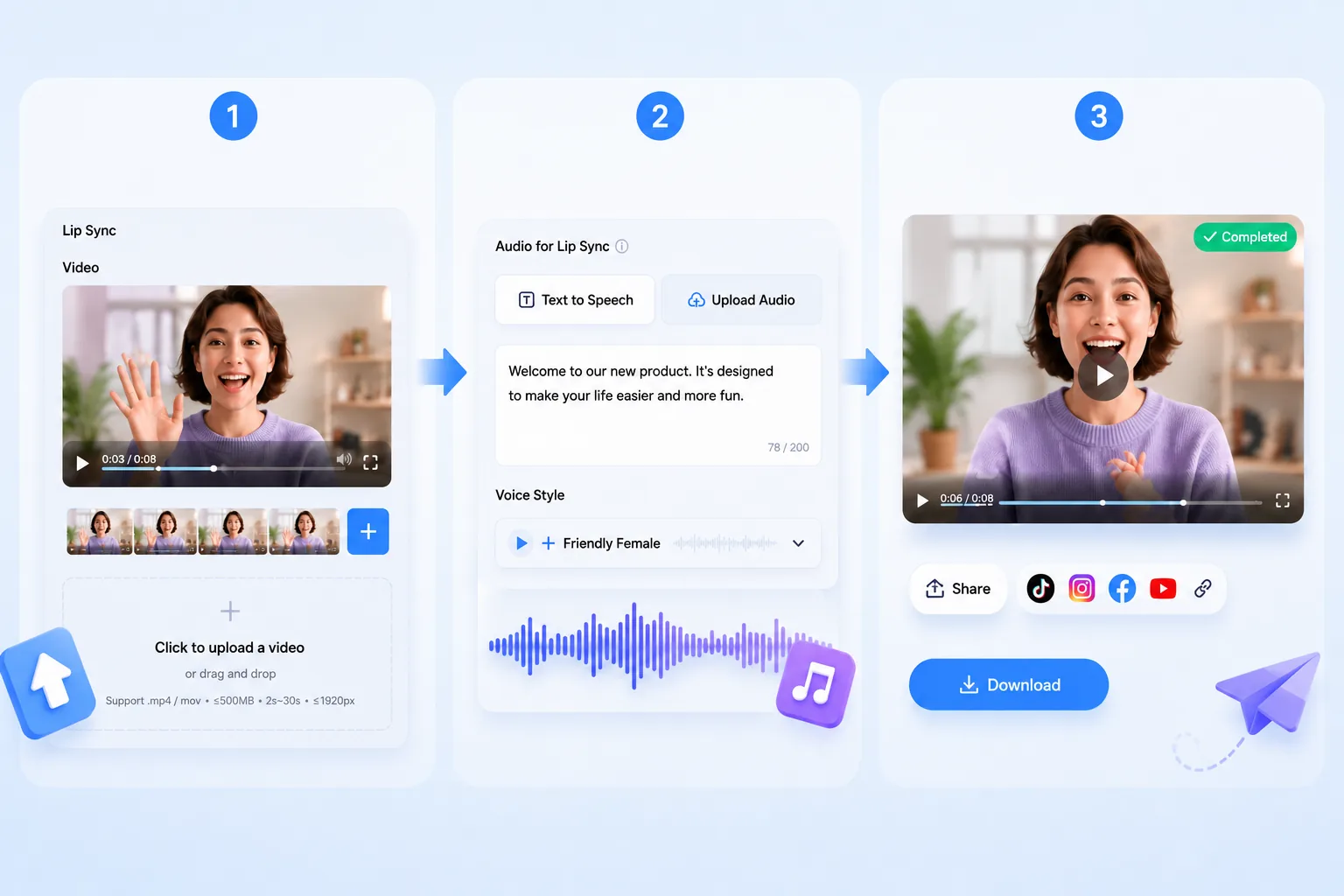
Start with a short video, choose how you want to add the voice, and let AI match the mouth movement to the audio. No editing timeline or manual animation needed.

Online lip sync workflow showing the steps from video upload to voice matching and sharing
1

Upload a Short Video

Add an MP4 or MOV clip with a clear face and visible mouth. Short talking videos, avatars, pets, characters, and portraits all work well.

2

Add Audio or Text to Speech

Upload your own voice track, or type a script and choose a voice style to create speech inside the tool.

3

Create and Share Your Video

Generate your lip sync video and use it for social posts, lessons, product content, avatars, ads, or localized messages.

Try AI Lip Syncing for Free

Powerful AI Lip Sync Features for Natural Talking Videos

Create realistic lip sync videos from short clips, voiceovers, or Text to Speech, so every speaker, character, or portrait can deliver the right message with natural mouth movement and clean visual quality.

Turn Any Voice Track into Accurate Lip Movement

Transform uploaded audio, voiceovers, or Text to Speech into a lip sync video where the mouth follows the rhythm of real speech. From short talking-head clips to social videos, the result feels timed to the voice instead of loosely dubbed over.

Try Voice-to-Lip Sync
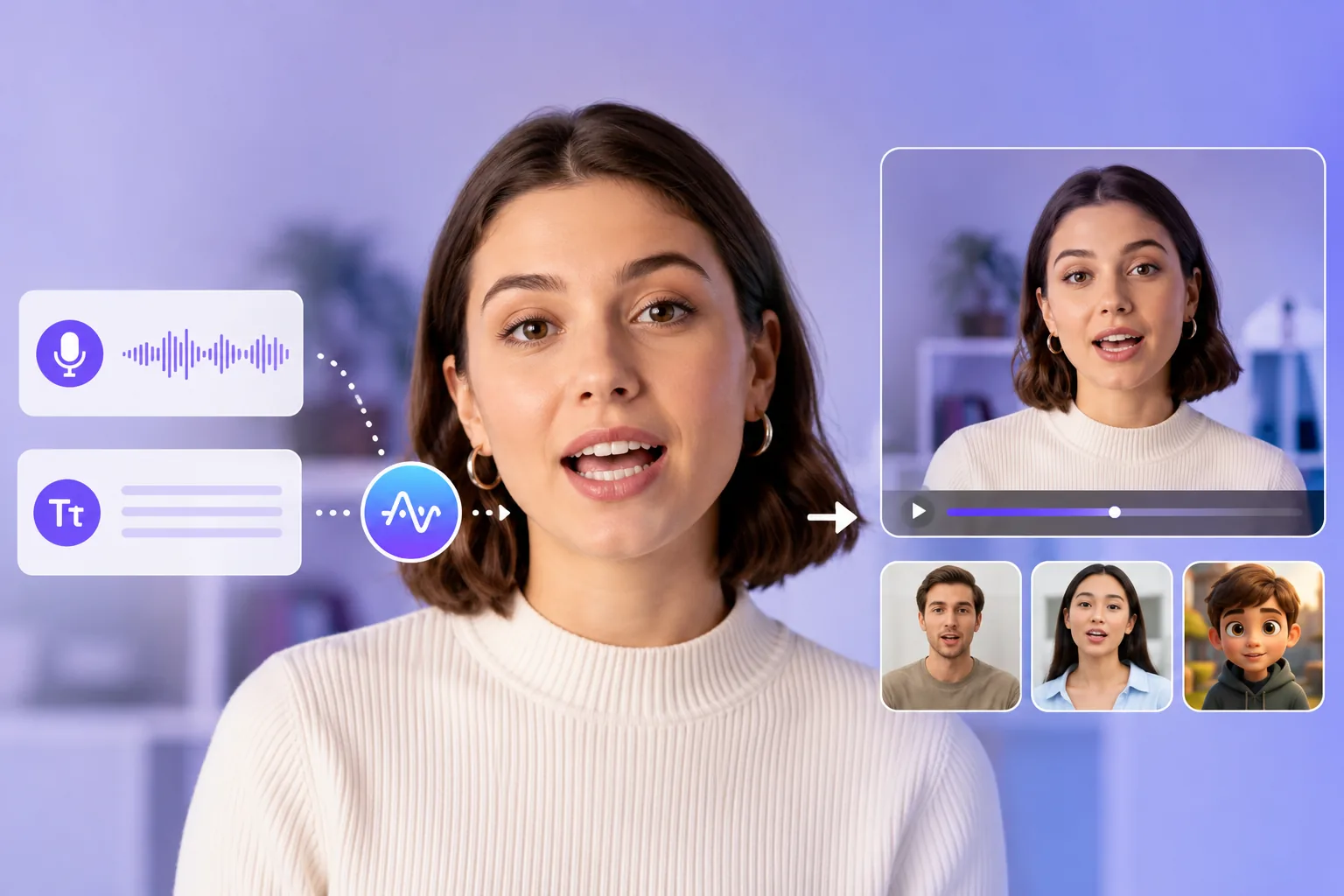
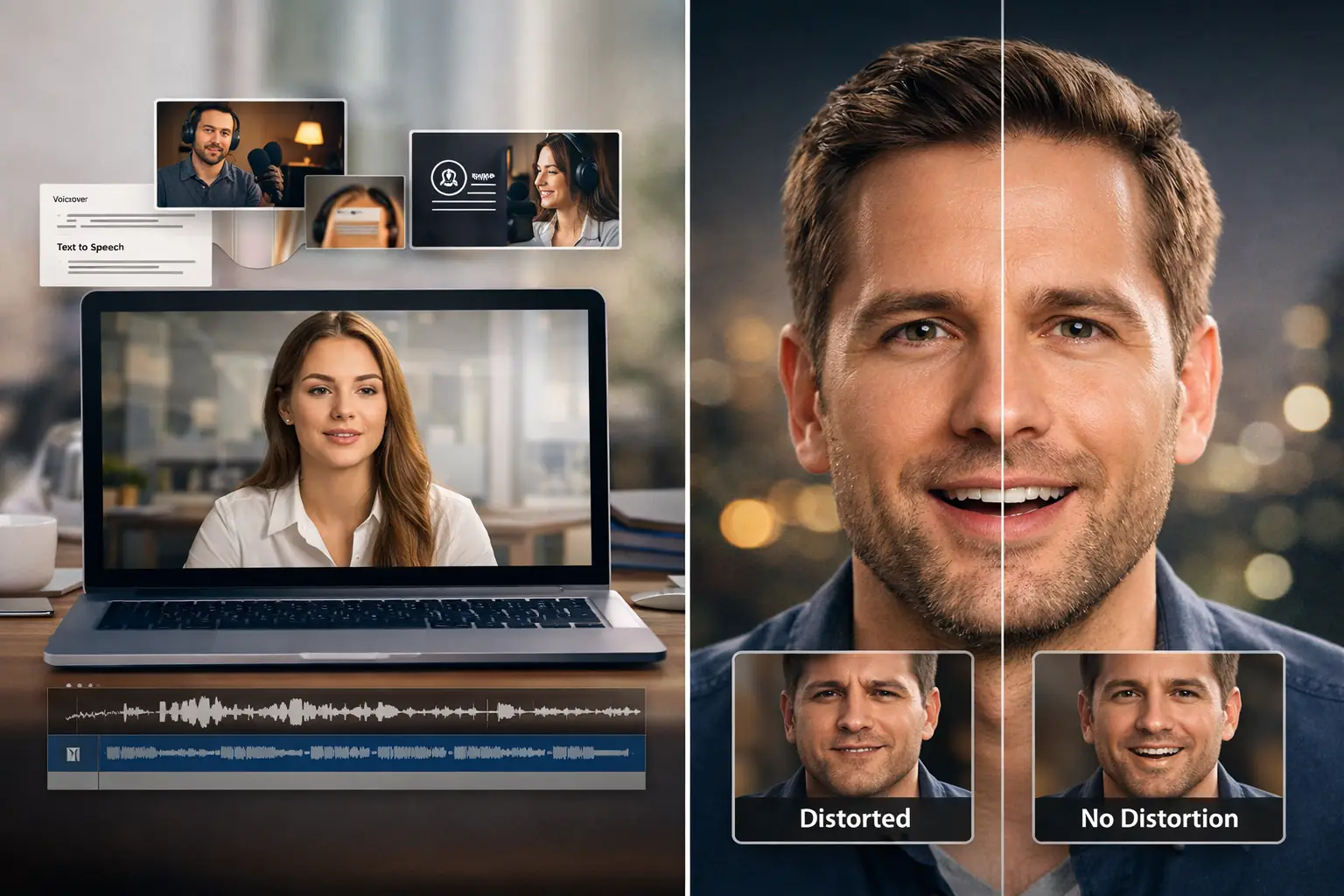
Voice track converted into accurate AI lip sync mouth movement for talking video

Keep Faces Natural Without Warping the Original Video

Preserve the speaker’s face, expression, lighting, and camera movement while only adapting the mouth to the new audio. This helps your AI lip sync video stay polished, stable, and believable without the stretched or distorted look viewers notice immediately.

Sync Without Distortion
Stable face preservation preview showing AI lip sync without warping expressions

Make People, Characters, Pets, and Portraits Speak Naturally

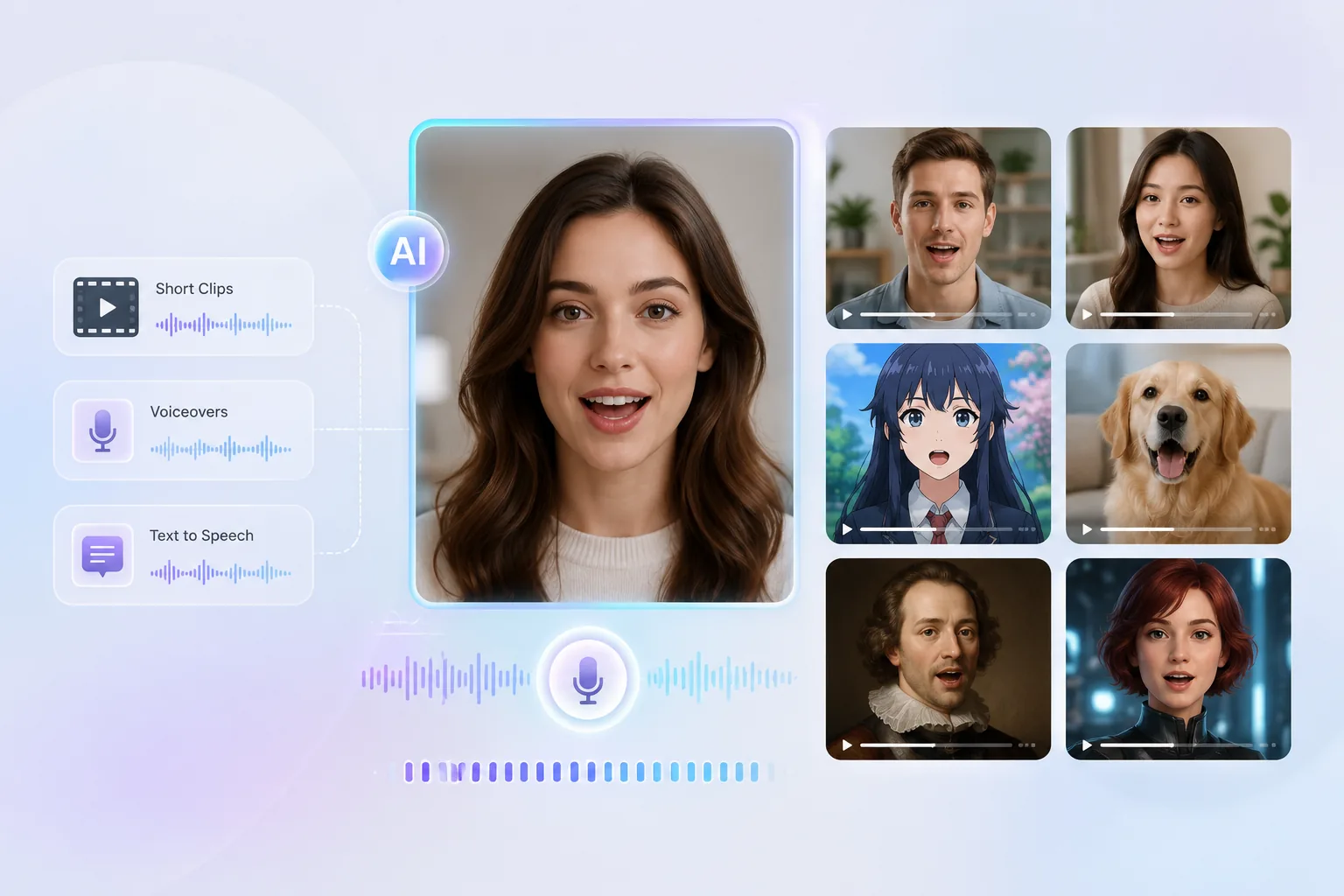
Create talking videos across different visual styles, from real people and digital presenters to anime characters, pets, and artistic portraits. The lip sync adapts to the subject, so each video feels made for its scene rather than forced into a generic template.

Create Talking Videos
Talking characters pets and portraits preview for flexible AI lip sync video creation

Create Multilingual Dubbing Videos That Feel Local

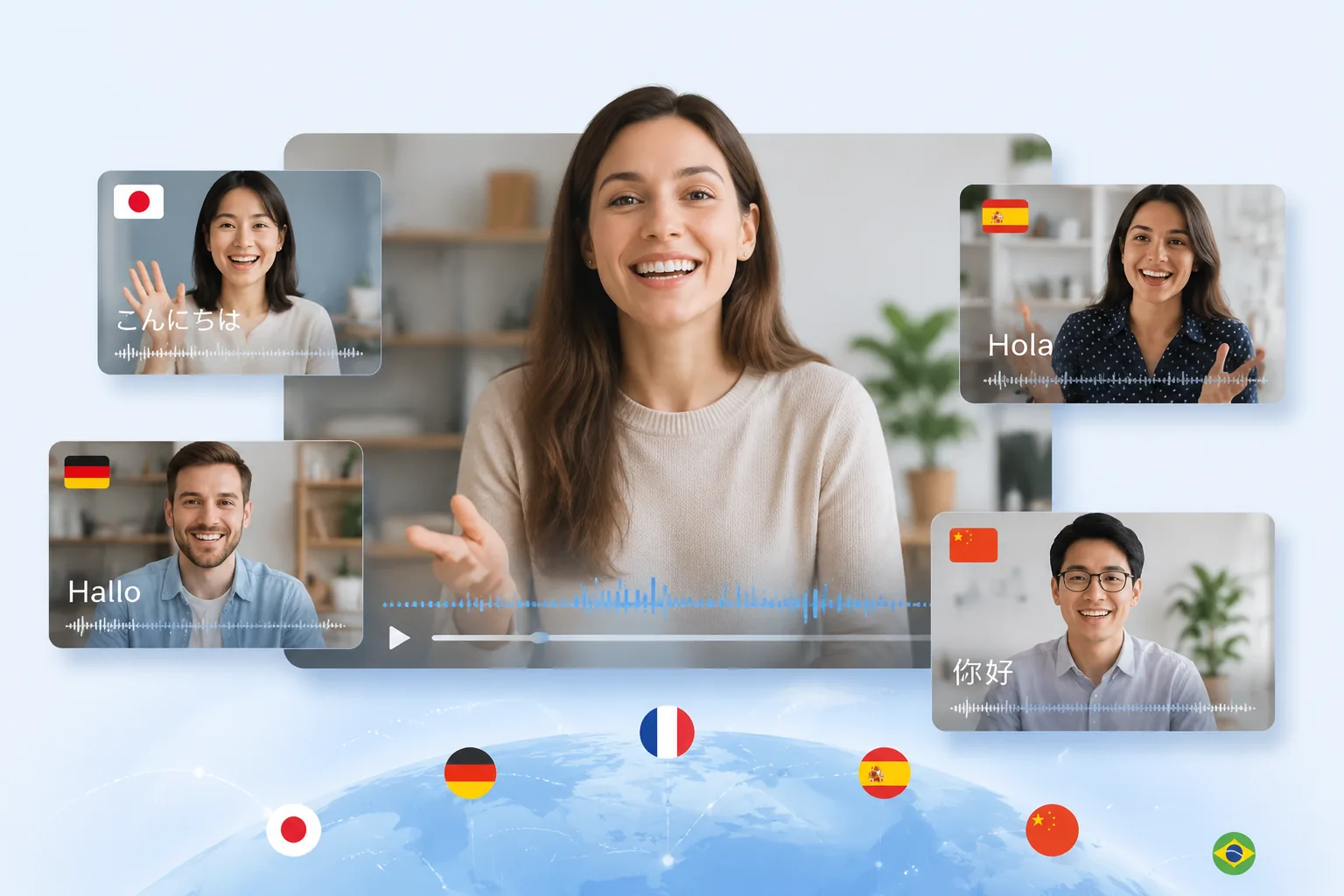
Turn translated audio into a more natural AI dubbing video by matching the new language to visible mouth movement. It is ideal for localized marketing videos, creator content, product explainers, and education clips that need to feel native to each audience.

Make Localized Videos
Multilingual dubbing video preview showing translated audio matched to visible mouth movement

Change the Voice or Script Without Filming Again

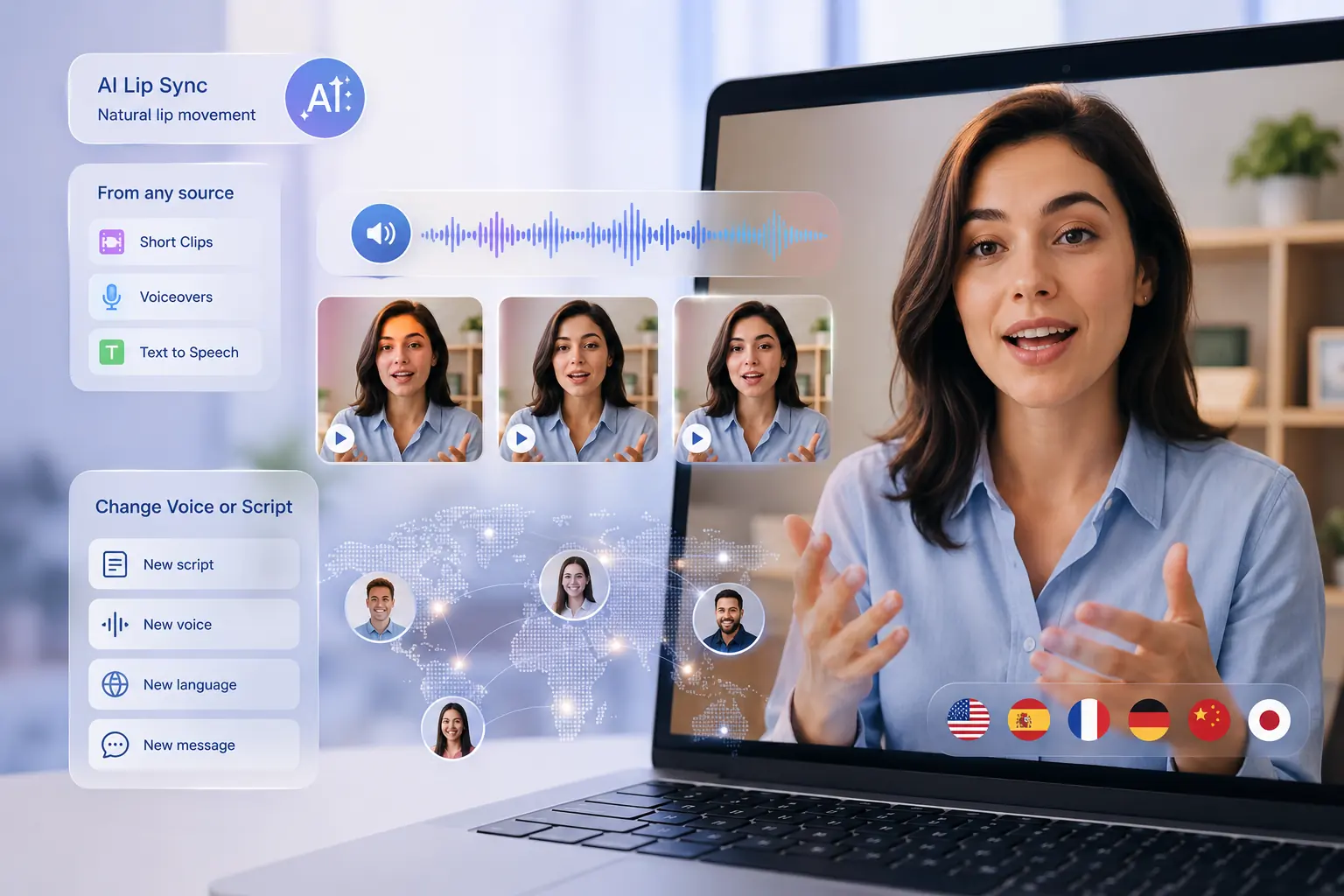
Update a script, voice, CTA, lesson line, or product message without rebuilding the whole video from scratch. AI lip sync lets you reuse strong footage while giving it a new voice, a new language, or a sharper message for the next version.

Update Videos Now
Updated video script and voice preview showing reused footage with new AI lip sync audio

Explore More AI Video Tools on Vokes

What are The Advantages of Our AI Lip Sync Generator?

Free to Try

Start creating AI lip sync videos without paying for a studio, editor, or complex production setup.

No Skills Needed

Make talking videos without learning animation tools, video timelines, or manual mouth editing.

Built for Speed

Move from idea to lip sync video faster when you need content for posts, lessons, demos, or campaigns.

Made for Everyone

Useful for creators, marketers, educators, business teams, agencies, students, and casual video makers.

Easy to Reuse

Create new versions for different voices, languages, platforms, or messages without starting over.

Ready to Share

Turn short clips into polished videos you can use for social media, presentations, websites, or learning content.

What Users Say About AI Video Lip Sync

Frequently Asked Questions

An AI video lip sync generator is a tool that matches a speaker’s mouth movement to audio, voiceover, or Text to Speech. It helps turn a short video, avatar, character, or portrait into a natural talking video without manual animation.

Yes. You can add your own voice track or uploaded audio, then let AI sync the mouth movement to the timing and rhythm of the speech. This is useful for voiceovers, product clips, lessons, social videos, and video dubbing.

Yes. If you do not have a voice track, you can create speech from text and use it as the audio for lip syncing. The page still focuses on video lip sync, while Text to Speech simply helps provide the voice input.

AI lip sync works best with short clips that show a clear face and visible mouth. Talking-head videos, creator clips, digital characters, pets, portraits, product explainers, and educational videos are all strong use cases.

Yes. AI lip sync can help match translated audio to mouth movement, making localized videos feel more natural to watch. It is especially useful for multilingual marketing videos, tutorials, creator content, and short social clips.

Give Your Video a New Voice Without Reshooting

Create Lip Sync Video Free

Discord Logo