
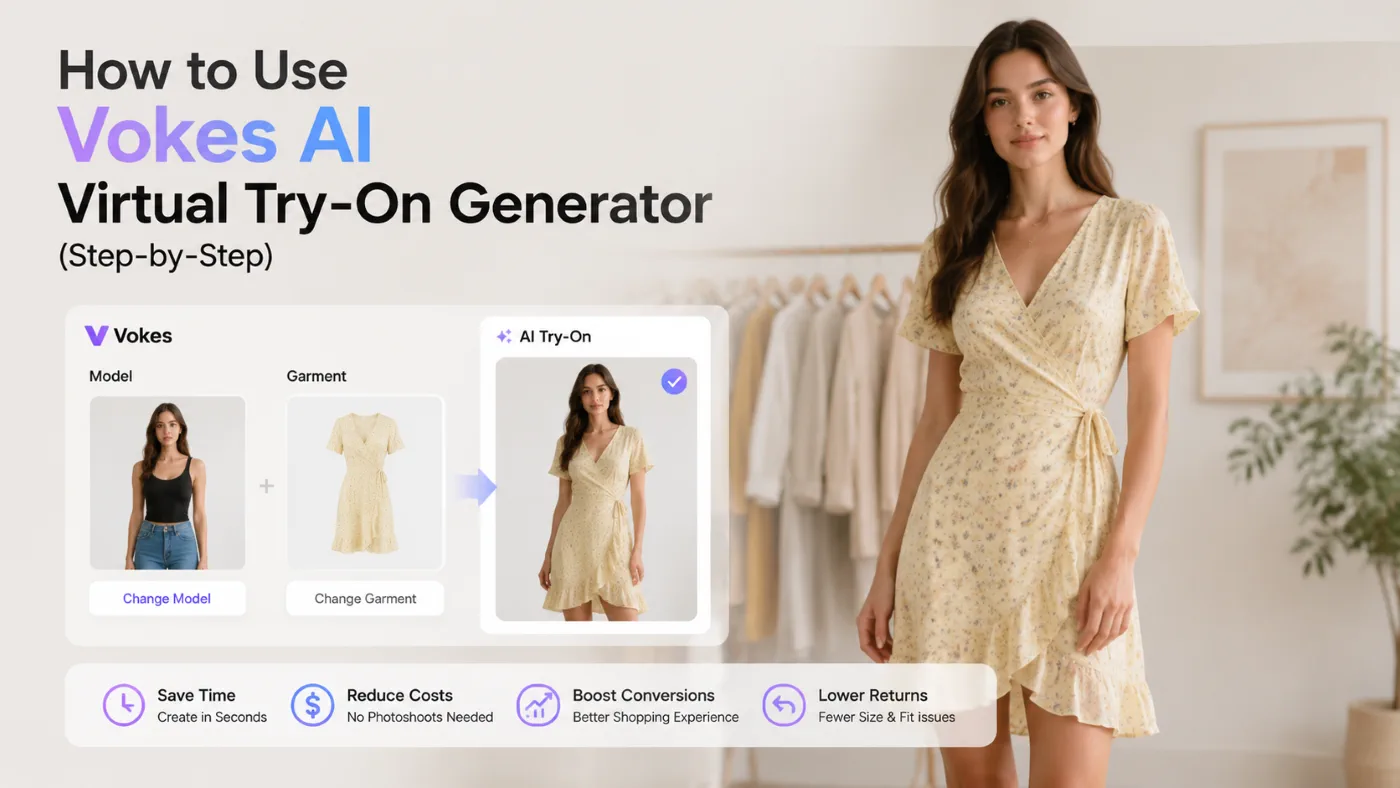
How to Use the Vokes AI Virtual Try-On Tool to Boost E-commerce Conversions and Everyday Fitting Experiences
In the process of online shopping or running an e-commerce business, we have all encountered a core pain point: the inability to determine how a piece of clothing will actually look on a real human body.
For everyday consumers, the gap between “seller’s pictures and buyer’s reality” often leads to disappointment after an impulse buy. For e-commerce sellers, this means high photography costs and stubbornly high return rates (statistics show that apparel return rates can sometimes exceed 30%, severely eating into profits).
Fortunately, with the advancement of image processing technology, we no longer need to rely solely on our imagination. Today, we will introduce in detail a highly practical virtual Try-On Generator—Vokes. Whether you are an everyday shopper wanting to see if clothes fit before buying, or an independent website seller urgently needing to cut operational costs, this guide will teach you exactly how to use ai virtual try-on technology step by step. With an extremely minimalist operation, you can generate natural, realistic fitting images in seconds, truly achieving a win-win situation for both buyers and sellers.
What Are the Core Advantages of the Vokes Virtual Try-On Tool?
Among the numerous AI tools on the market, why focus on this specialized fitting generator? The reason is that it is not just a simple image overlay, but a true simulation of the physical world.
● A Two-Way Friendly User Experience: This tool is not solely for professional designers to master. It provides a private AI fitting room for everyday consumers, while also offering merchants a backend system to mass-produce product display images infinitely.
● Outstanding Material and Lighting Restoration: An excellent realistic AI clothing try on experience means the system can understand the wrinkles of cotton and linen, the reflections of silk, and the drape of knitwear, allowing the generated images to break free from the stiff “photoshopped look.”
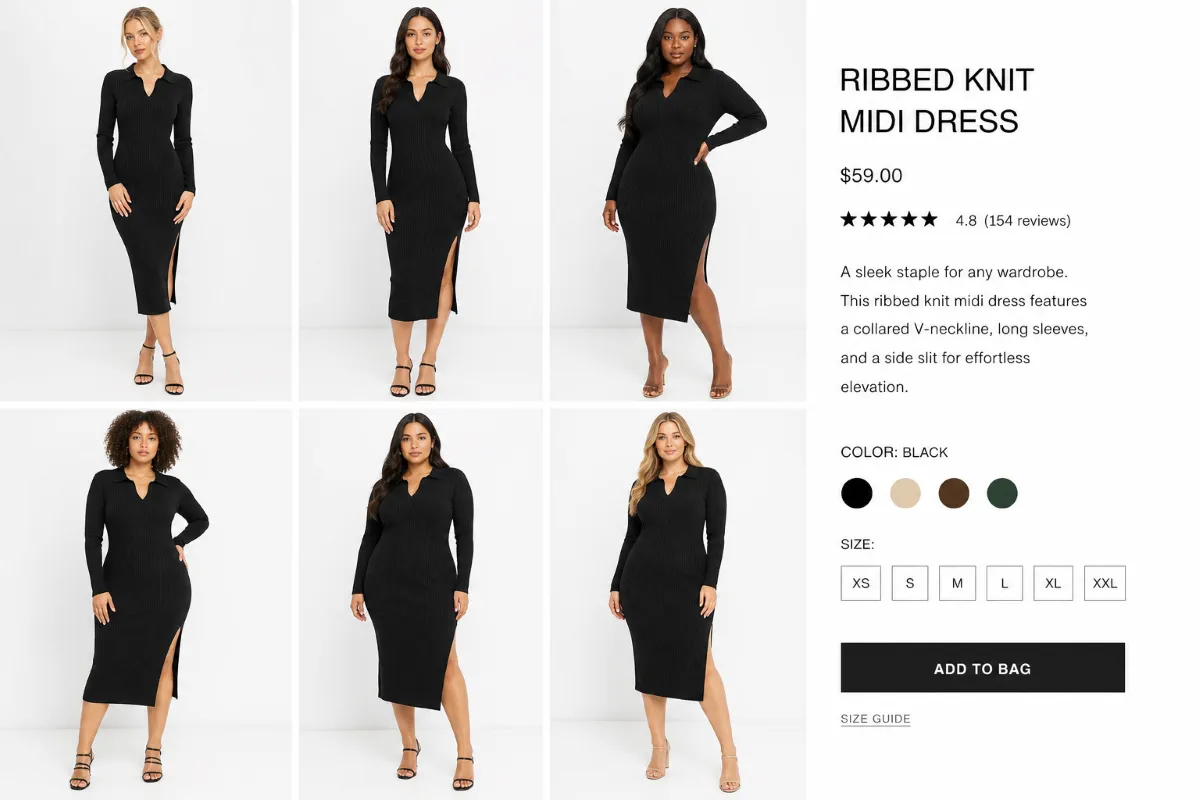
● Powerful Body Type Adaptability: It allows the exact same product to be seamlessly fitted onto model photos of different skin tones, weights, and heights. Consumers can find models similar to their own body shapes for reference, and merchants can use this to showcase brand inclusivity.
Step-by-Step Practical Guide: How To Use AI Virtual Try-On Generator
Based on the latest user interface of the Vokes platform, you will find that the learning curve for this tool is practically zero. The system has eliminated all tedious parameters and brush masks, adopting an incredibly intuitive “dual-image upload” logic. Here are the specific operational steps:
Step 1: Upload Your Product Image
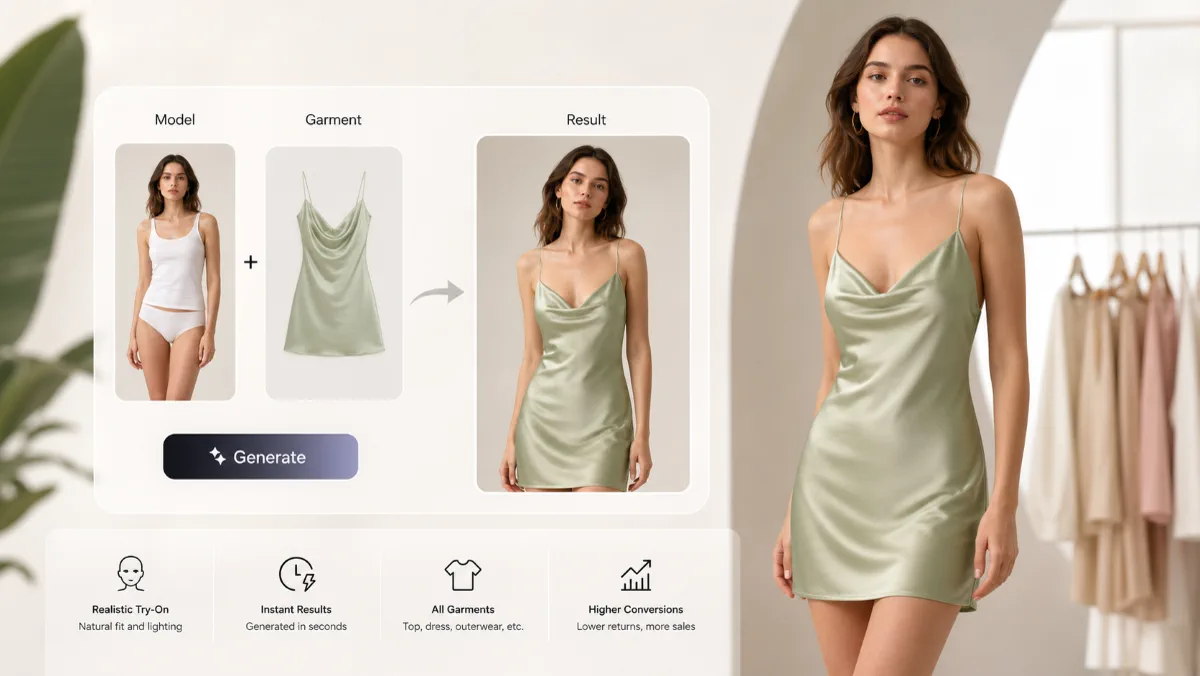
When you enter the Virtual Try-On interface, the first section is the Product Image. You can upload by clicking (Click), dragging (Drop), or pasting (Paste), or you can select an image from your History.
● Action Guide: Here, you need to upload a photo of the clothing you want to “try on.” Whether it’s a flat lay on a white background from an e-commerce site, a hanging shot, or a photo worn by a mannequin, the tool will automatically recognize the garment’s outline and details.
Step 2: Upload Your Model Photos
Immediately below is the Model Photos section. It also supports click, drop, or paste uploads.
● Action Guide: Here you need to upload a photo of the “wearer.” If you are a consumer, you can upload a daily full-body or half-body photo of yourself; if you are a merchant, you can upload basic model photos of various body types and skin tones that you own.
Step 3: One-Click Generation
Once you confirm that both images have successfully loaded into their respective boxes, you only need to do one thing—click the prominent Create button at the bottom.
● Action Guide: Leave the rest of the work to the AI engine. The system will automatically analyze the model’s posture, body shape, and the structure of the original clothing, performing physical-level fabric calculation and lighting fusion. In just a moment, you will get a highly realistic virtual fitting image that you can save or download directly.
Practical Scenarios: Image Selection Tips to Make Results 10x More Realistic
Because the Vokes tool uses a minimalist “direct output from two images” logic, without complicated parameters or prompt inputs, it means that the quality of the materials you provide to the AI directly determines the realism of the final image. Mastering the following “image selection secrets” for different usage scenarios can instantly elevate your fitting results to the next level.
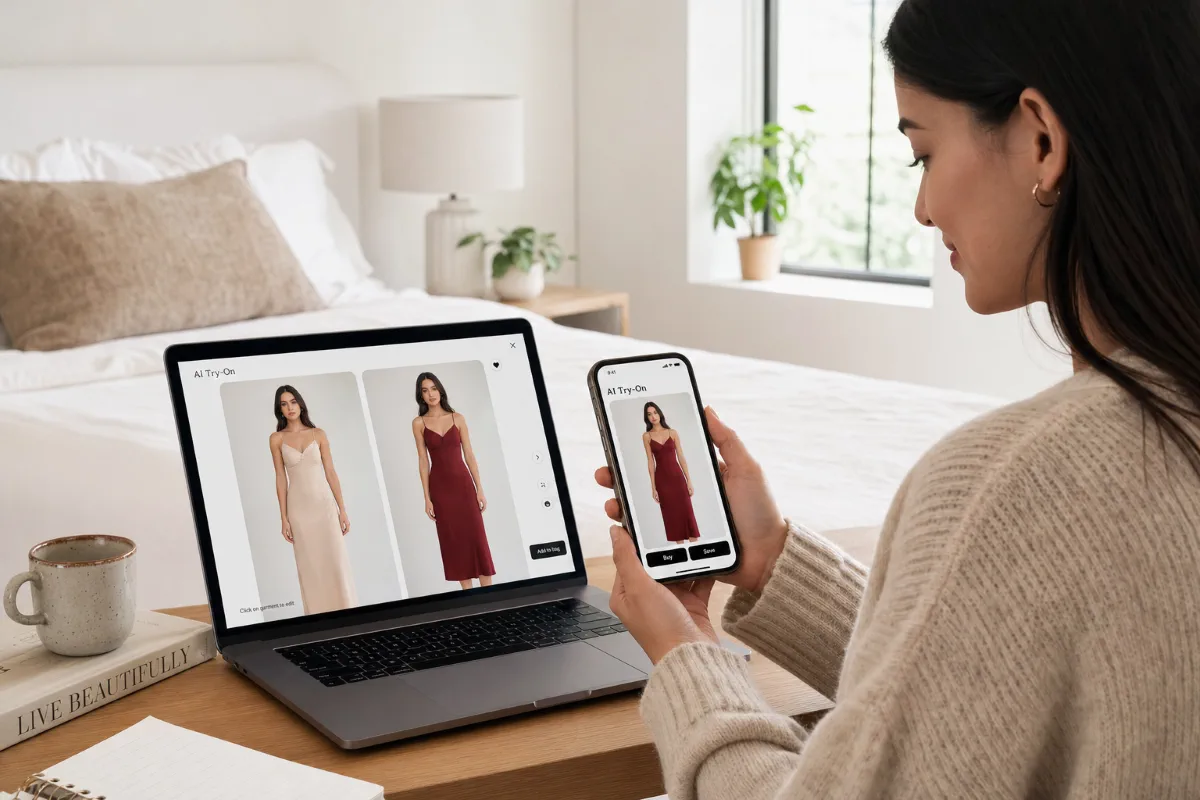
Scenario 1: Everyday Online Shoppers
Pain Point: A consumer’s biggest worry when shopping online is, “Will this dress make me look fat? Does the color suit my skin tone?” We need an accurate, personal AI clothes changer to validate decisions before purchasing.
● Tips for Avoiding Pitfalls & Image Selection:
As a consumer, the Model Photos you upload—which are photos of yourself—are the key to success.
○ Posture: Try to choose photos where you are standing naturally with your arms hanging loosely by your sides. Avoid crossing your arms, putting your hands on your hips, or carrying large bags that block your main torso. The more relaxed your limbs are, the more accurately the Vokes AI engine can calculate the natural drape of the clothes.
○ Hairstyle and Base Layers: If you want to try on a collared shirt or a turtleneck sweater, it is recommended to upload a photo with your hair tied up. This prevents long hair and the collar from visually merging during generation. Additionally, the synthesis result of wearing a tight base layer in the original photo will be much better than wearing a bulky down jacket.
Scenario 2: E-commerce Product Display
Pain Point: Sellers want to showcase the realistic wearing effect of the same clothing on models of different skin tones and body types at the lowest possible cost. A richer display can greatly boost consumers’ purchasing confidence and fundamentally help the store reduce clothing return rates.
● Tips for Avoiding Pitfalls & Image Selection:
For merchants, the quality of the uploaded Product Image determines the texture presentation of the item.
○ Background and Lighting: It is highly recommended to use high-quality flat lays on a pure white background, or “ghost mannequin” silhouette shots. Ensure the product itself is evenly lit, without harsh glare or deep, pitch-black shadows.
○ Flatness: When taking flat lay photos of clothes, try to iron them flat. If the clothes in the original picture are already crumpled into a ball, the AI will forcefully “dress” the model with those messy wrinkles. By providing a clean, flat clothing image, Vokes will automatically calculate the three-dimensional wrinkles that naturally occur when worn on a real person.
Scenario 3: Fashion Designers & Influencers
Pain Point: Designers need to test the stretching effect of prints on different materials before sampling; fashion influencers need to frequently update outfits of different styles but don’t want to spend money on lots of single-use sample garments.
● Tips for Avoiding Pitfalls & Image Selection:
This group pursues the ultimate realistic AI clothing try on experience, where details determine success or failure.
○ Handling Complex Materials: When encountering semi-transparent materials like lace or chiffon, the color of the clothes in the underlying model’s original picture can easily “show through.” The rule of thumb is: prepare a basic image of the model wearing a flesh-colored or light gray tight-fitting base layer. This will not only avoid interfering with the color of the semi-transparent fabric but also maximize the restoration of its sheer aesthetic.
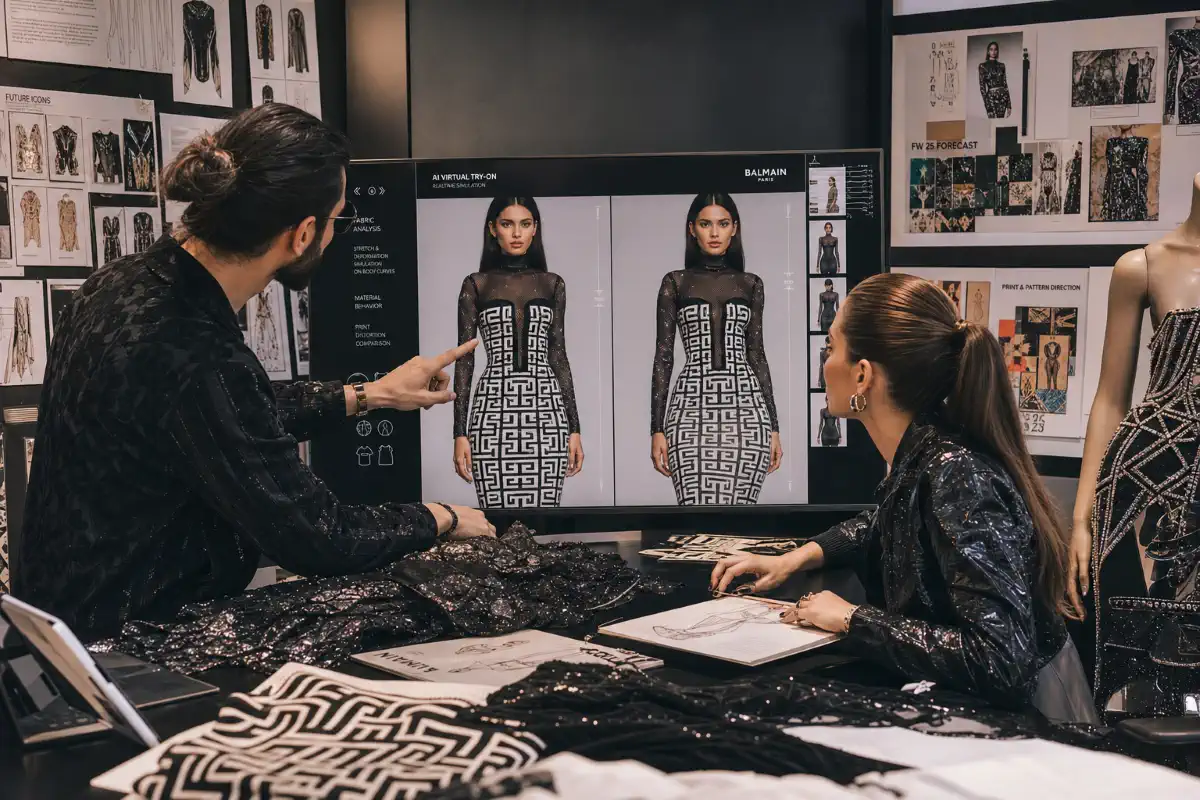
○ Handling Complex Patterns (POD / Print on Demand): If your clothes have large geometric patterns or letter logos, make absolutely sure the pattern is facing forward when uploading the clothing image. Vokes’s algorithm will automatically perform subtle stretching and deformation on these patterns conforming to physical laws based on the model’s body curves (such as chest contours and side angles), making the fake clothes look exactly like real ones.
Conclusion and Actionable Advice
Looking back at this entire guide, mastering AI virtual Try-On technology is no longer an exclusive patent of tech companies; it has become an accessible, practical tool for everyday people. Whether it is consumers hoping to increase the certainty of their online shopping, or e-commerce sellers looking for a breakthrough point to reduce costs and increase efficiency, intuitive and simple virtual Try-On Generators like Vokes offer a perfect solution.
Don’t just stop at reading; theory always needs to be tested by practice. Now, you can try saving a picture of a jacket you’ve been wanting, prepare a front-facing photo of yourself, and open the platform to personally experience virtual try on clothes online for the first time. You will discover that the shopping experience of the future has already arrived.
Frequently Asked Questions (FAQ)
What kind of Product Image generates the best fitting results?
For most virtual try-on generators, front-facing flat lays with no complex backgrounds and without excessive folding yield the best results. If the garment is photographed hanging against a solid color background, you can also achieve a very clean extraction effect.
How can I prevent the generated clothes from looking deformed or distorted?
The key lies in the selection of the Model Photos. If the model’s body is excessively twisted, or if the shooting angle is an extreme high or low angle, perspective errors will occur when the clothes are applied. Try to use photos taken at eye level with a straight-facing or slightly turned posture to get a natural and smooth result.
Can I use the fitting images I generate for commercial promotion on my independent store?
As long as you own the copyright to the “original product image” you uploaded, and the “original model photo” is either commercially licensed by you or shot by yourself, the final synthesized image created through this tool can absolutely be used as a display image for your store for commercial purposes. This is exactly its core value in empowering e-commerce development.
