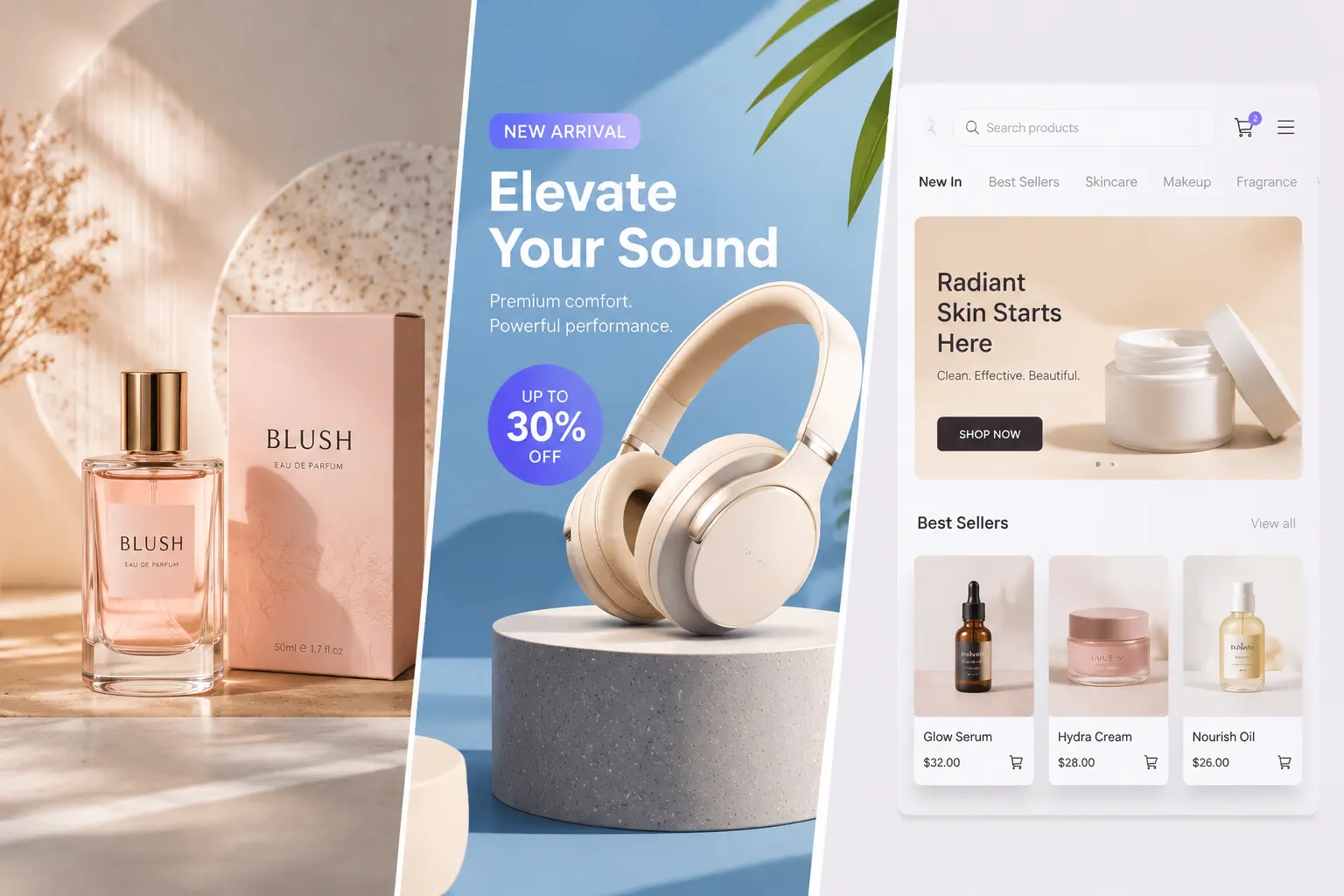
1
Upload Your Reference Image
Begin with the image you want to edit, restyle, or rebuild. A clear reference image gives the model the structure, subject, and visual context to work from.

Upload a reference image, enter your prompts, and our image to image AI will seamlessly replace the subject, add new visual elements, or refine details, creating the image you need without complicated editing.
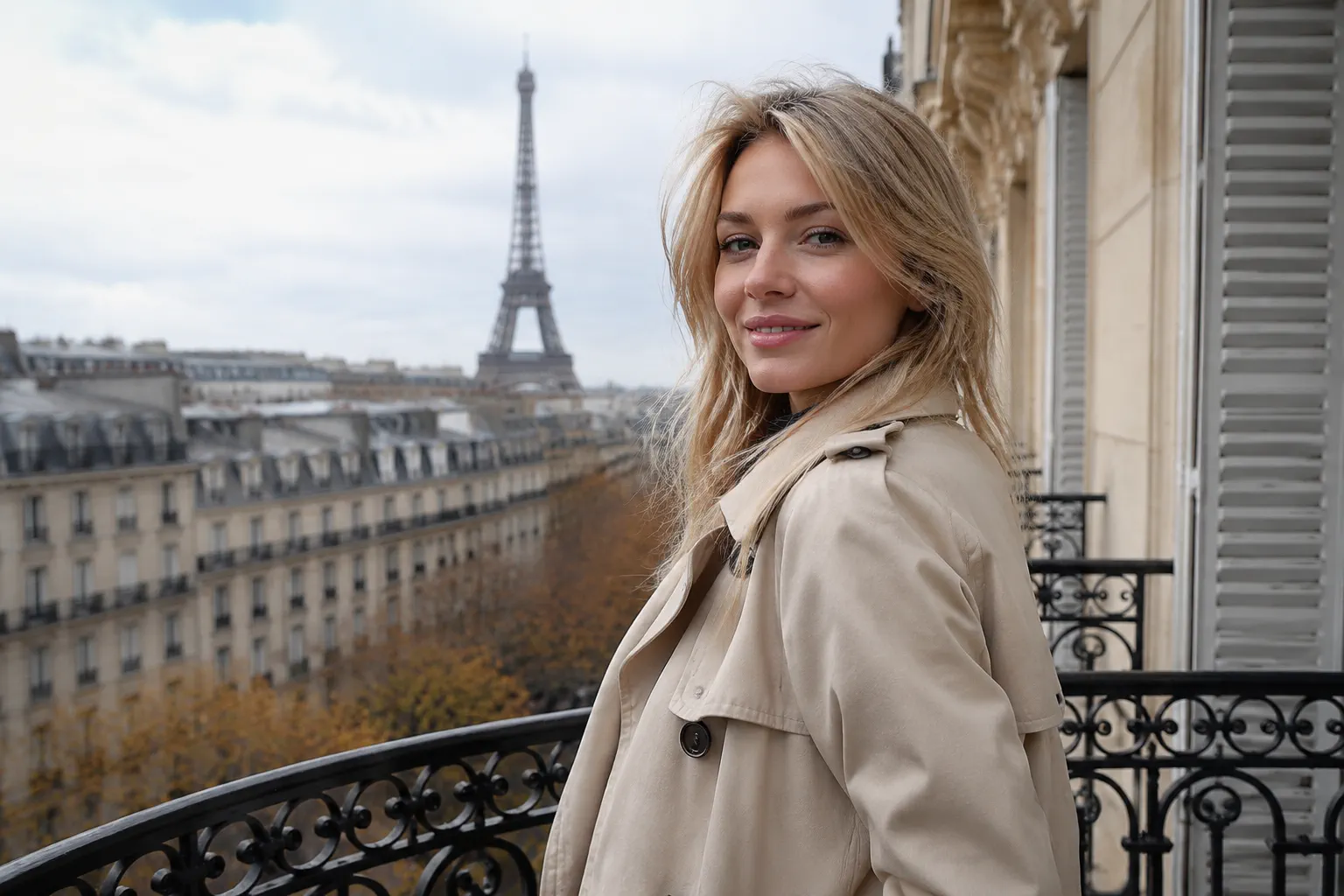
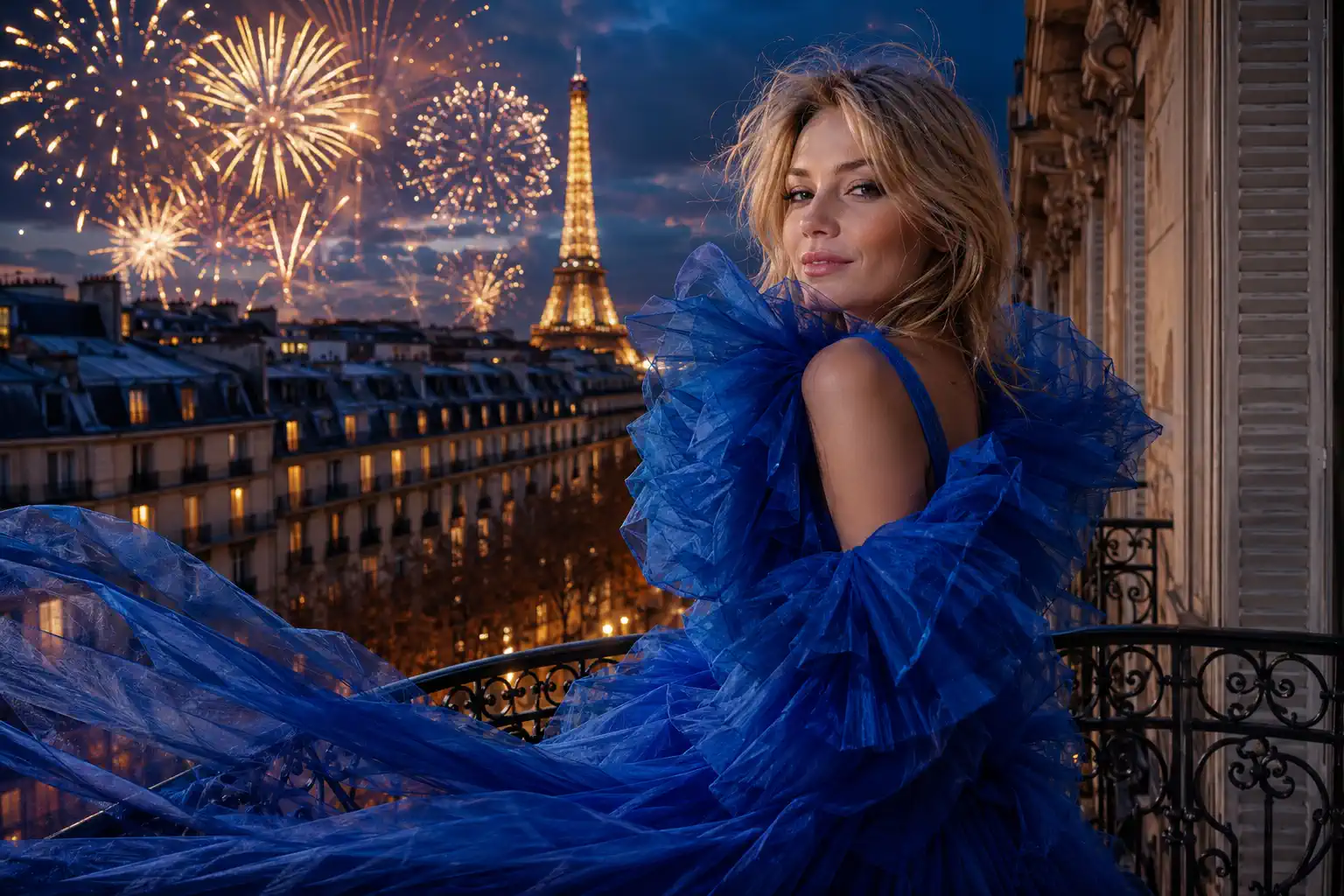
Slide through these examples to see how simple text prompts can flawlessly blend elements, swap subjects, and completely restyle your original photos.
Experience the seamless transition from a rough sketch to a professional masterpiece. Try our Image-to-Image AI playground below.
Result
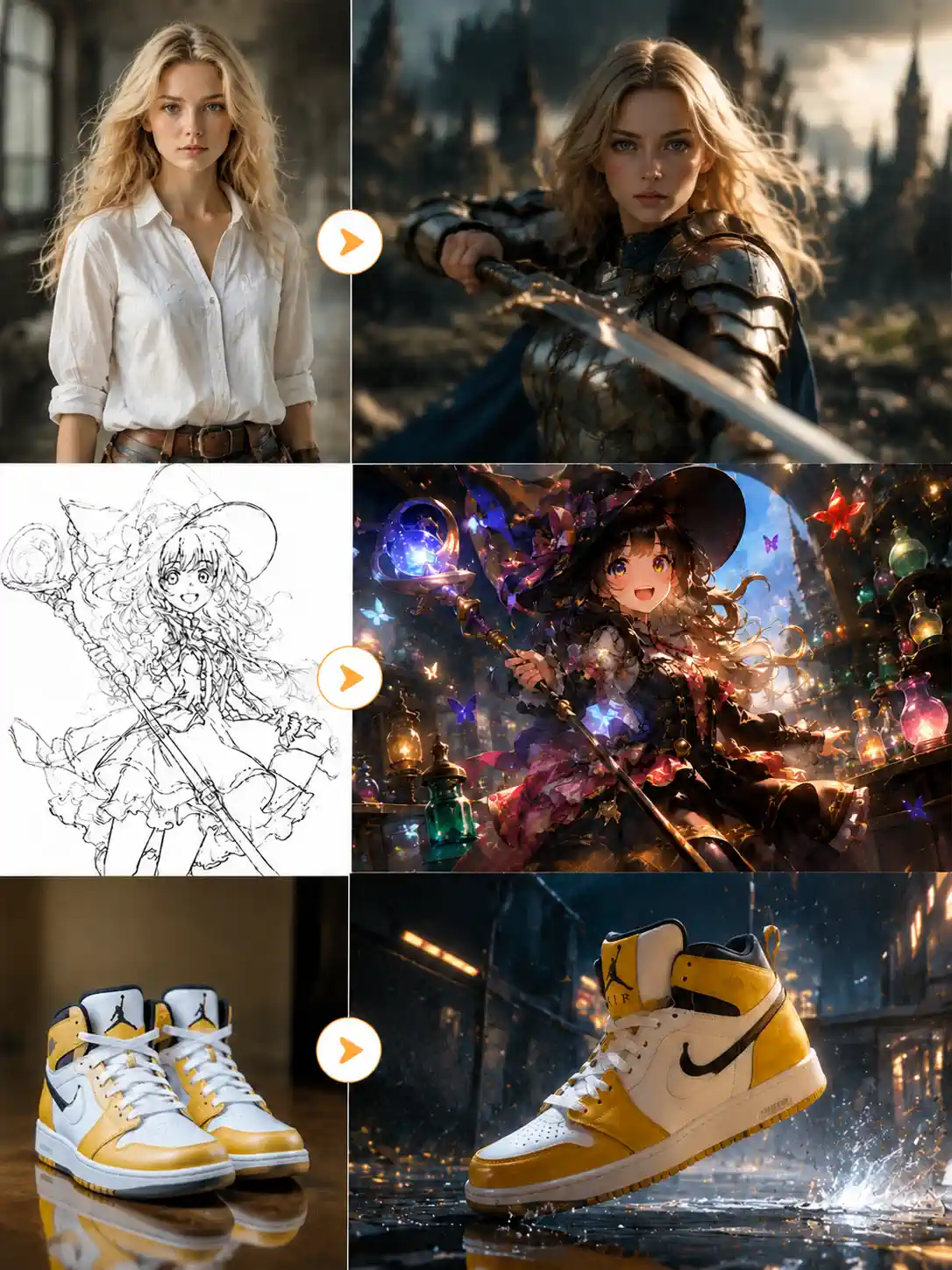
Start with a reference image, then guide the edit with a prompt to generate a new visual in just a few simple steps.
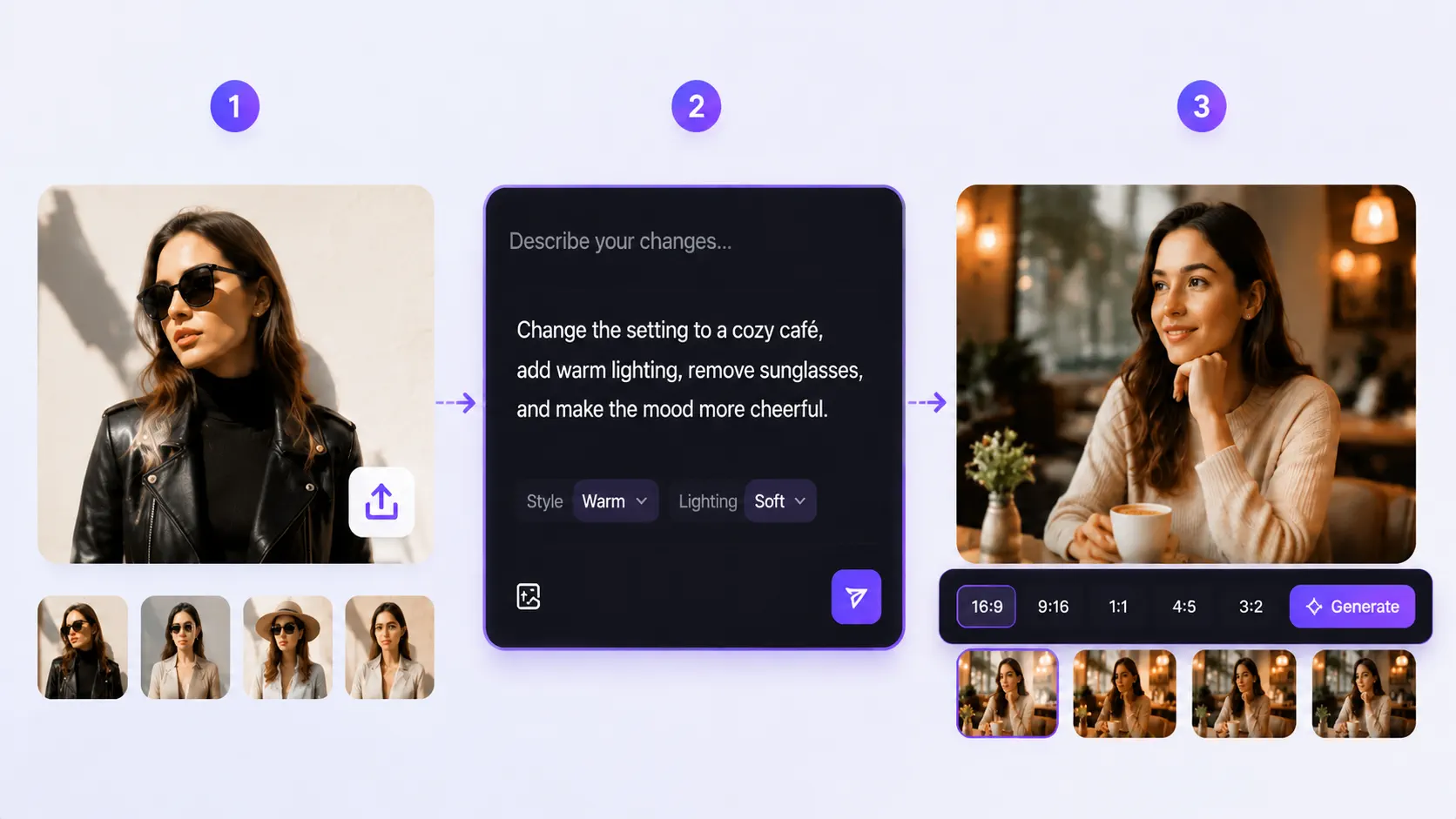
Begin with the image you want to edit, restyle, or rebuild. A clear reference image gives the model the structure, subject, and visual context to work from.
Add a prompt to tell the AI what to change, refine, or introduce. You can swap subjects, blend new elements, adjust details, or shift the overall style and mood.
Choose the aspect ratio, generate your new image, and keep refining until the result matches the exact visual direction you need.
Easily adjust details, merge ideas, or generate variations to get the exact look you need—without ever starting from scratch.
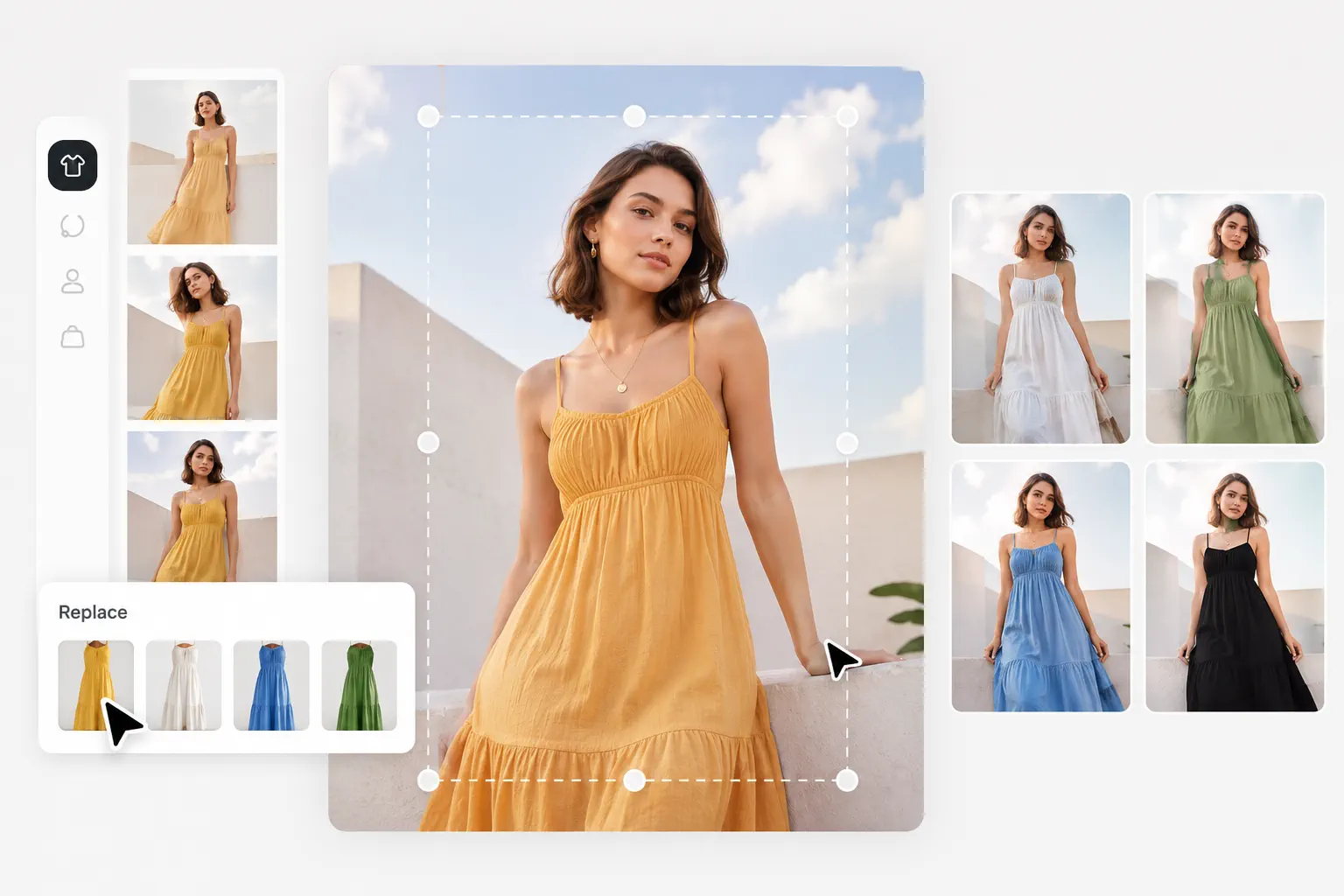
Adjust or replace specific elements without altering the whole composition. Update people, products, or objects while keeping the original vibe intact. From changing a pose from a photo to switching a product’s material, easily iterate on the main subject alone.
Edit Subjects for Free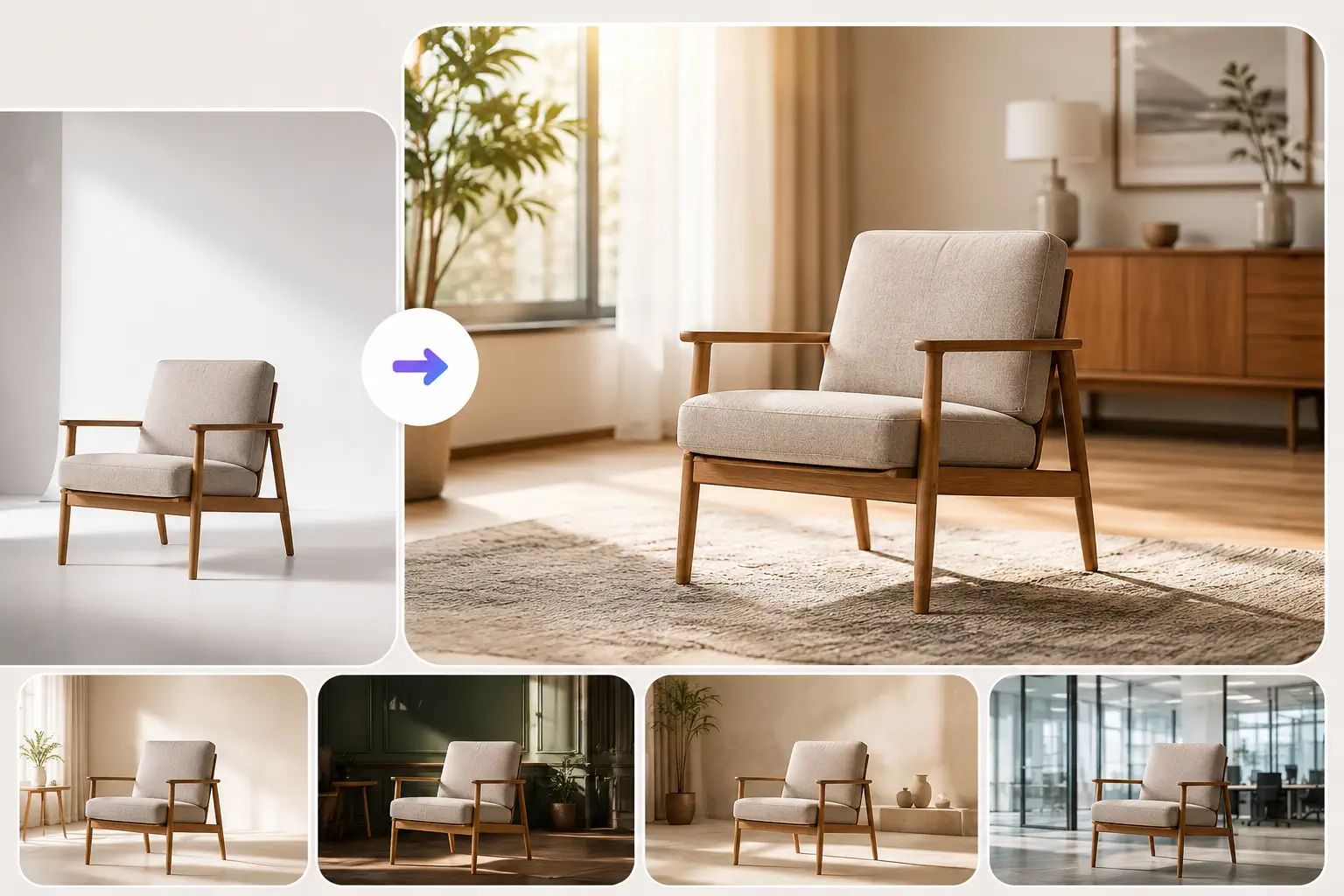
Shift the surrounding scene to match a different atmosphere or campaign style. Accurately extract your core subject and place it into a completely new environment. When you replace the background and keep the subject perfectly consistent, reflections and shadows are automatically calculated for a flawless blend.
Transform Backgrounds Now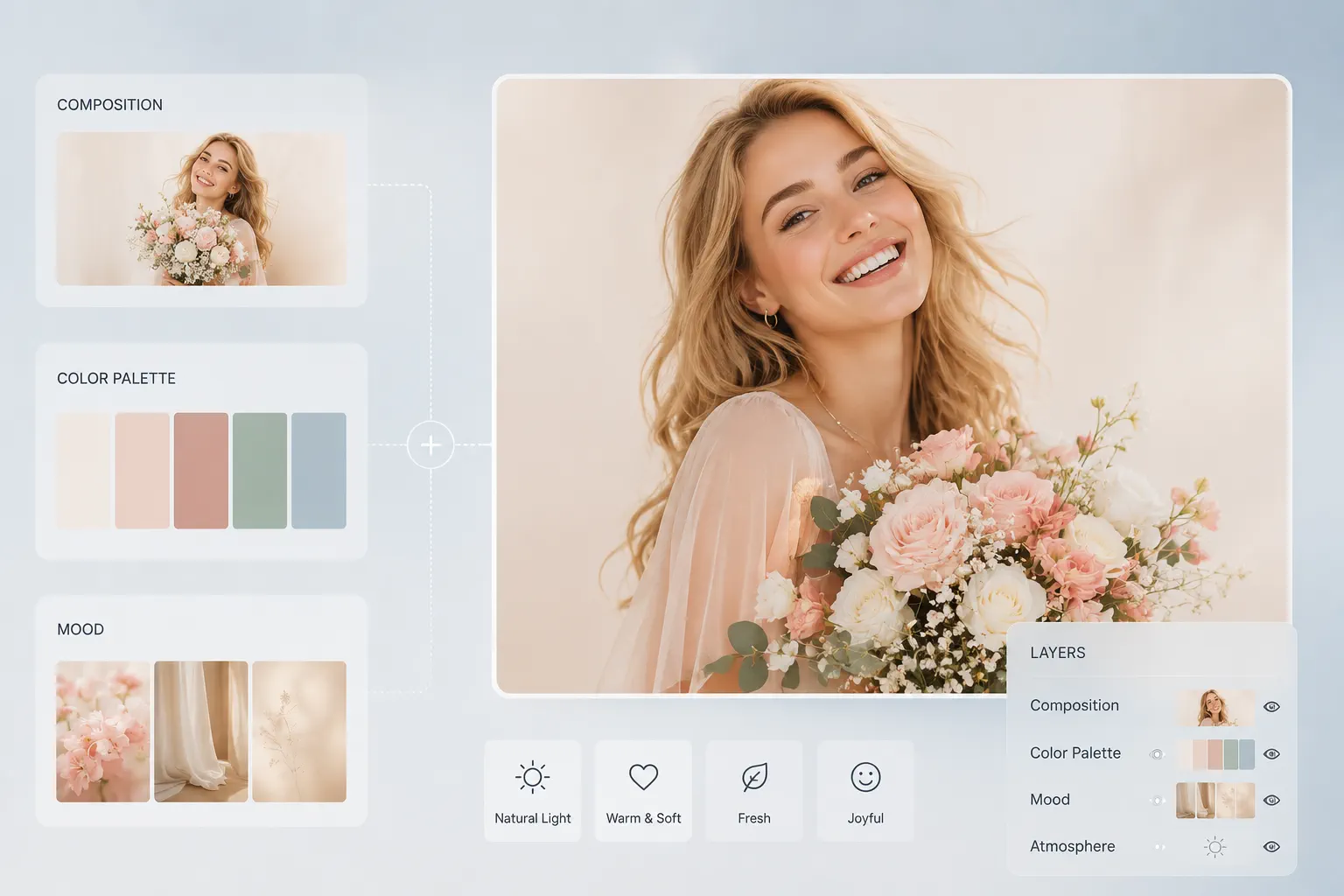
Bring details from different sources together and merge multiple images into one polished result. Extract structural lines from one image and apply textures or colors from another, easily building richer concepts and layered, high-impact visuals.
Start Blending for Free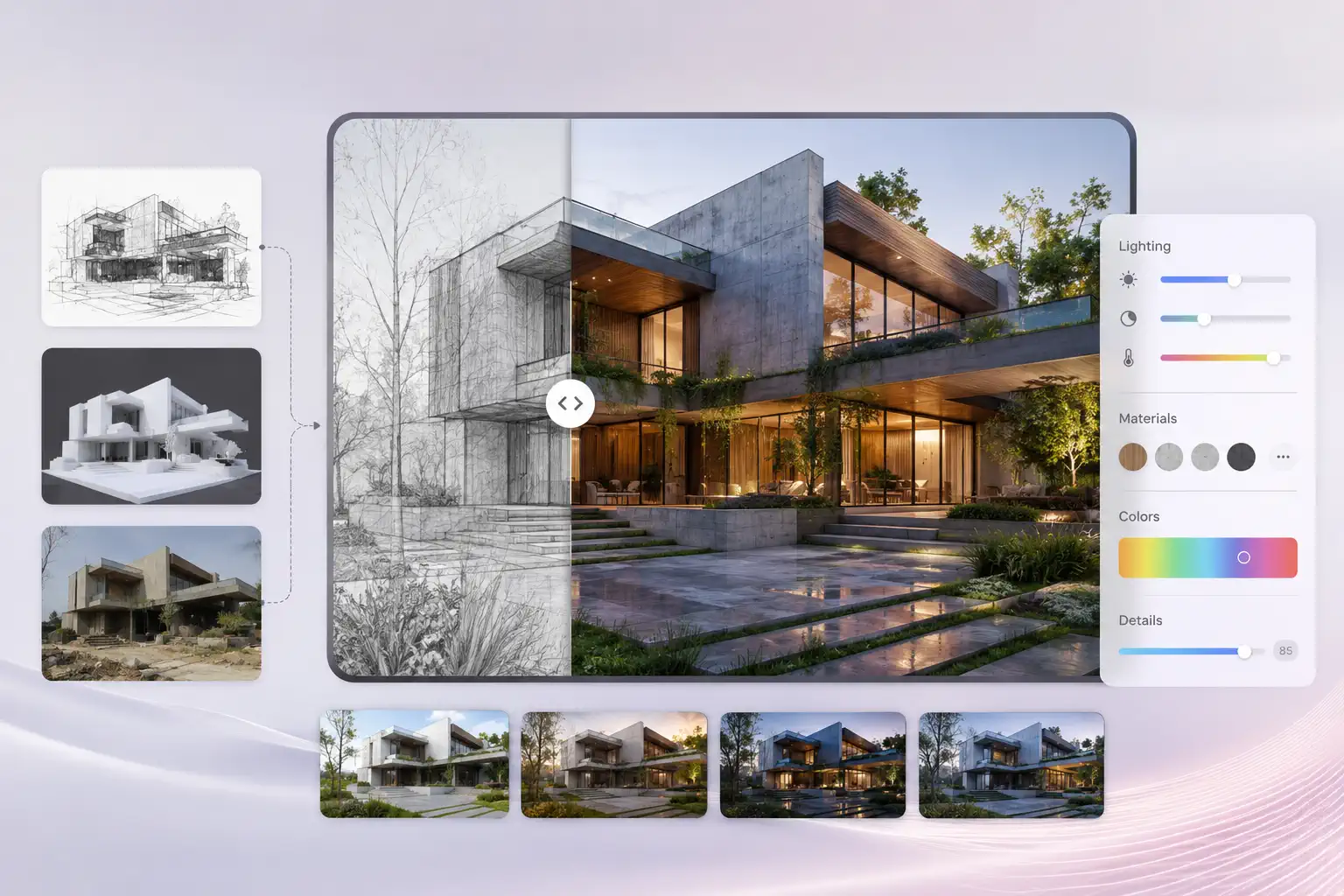
Fine-tune lighting, textures, and colors to make any image cleaner and complete. Using sketches, 3D models, or rough photos as a strict structure reference, the system automatically enhances details—turning early concepts into highly professional, finished assets.
Refine Image Details Now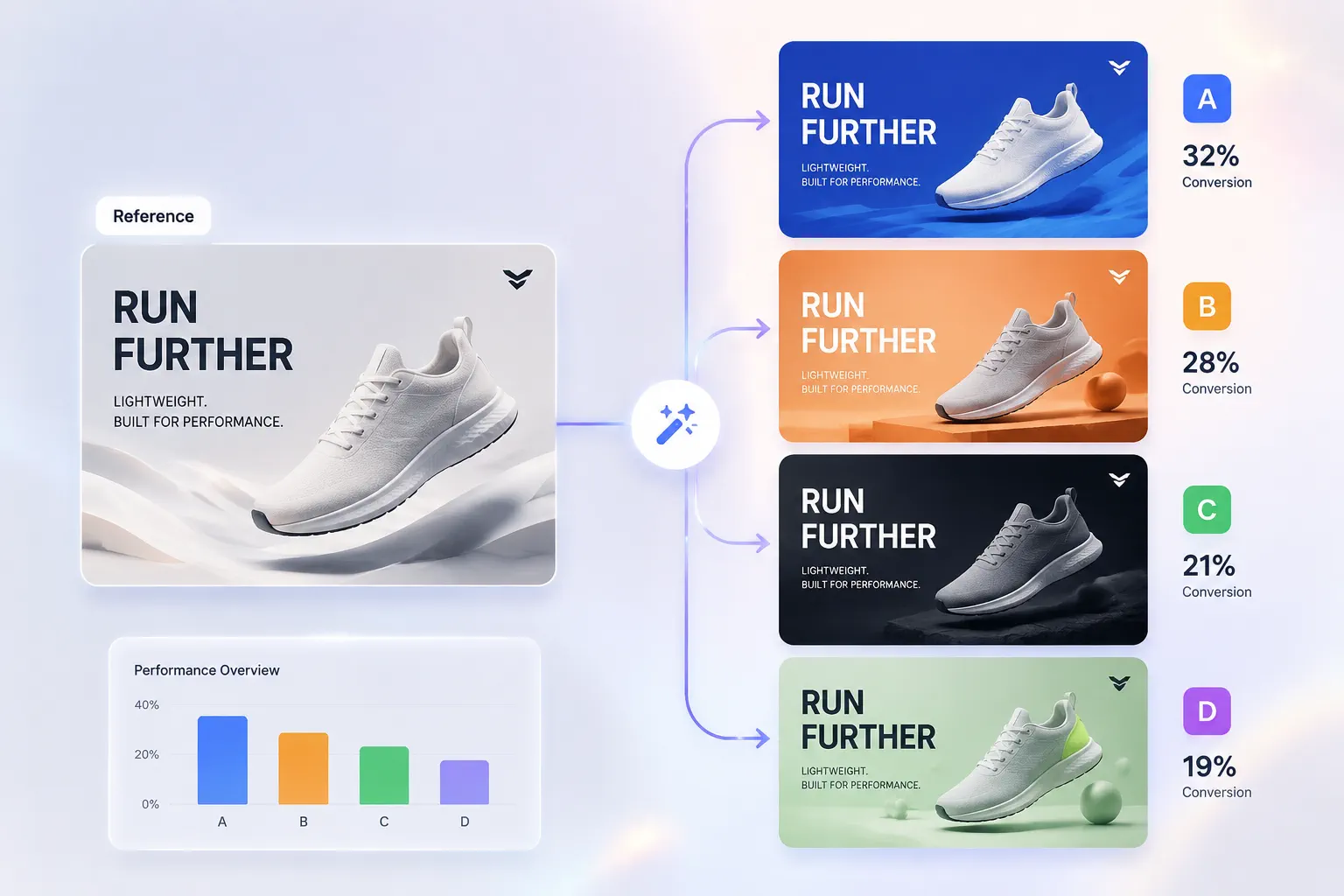
Turn a single reference into multiple directions for comparison and testing. Operating as a fast image variations generator, it quickly creates diverse layout, color, or style options, giving marketers and designers a low-cost way to A/B test and choose the highest-converting visual.
Generate Variations for FreeGet high-definition results in seconds, ensuring your tweaks and experiments receive instant feedback without interrupting your creative flow.
Export detail-rich, high-resolution images that easily meet the visual standards for large-scale displays, advertising, and professional design.
Every visual asset you save is clean and unbranded, ready to drop seamlessly into your actual workflow.
We deeply respect your creative efforts, ensuring your uploaded references and generation history are safely kept private.
Feel confident using your generated visuals for client deliveries, marketing campaigns, and various commercial projects.
Skip the expensive hardware and bulky installations—just open your browser and let us handle the complex rendering work.
No matter your business focus, you’ll find practical visual solutions here.