Free Image to VideoAI Generator

Bring static images to life with natural camera motion, or guide the AI with text prompts to unlock creative new stories. Experience complete creative freedom while strictly locking your original subject and character identity.
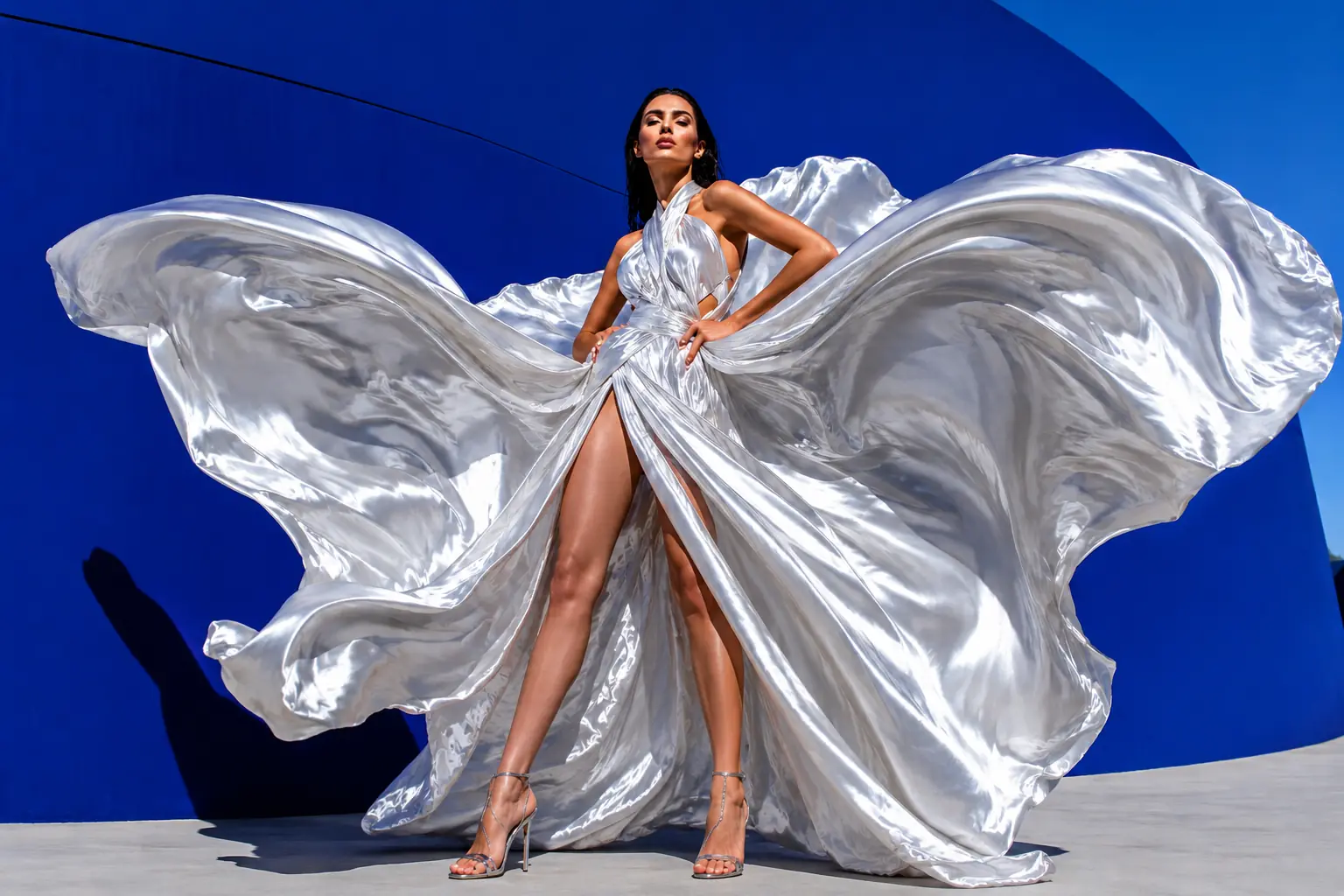
Fashion model in a flowing silver dress used as a source image for cinematic image to video animation

Turn Picture into Video: Before & After Examples

See how our AI video generator animates static images. Use text prompts to control motion while perfectly locking your original character.
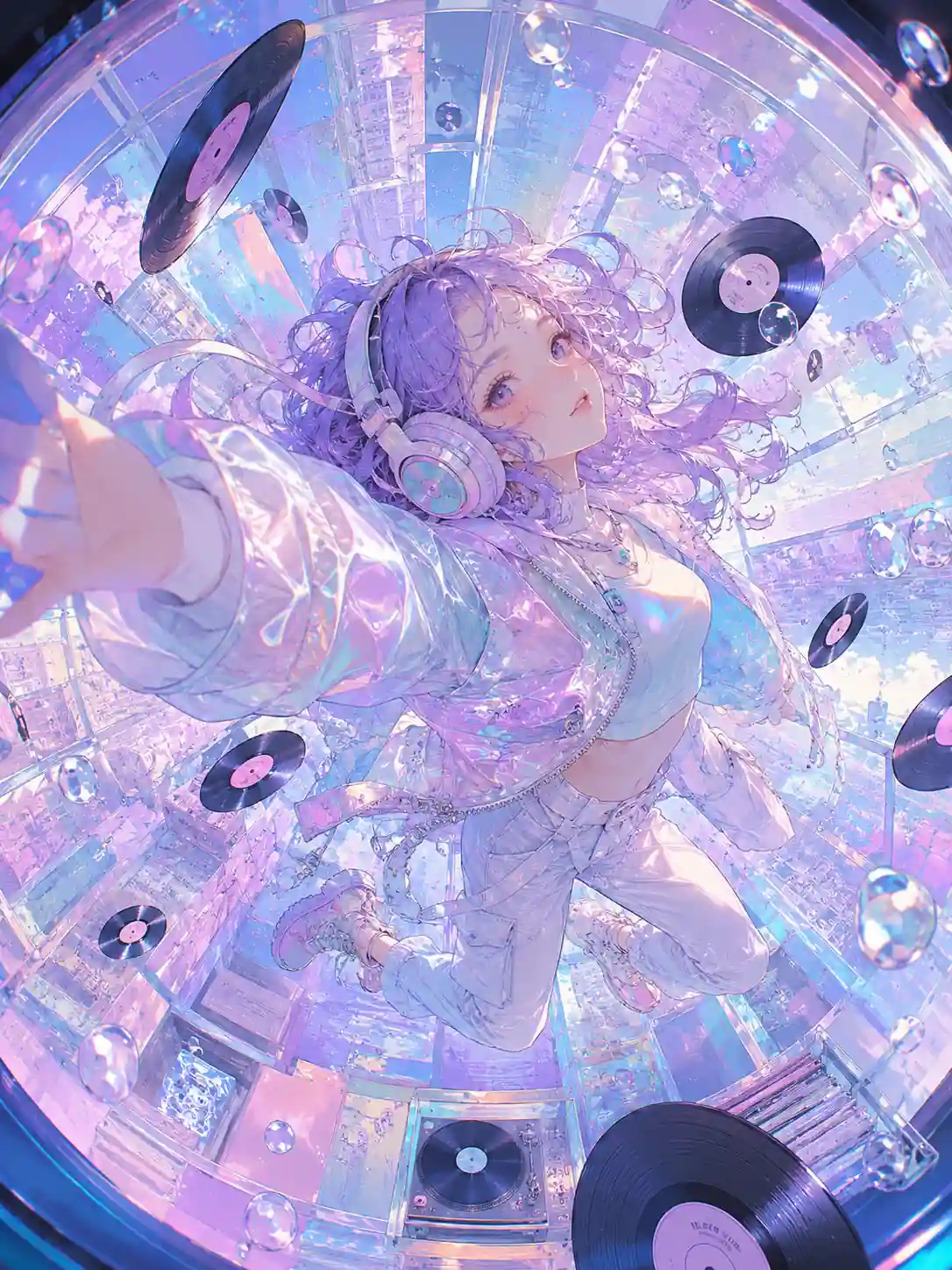
Before Anime girl with headphones in a pastel music room prepared as a source image for video animation
After
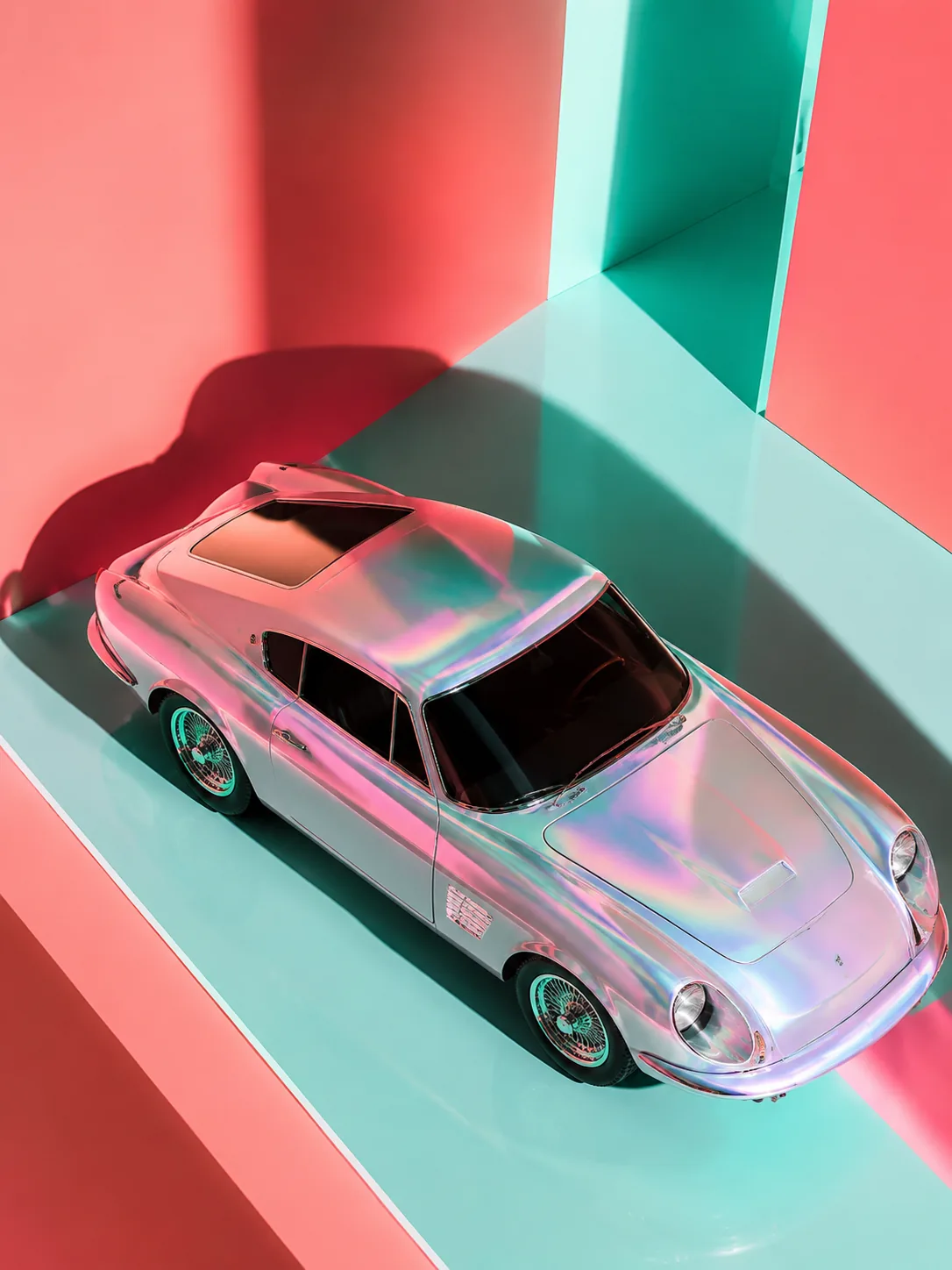
Before Iridescent vintage sports car studio photo used for cinematic image to video generation
After
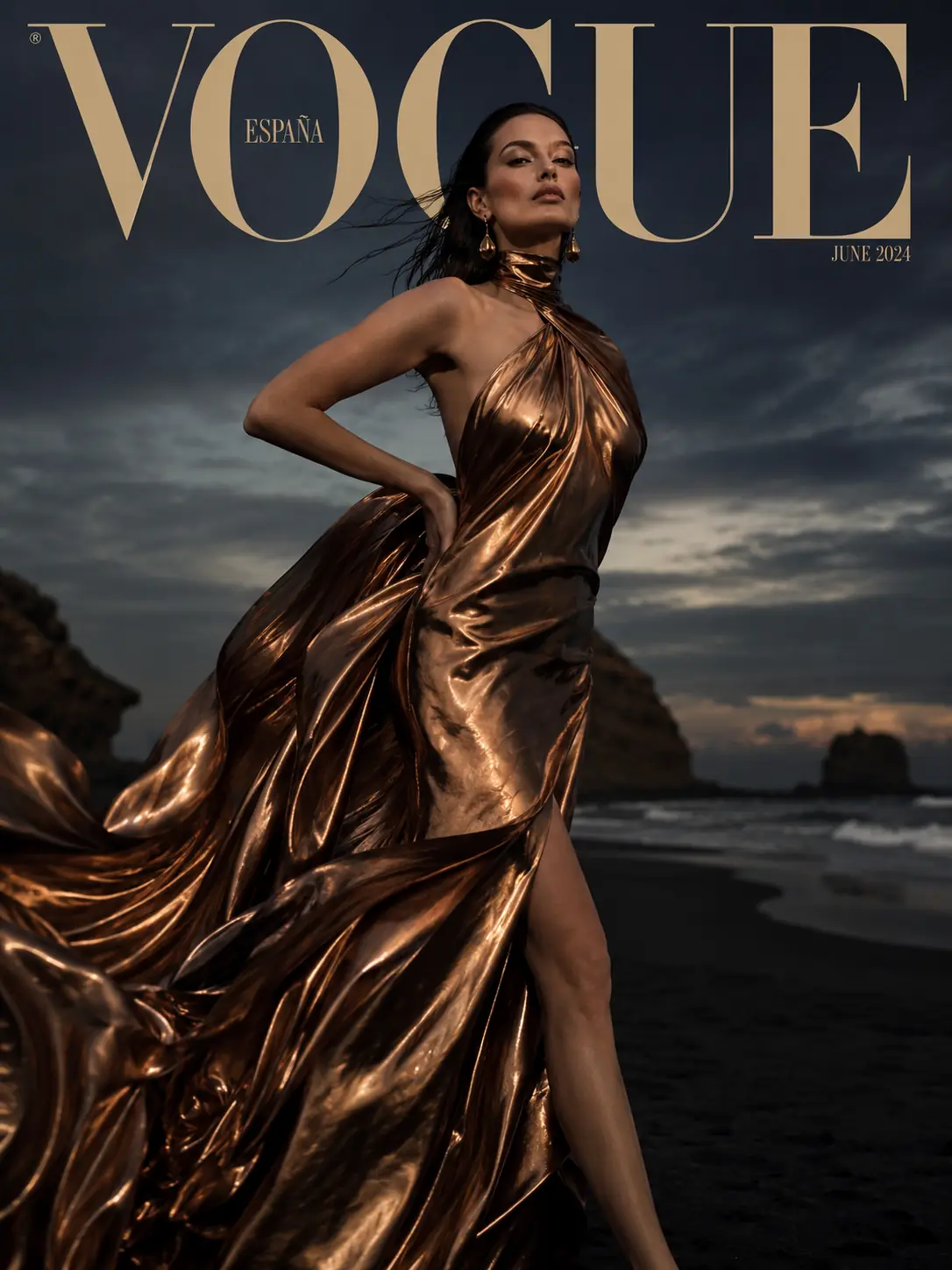
Before Fashion editorial portrait in metallic bronze dress used as a source image for motion animation
After
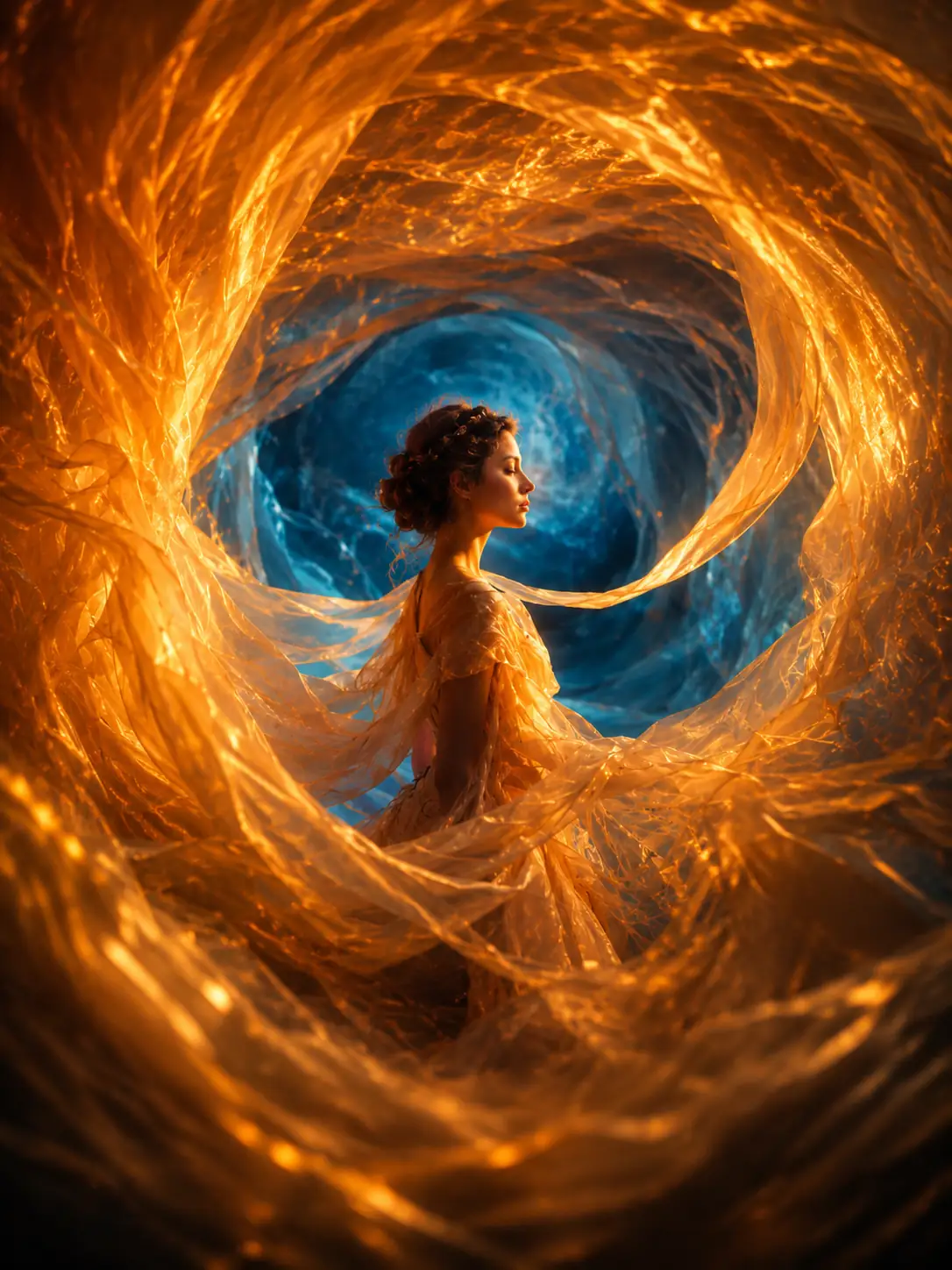
Before Dreamlike portrait framed by glowing fabric waves prepared for AI motion generation
After
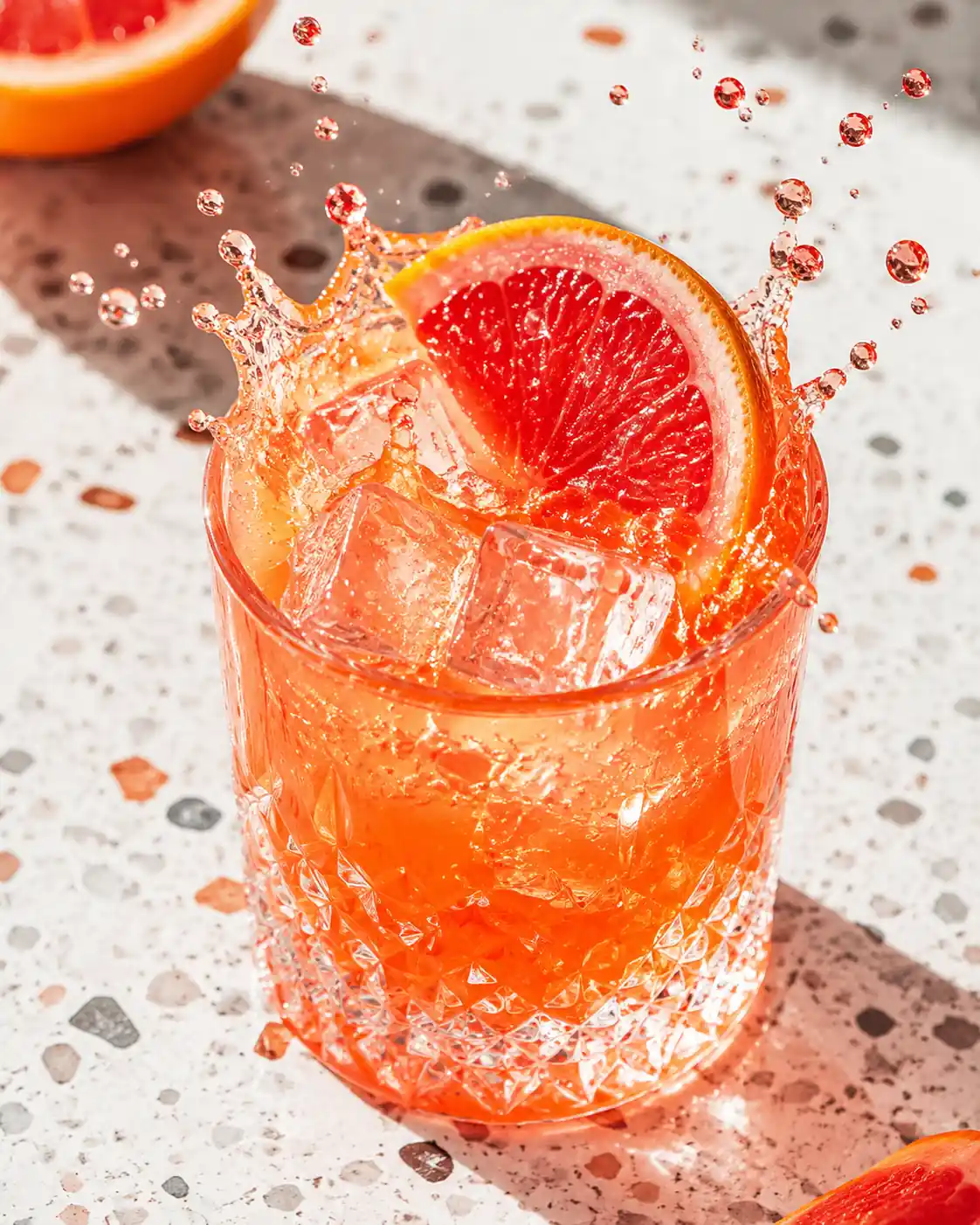
Before Grapefruit cocktail splash photo used as a product-style source image for AI video animation
After
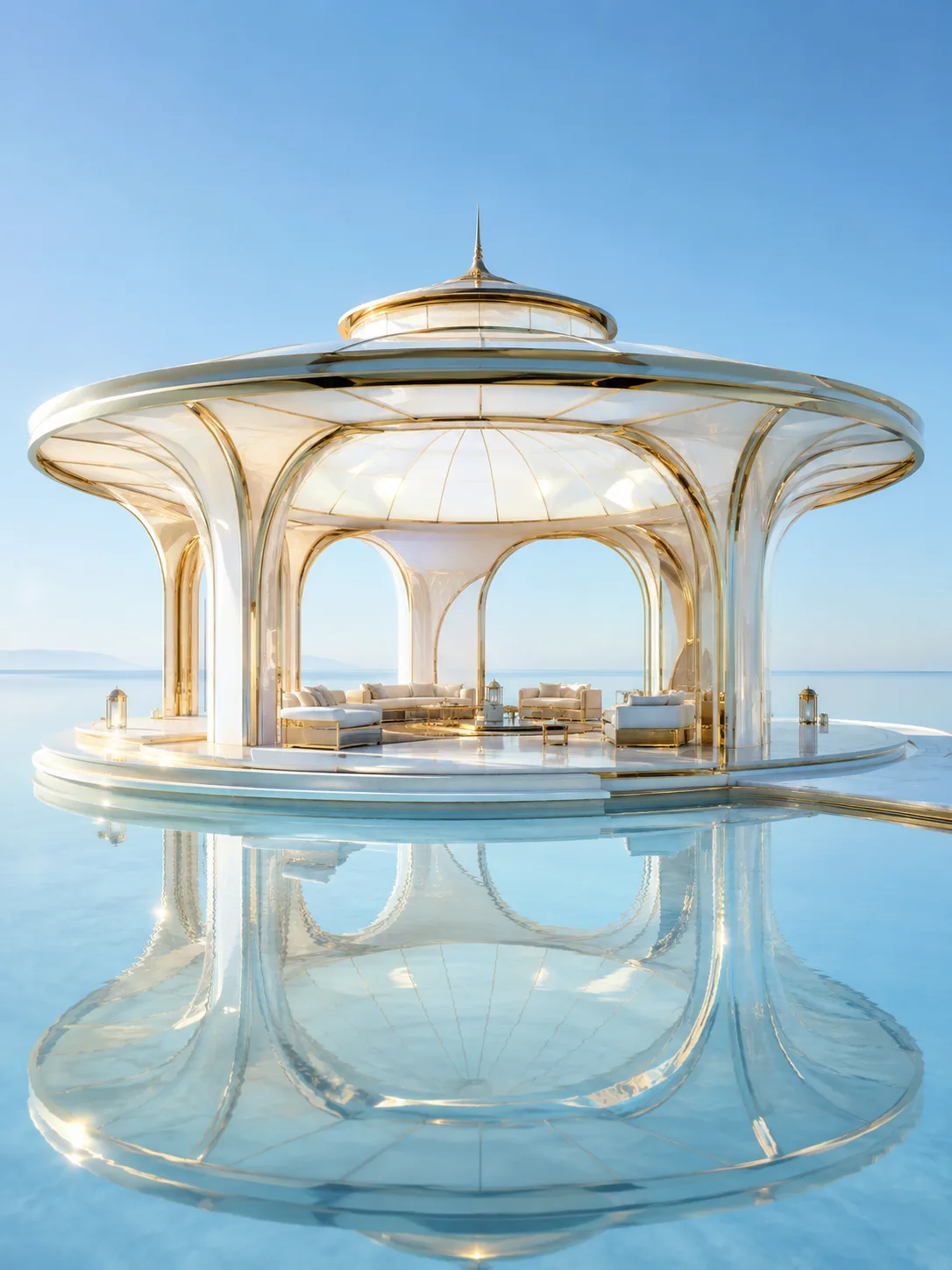
Before Futuristic glass pavilion render used as an architectural image to video source visual
After

Witness the Ultimate Control of Image to Video

Break the static boundary. Generate perfectly controlled, commercial-grade dynamic videos with just one base image and a simple text prompt.

Result
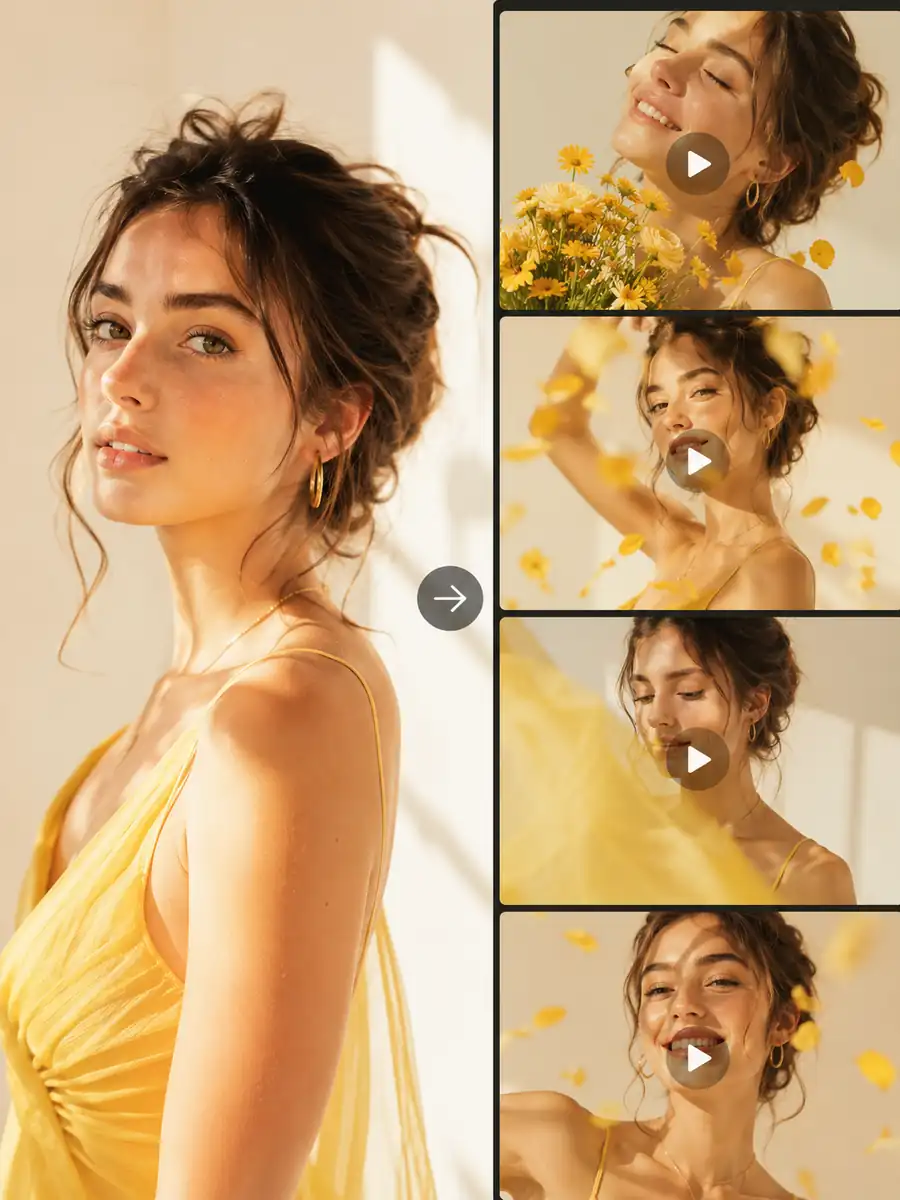
Sunlit portrait image to video result preview showing a woman in a yellow dress transformed into multiple warm cinematic motion scenes

How to Use the Image to Video AI Generator

Simply upload a base image and input your driving prompt to bring static moments to life in just three simple steps.
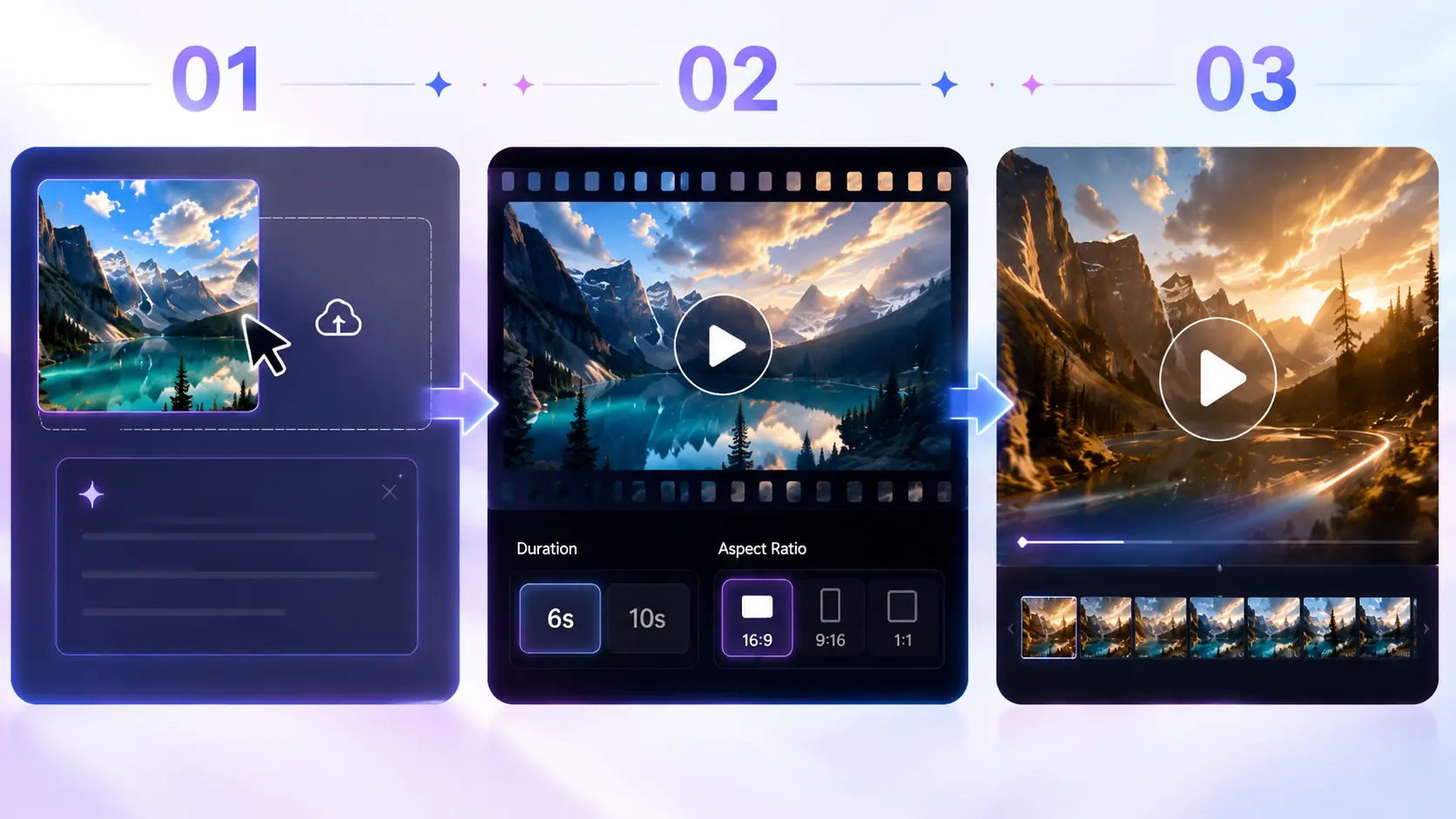
Three-step image to video workflow showing upload, aspect ratio setup, and final video generation
01

Upload Image & Enter Prompt

Drag and drop your base image, then clearly describe the exact motion, lighting, or physical effects you want to happen in the text box.

02

Configure Video Settings

Choose your desired video duration (6s or 10s) and select the perfect aspect ratio (like 16:9 or 9:16) to fit your final platform needs.

03

Generate Your Cinematic Video

Click ‘Generate Video’ and let our AI engine perfectly lock your original subject while meticulously rendering the dynamic movements you described.

What Can Our Image to Video AI Do?

Discover the powerful capabilities of our AI video generator. Turn your static images into dynamic, professional-grade videos in seconds.
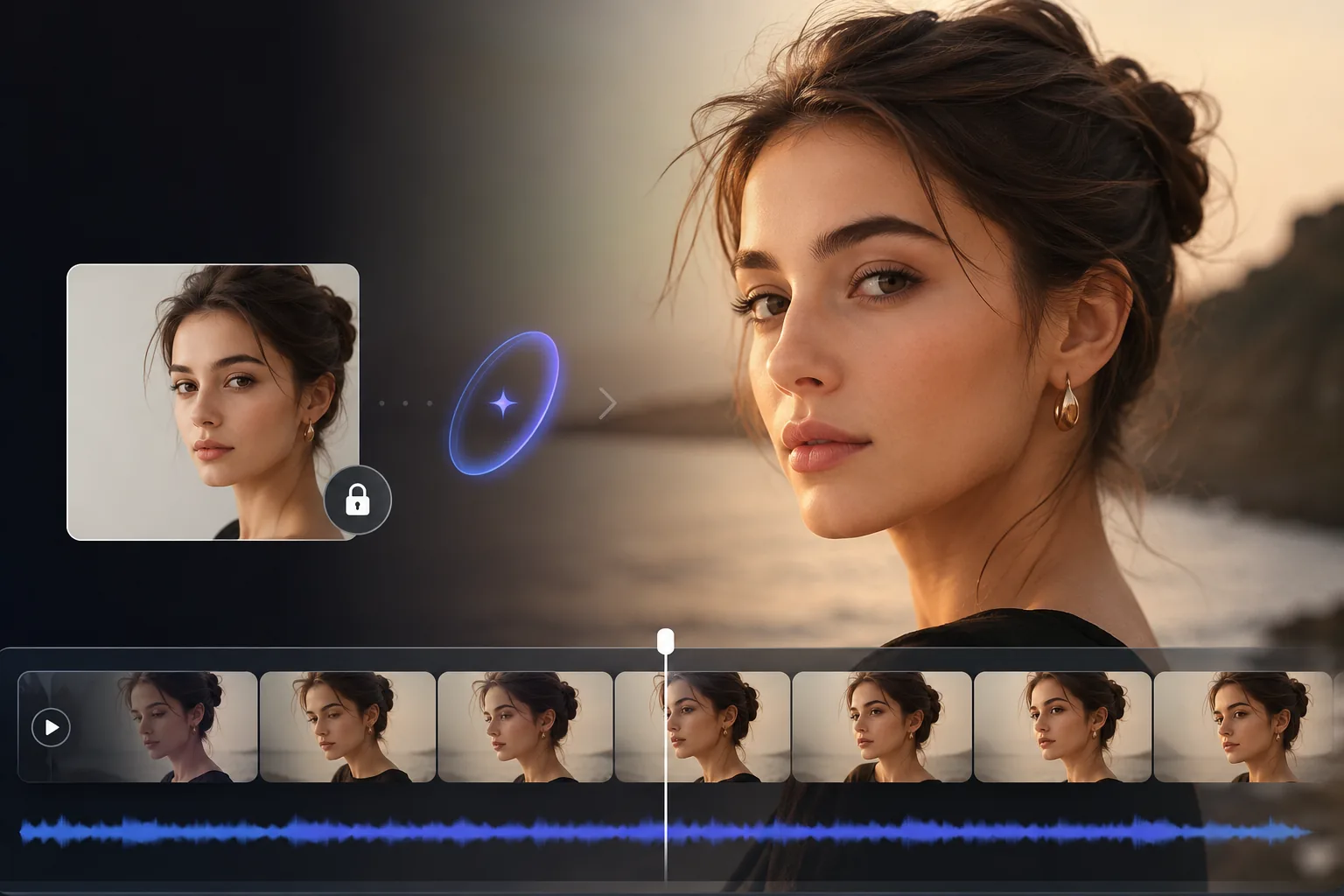
AI video editor timeline preserving a woman’s facial identity while animating a portrait scene

Lock Core Visual Assets for Flawless Subject Consistency

Prioritizes your original visual assets when adding motion, effectively overcoming structural distortion common in AI workflows. This ensures facial features, product profiles, and key details stay highly stable even in dynamic scenes.
  • Prevent rough structural warping of faces and objects.
  • Retain original high-quality lighting and fine material details.
  • Perfectly suited for commercial products and portrait close-ups.
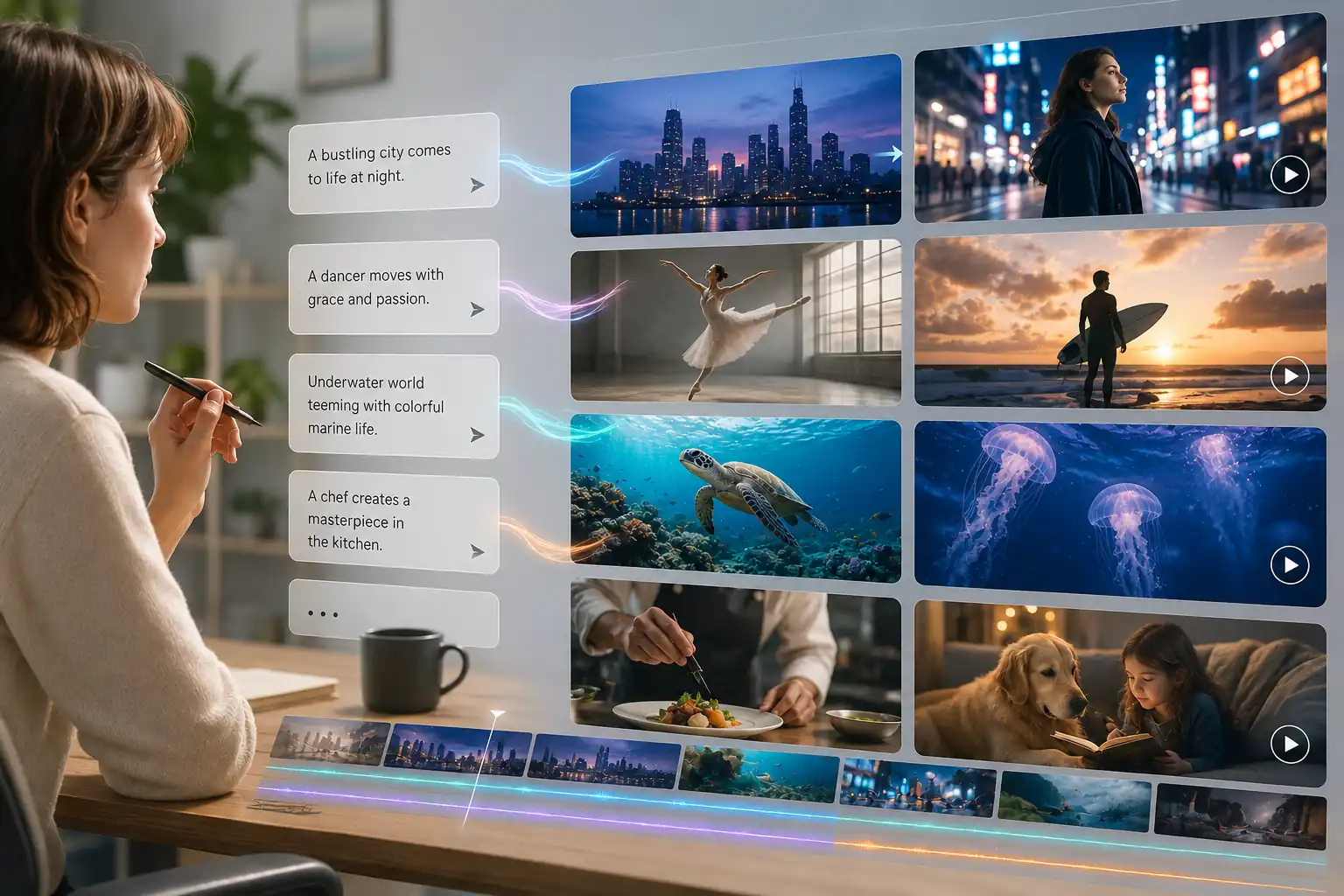
Text prompts generating multiple animated scenes from one workspace in an image to video AI tool

Direct Realistic Physical Motions with Simple Text Prompts

Skip the complex editing software. Use natural language prompts to intuitively guide wind directions, fluid dynamics, and environmental interactions. Generate continuous, realistic physical motions that precisely reflect your creative vision.
  • Drive complex fluid or smoke effects directly via text.
  • Enable realistic physical interactions within the environment.
  • Instantly translate static concepts into realistic moving scenes.
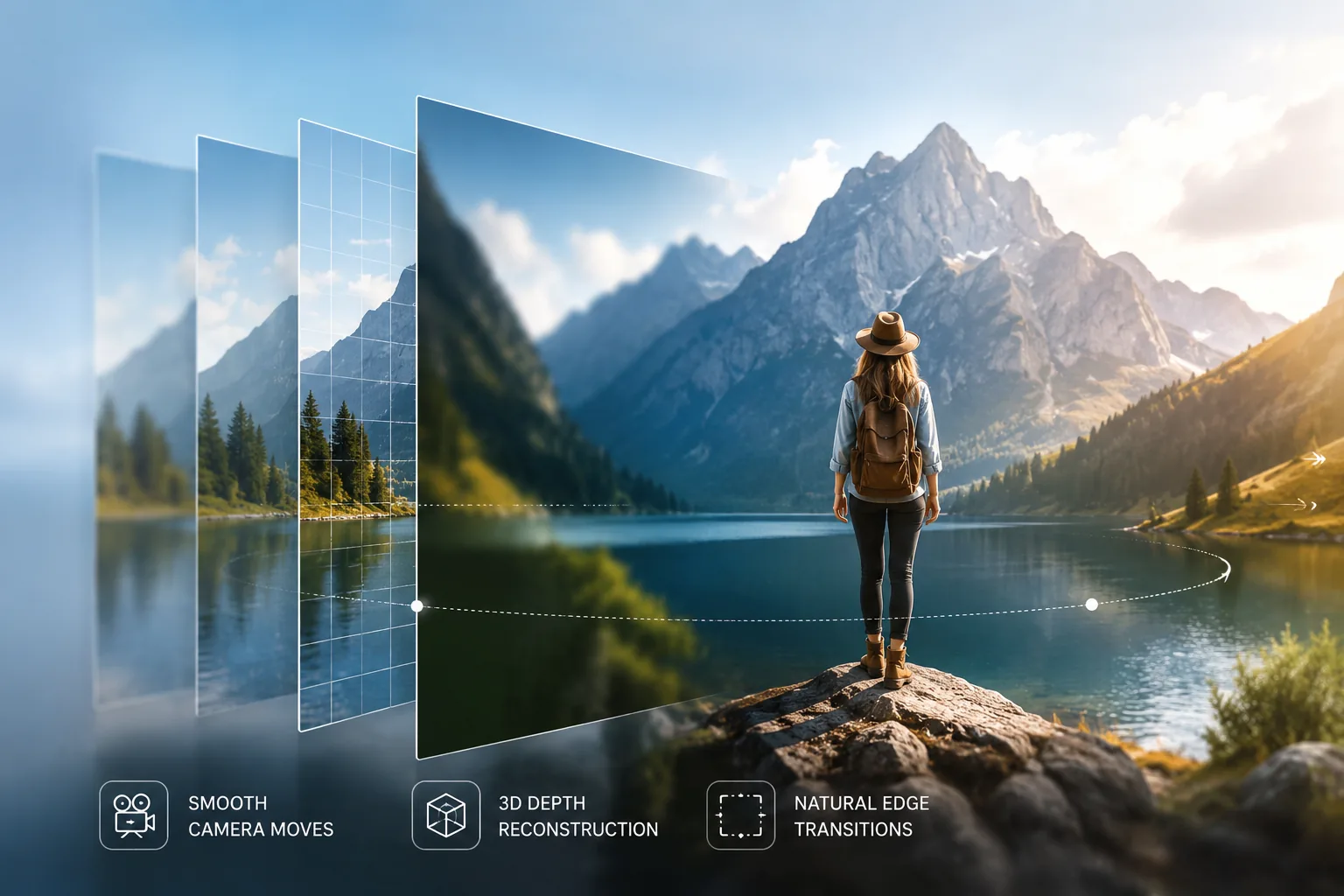
Landscape photo reconstructed with 3D depth for smooth camera motion and natural edge transitions

Add 3D Depth to 2D Images for Cinematic Camera Moves

Break 2D limitations by bringing true three-dimensional spatial depth to flat images. Generate smooth, immersive pushes, pulls, or pans, using subtle depth-of-field variations to upgrade ordinary photos into narrative visual masterpieces.
  • Execute perfectly smooth professional camera trajectories.
  • Rebuild 3D spatial depth and perception from flat photos.
  • Process natural edge transitions for fluid video playback.
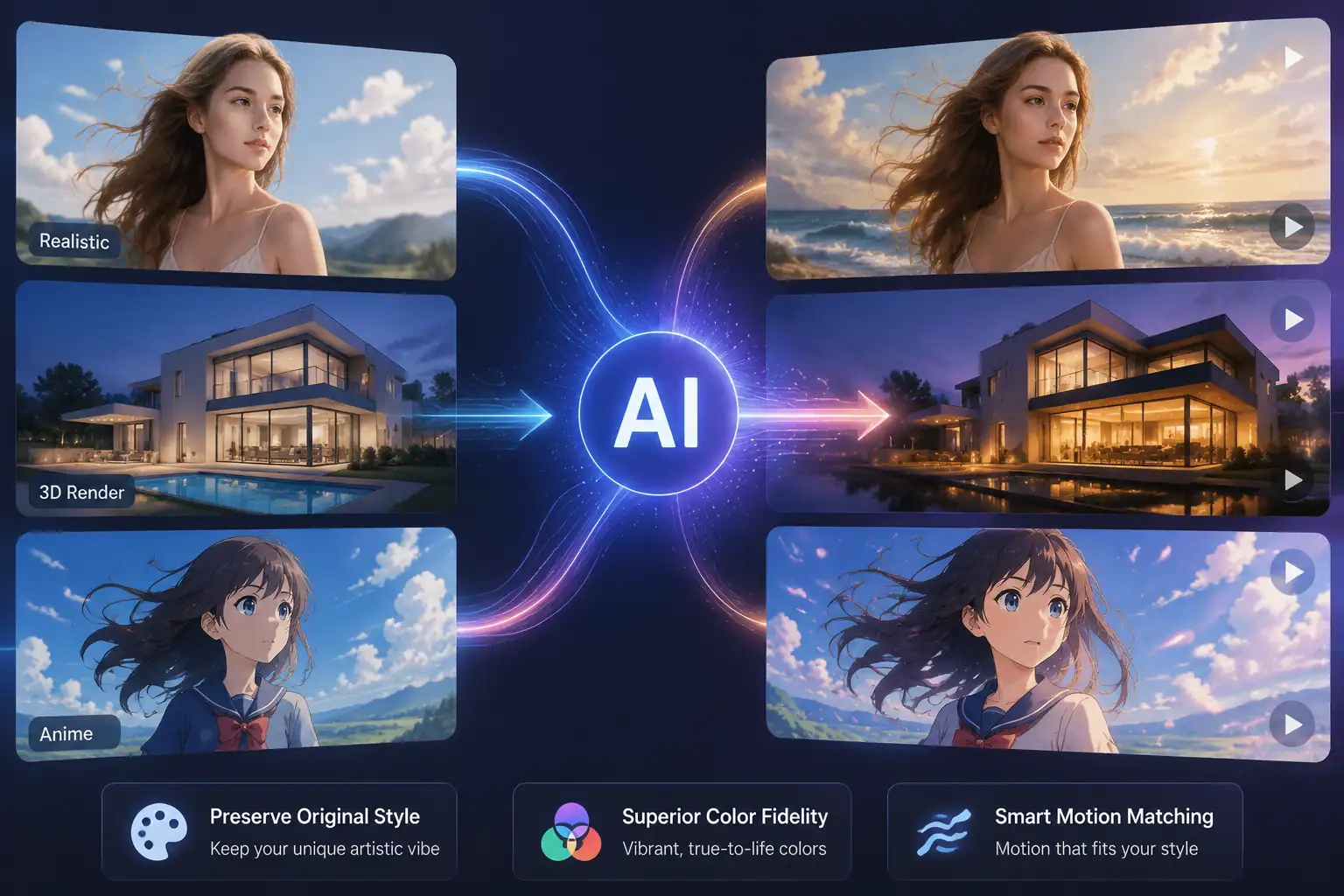
AI image animation examples preserving realistic, 3D render, and anime art styles across motion

Intelligently Preserve Your Authentic Art Style Across Genres

Whether processing hyper-realistic photography, 3D renders, or complex anime illustrations, the AI analyzes the structure to apply proper motion logic. It breathes life into the image while strictly maintaining your original artistic vibe and atmosphere.
  • Fully support realistic, 3D render, and anime styles.
  • Superior color fidelity, preventing fading or color shifting.
  • Automatically match motion textures to the specific art genre.
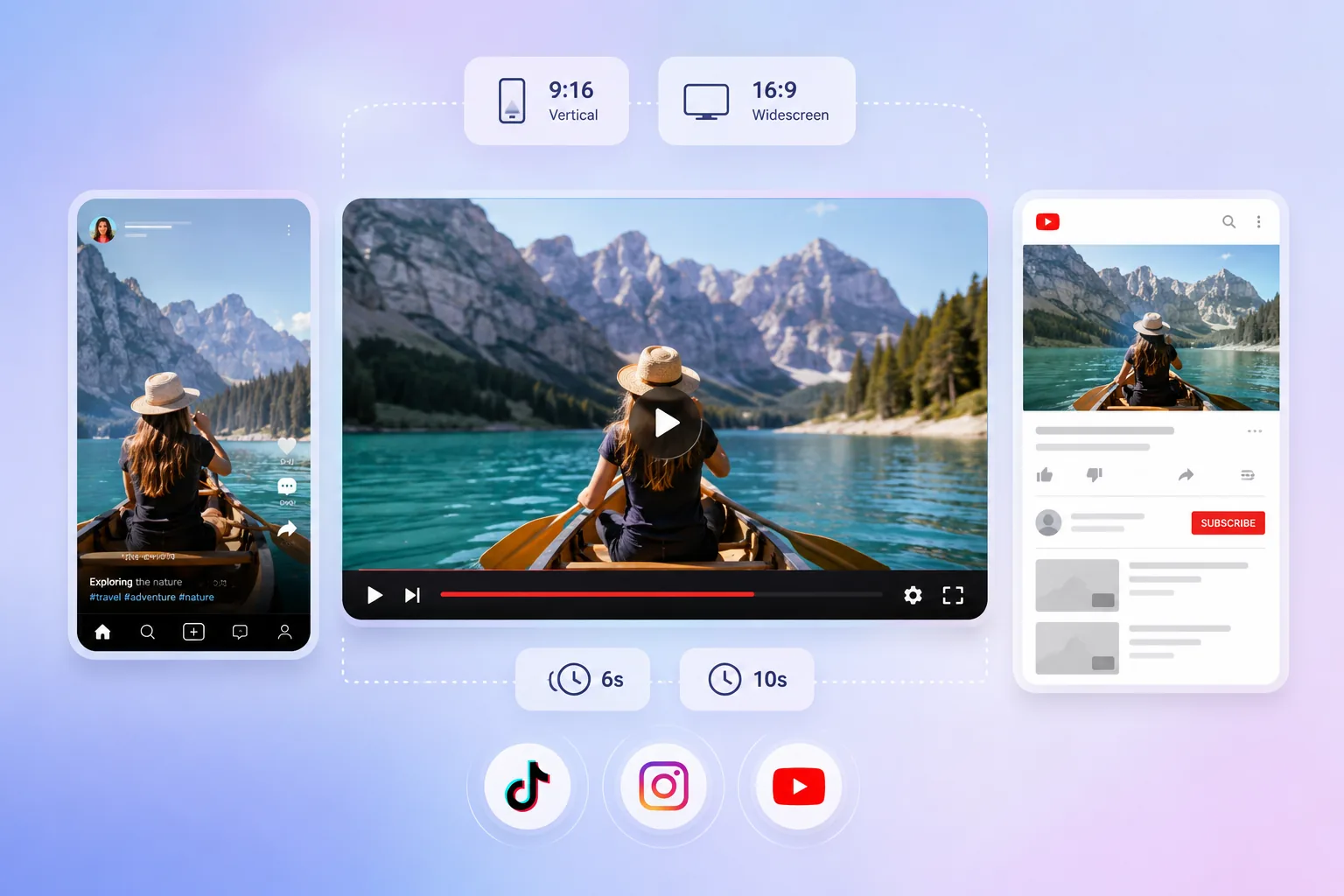
Image to video output adapted for 9:16 and 16:9 social media formats with flexible durations

Easily Adapt for Social Media with Flexible Ratios and Durations

Deeply aligned with modern creators’ fast-paced workflows, offering various video duration and aspect ratio options. Generate once and seamlessly adapt for everything from vertical TikTok shorts to widescreen YouTube displays.

  • Support all major precise aspect ratios like 16:9 and 9:16.
  • Offer flexible 6-second or 10-second high-quality durations.
  • Optimized for high content output on TikTok, IG, and YouTube.

Why Choose Our AI Video Generator?

Elevate your creative workflow with a smarter, faster, and more accessible production process.

Rapid Cloud Processing

Generate dynamic videos swiftly on our robust cloud servers, freeing up your local computer resources.

Intuitive Web Interface

Skip complex timelines and start animating immediately, regardless of your prior video editing experience.

Budget-Friendly Scaling

Produce professional-level motion graphics at a fraction of the cost of traditional animation workflows.

Secure & Commercial-Ready

Keep your creative assets secure while enjoying clear commercial rights for your generated content.

Real Reviews From Creators Worldwide

“Finding a reliable AI video generator for social media changed my workflow. It intuitively turns still pictures into engaging videos for our daily campaigns, saving us hours of editing time.”

Tamsin Calloway | Social Media Strategist

“Using this image to video AI tool to animate product photos has noticeably boosted our ad click-through rates. The motion looks natural, and it keeps the product details incredibly accurate.”

Arjun Desai | E-commerce Store Owner

“I wanted to animate still drawings without losing my specific art style. This photo animation software interprets my prompts beautifully, adding subtle movements while preserving the original vibe.”

Freya Lindholm | Concept Artist

“When I lack b-roll footage, I use this to generate cinematic videos from images. Controlling camera pans and zooms via text makes it a highly practical AI video maker in my daily edits.”

Elias Thorne | Freelance Video Editor

“Exploring text to video animation hasn’t been this easy before. I just upload my generated art, type a quick prompt, and this AI image animator delivers a stunning short clip in minutes.”

Yuna Morita | Digital Content Creator

“Bringing flat architectural renders to life used to take days. Now, I use this image to video converter to add realistic lighting shifts and environmental motion, creating immersive presentations fast.”

Ozan Demir | Architectural Visualizer

Frequently Asked Questions

Image-to-video AI is an advanced technology that transforms static pictures into dynamic, moving video clips. By analyzing the visual content of your uploaded image, the AI intelligently adds natural motion, environmental effects, or camera shifts, bringing photos, artworks, and renders to life in seconds.
It is incredibly simple. Just upload your static image to our workspace and type a brief text description of the movement you want (e.g., “clouds moving,” “water flowing,” or “character smiling”). The AI reads your prompt and applies the specific motion directly to your image.
Absolutely. Beyond animating the subjects, our platform gives you cinematic control. You can use text commands or our intuitive interface to direct camera dynamics—such as zooming in, panning left, or tilting up—to create professional, engaging shorts.
Yes. You retain commercial rights to the videos you generate using your original images on our premium plans. You can safely use these animations for social media ads, YouTube monetization, e-commerce marketing, or client projects.
Yes, we offer free credits for new users to test out our capabilities! You can sign up today and generate your first few AI videos at no cost. For higher resolution, watermark removal, and bulk processing, we offer affordable subscription plans tailored to your needs.

Create Cinematic AI Videos from Image in Seconds !

✓ No credit card required ✓ Generate in seconds ✓ 100% web-based

Discord Logo