
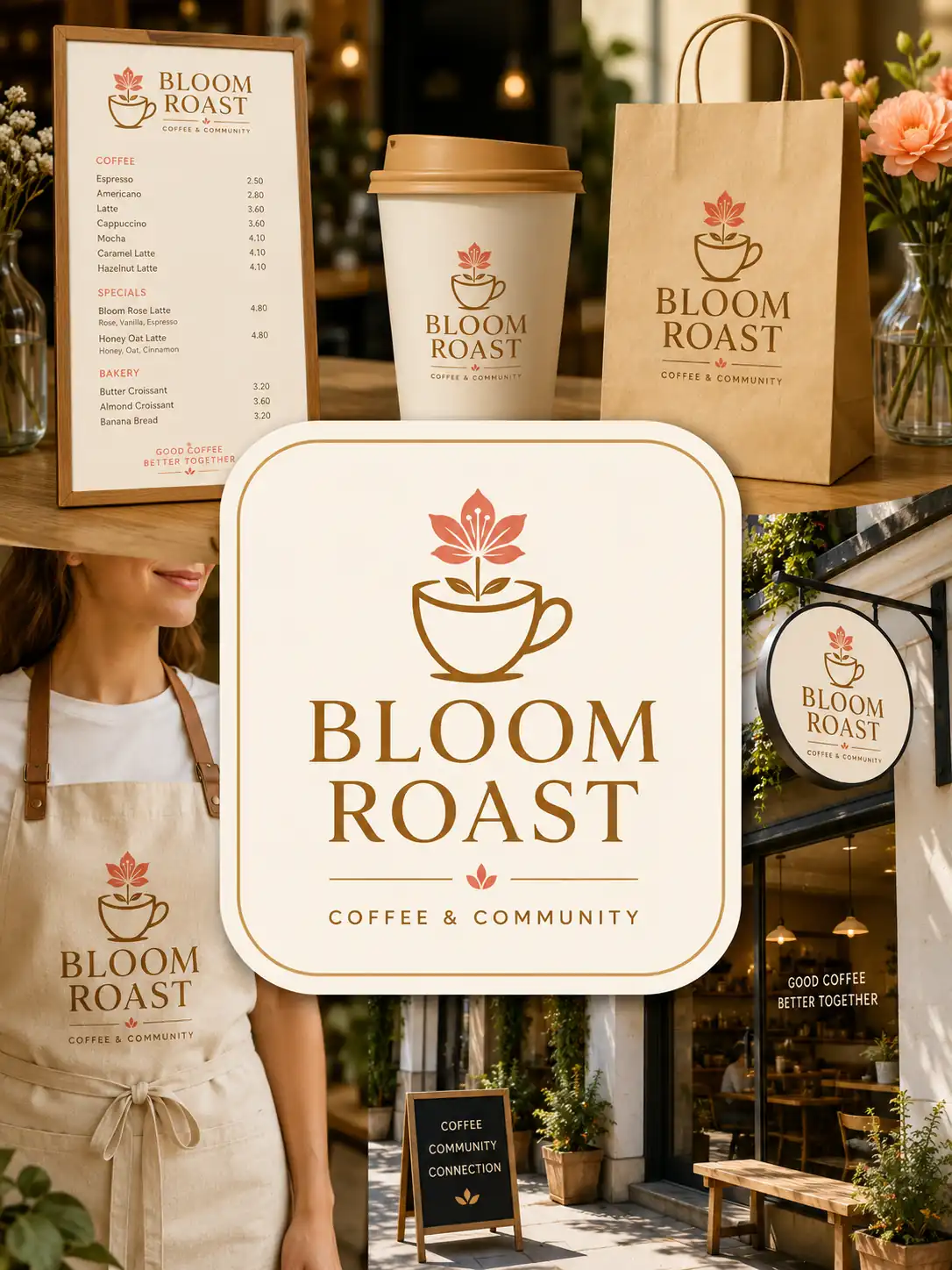
Customize Your Own Logo with AI Logo Generator
Create a distinctive logo for your business, product, store, or personal brand in seconds. Tell Vokes the style you want, and generate a polished visual identity without starting from a blank canvas.
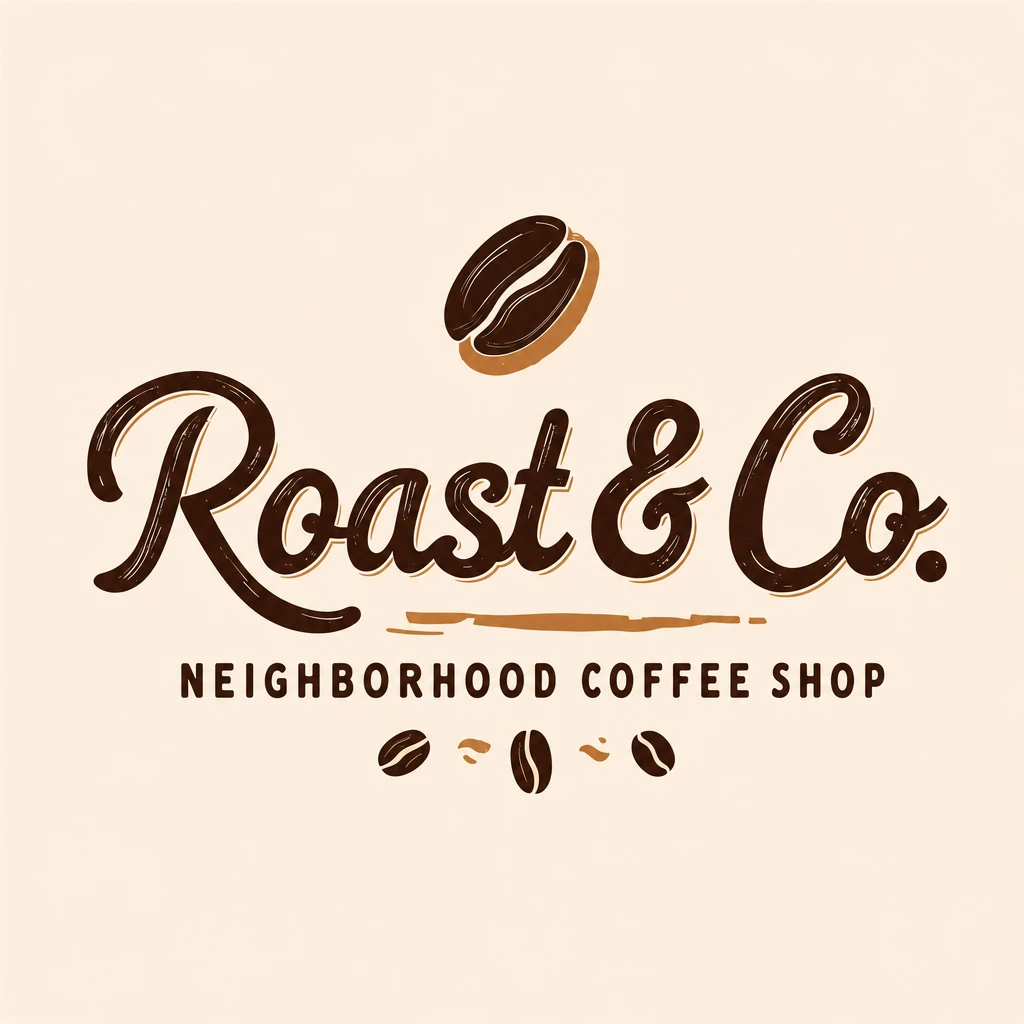
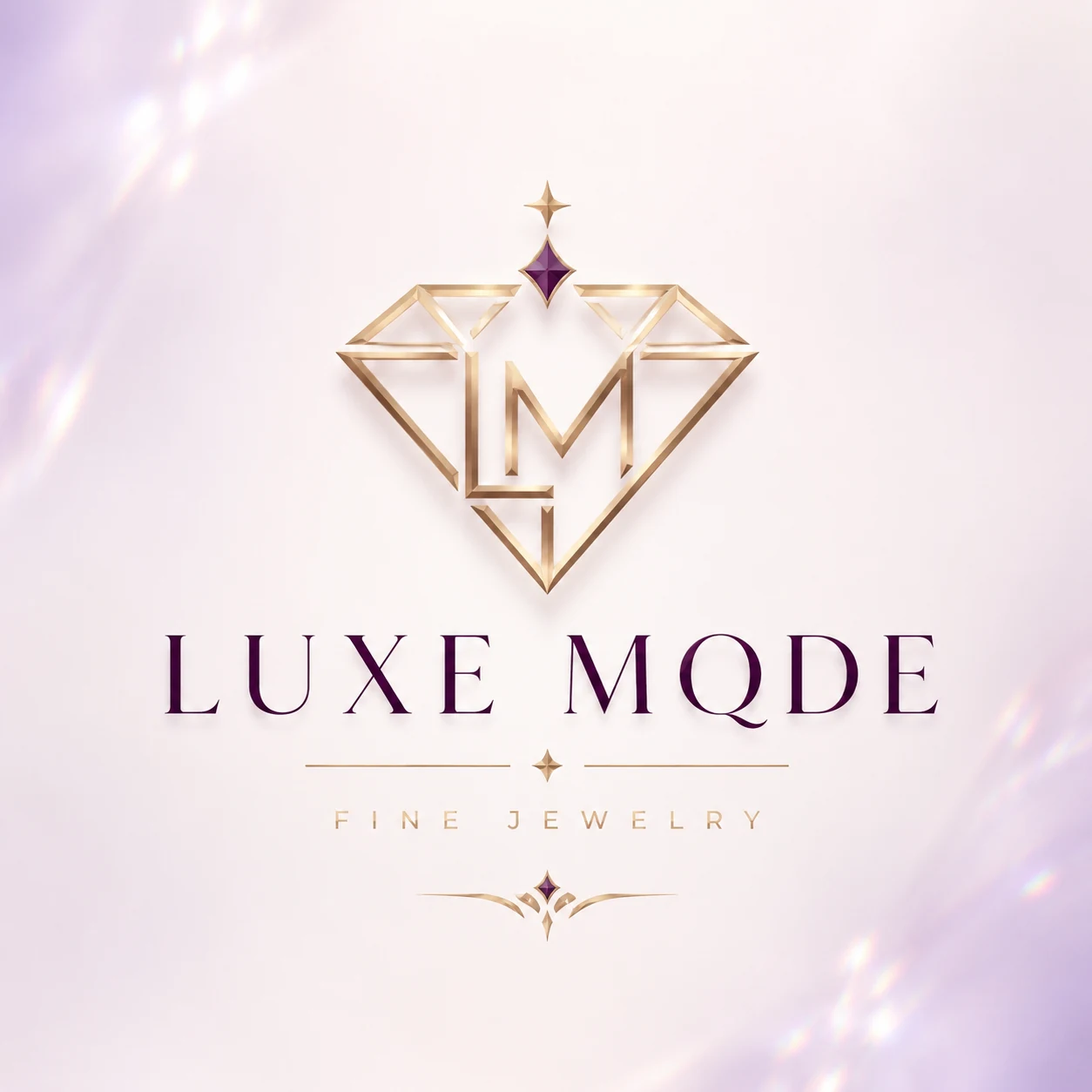

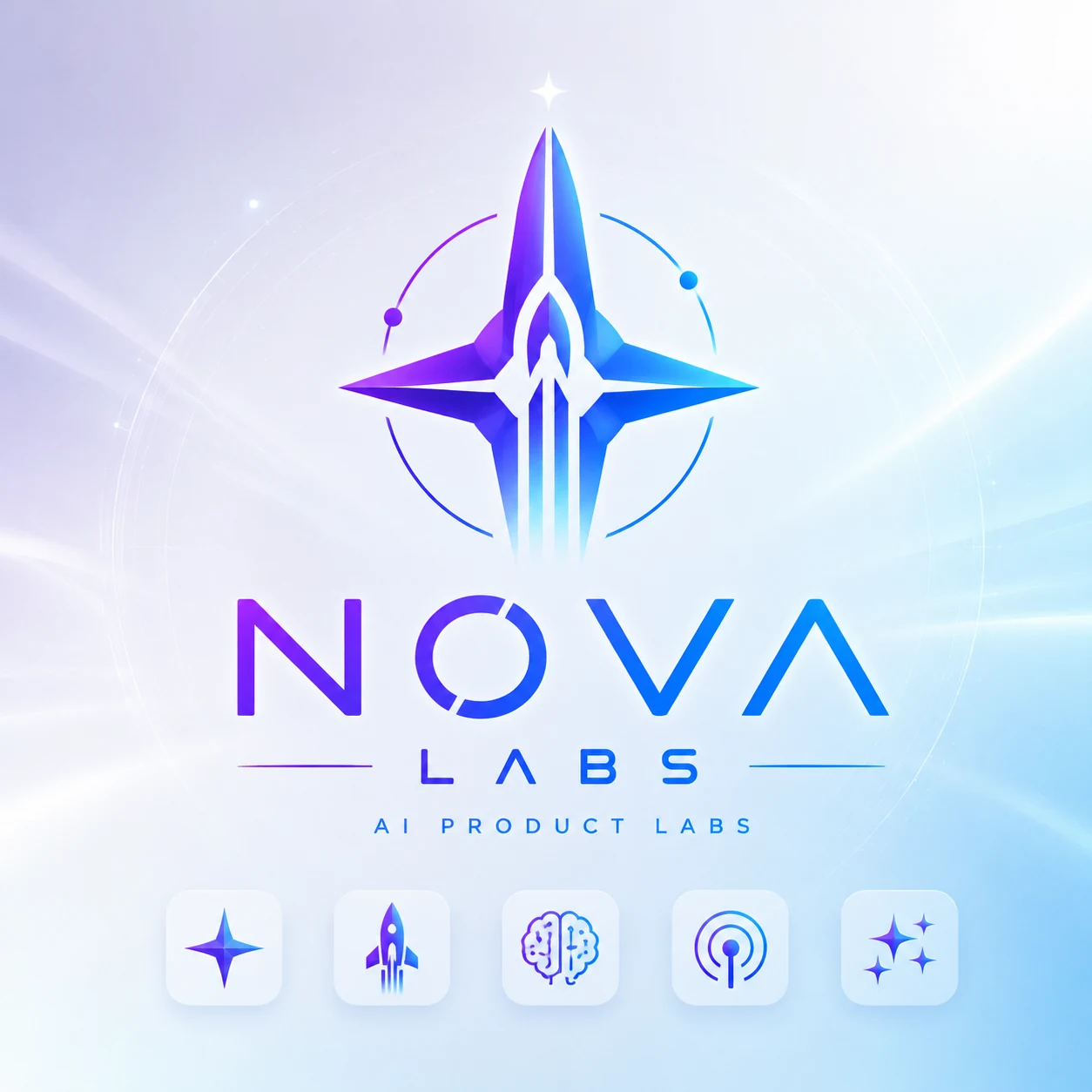
Generate Unique AI Logos from Your Brand Details
Enter your brand name, style, colors, slogan, and symbols. Vokes turns those details into a custom AI logo for your business, product, store, or personal brand.
Result
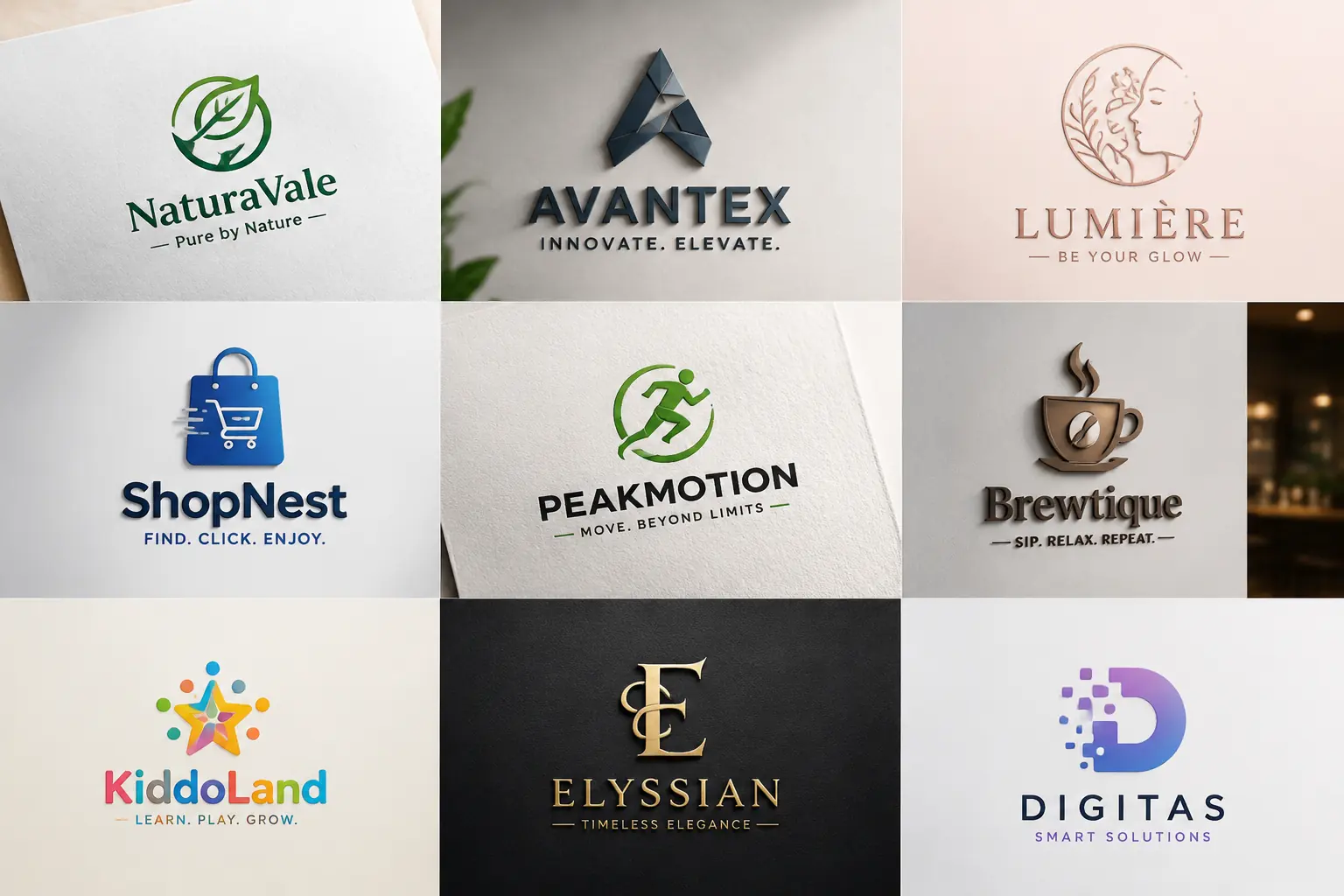
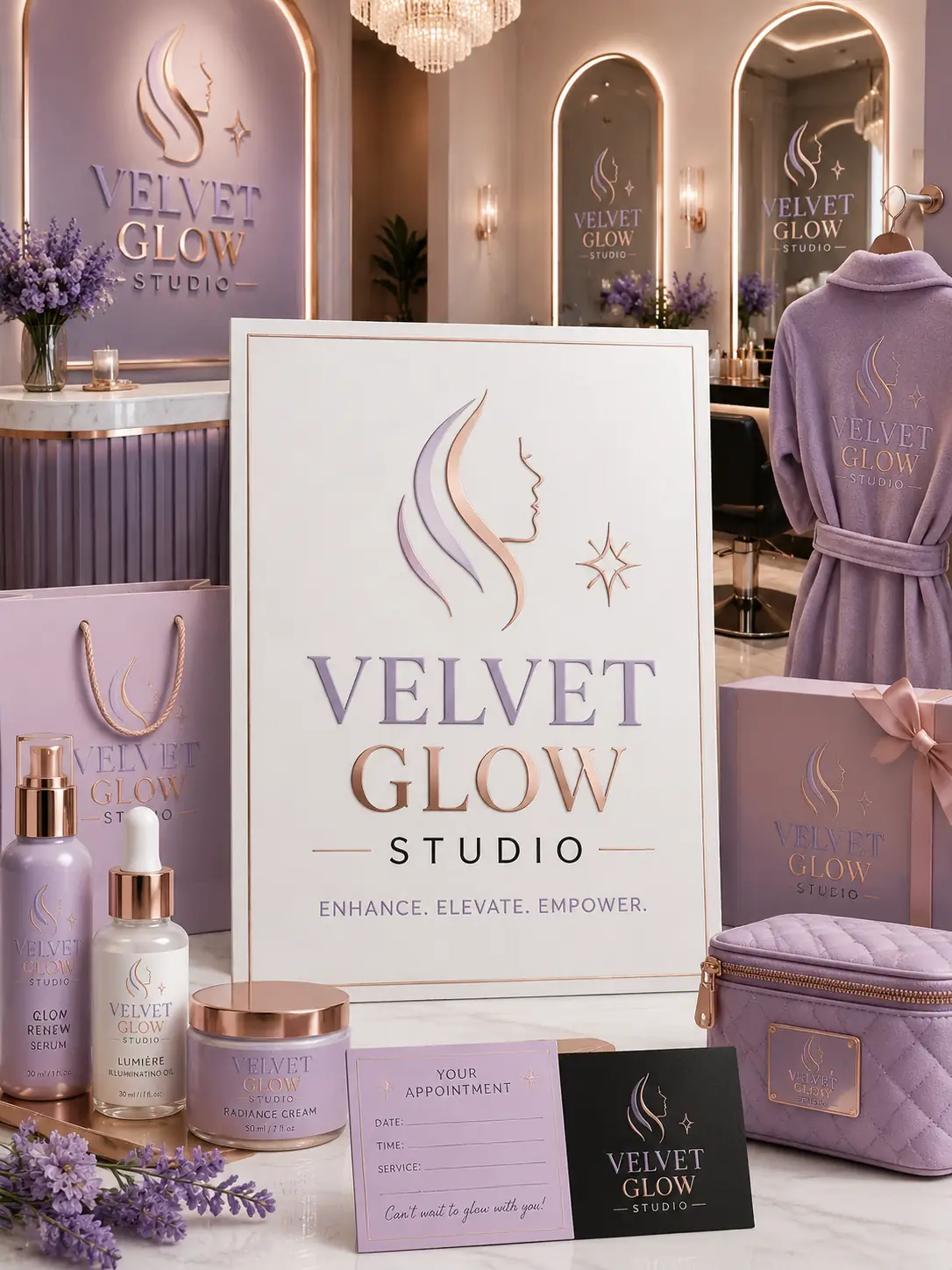
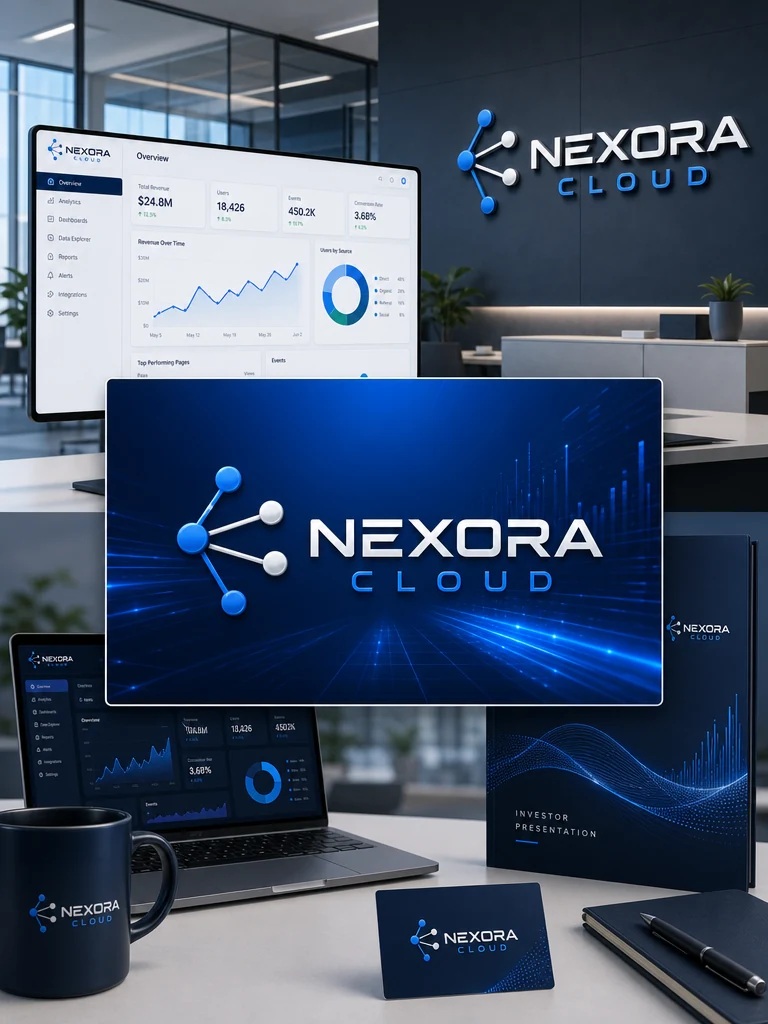
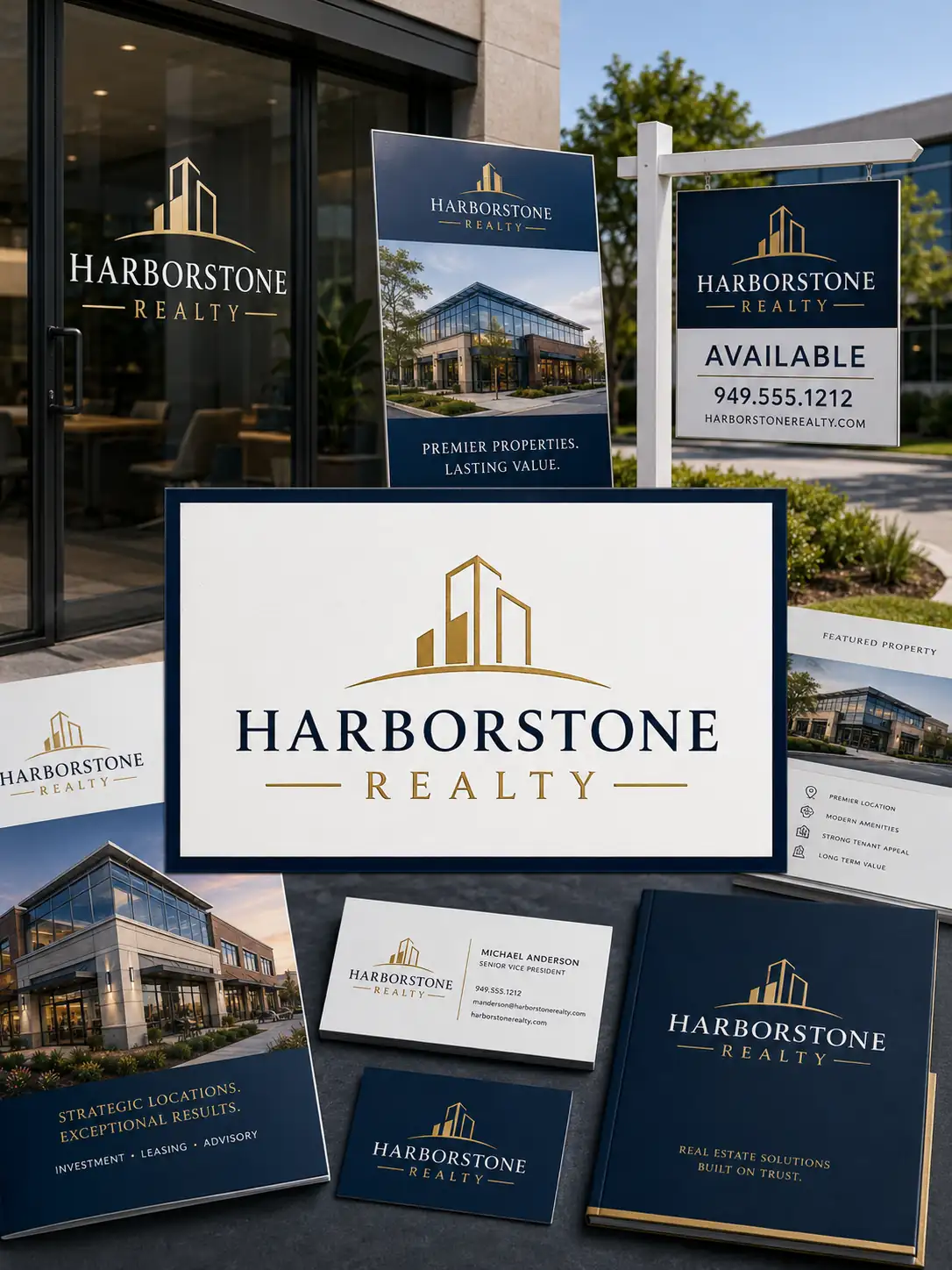
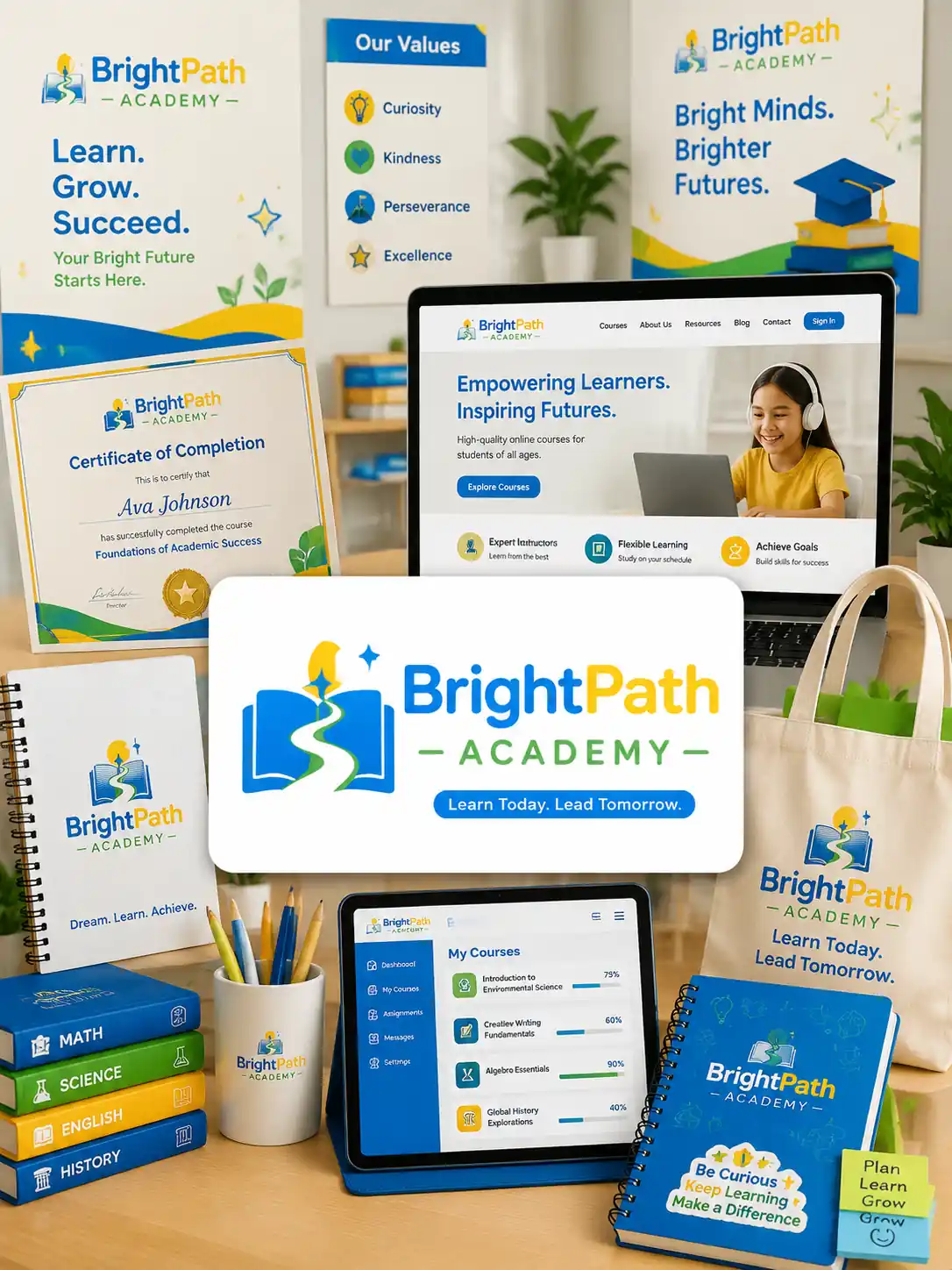
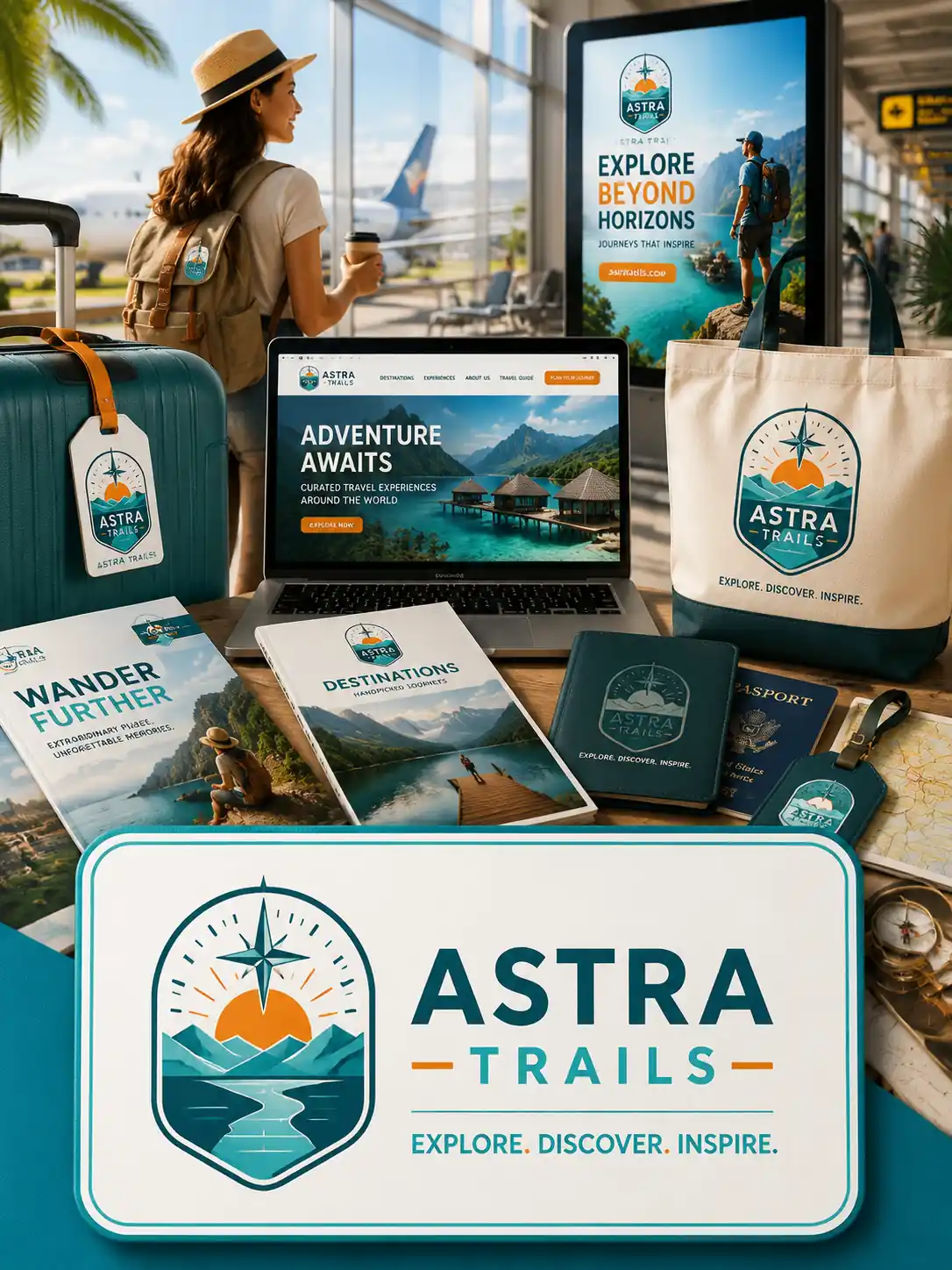
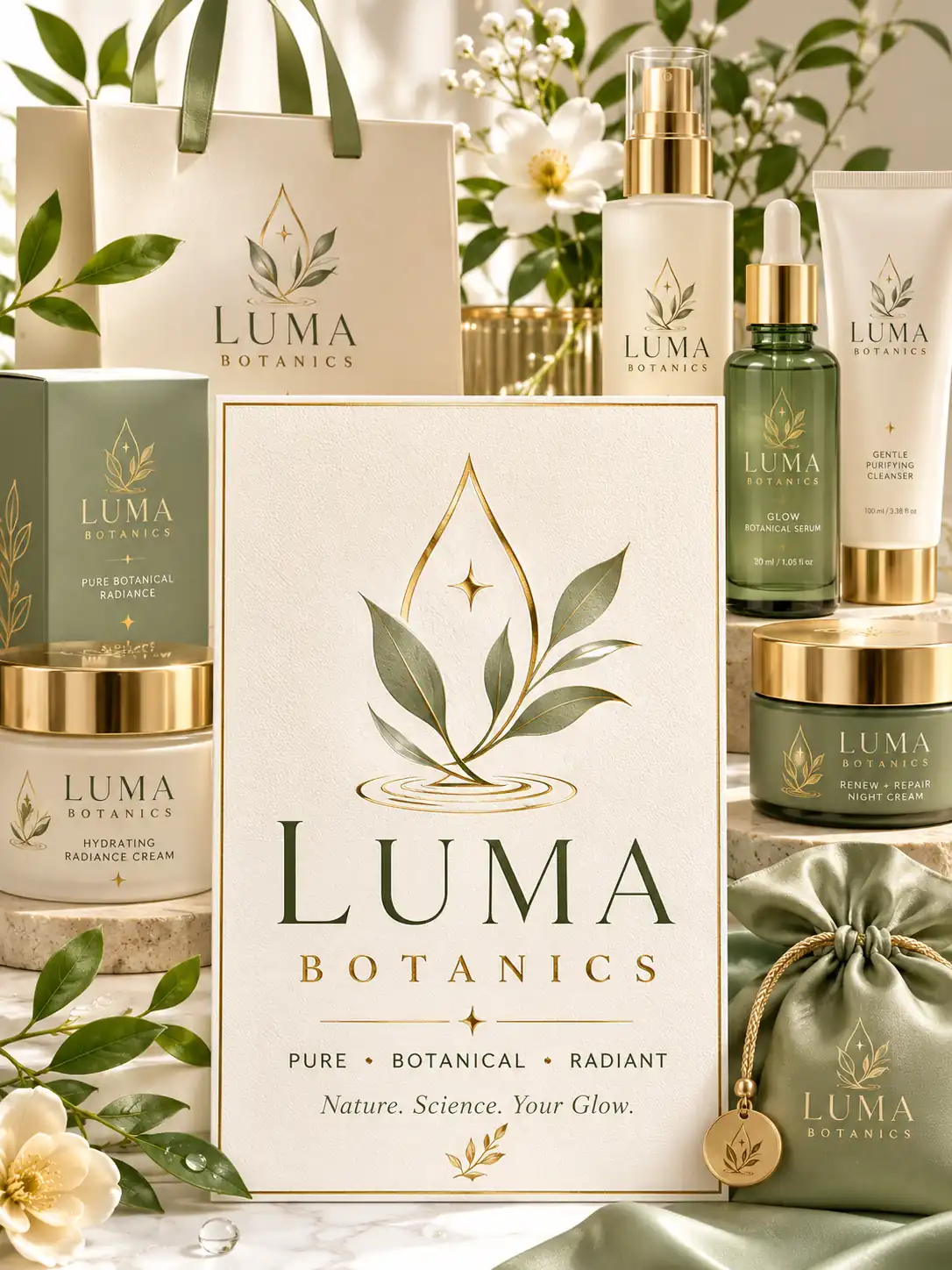
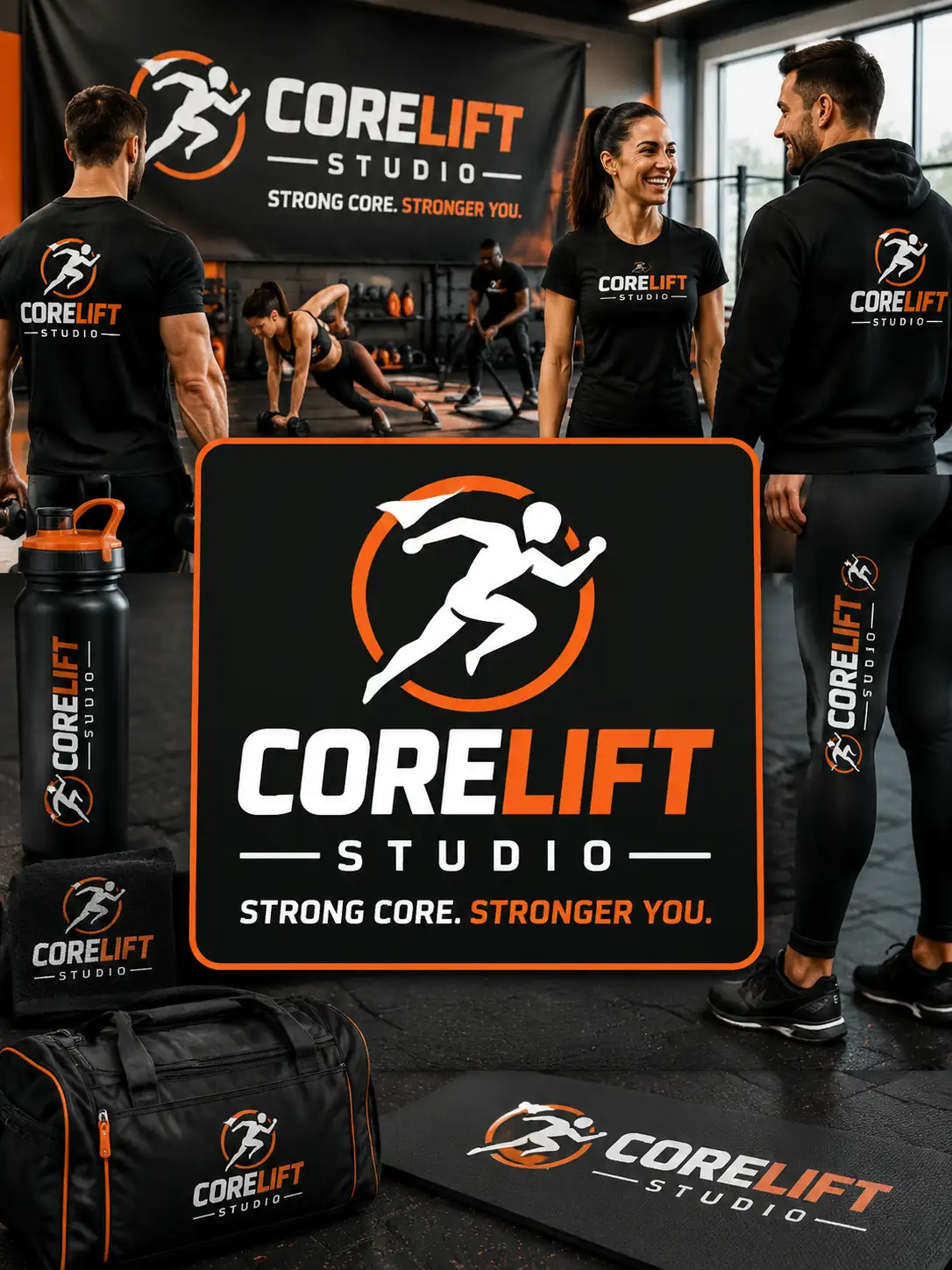
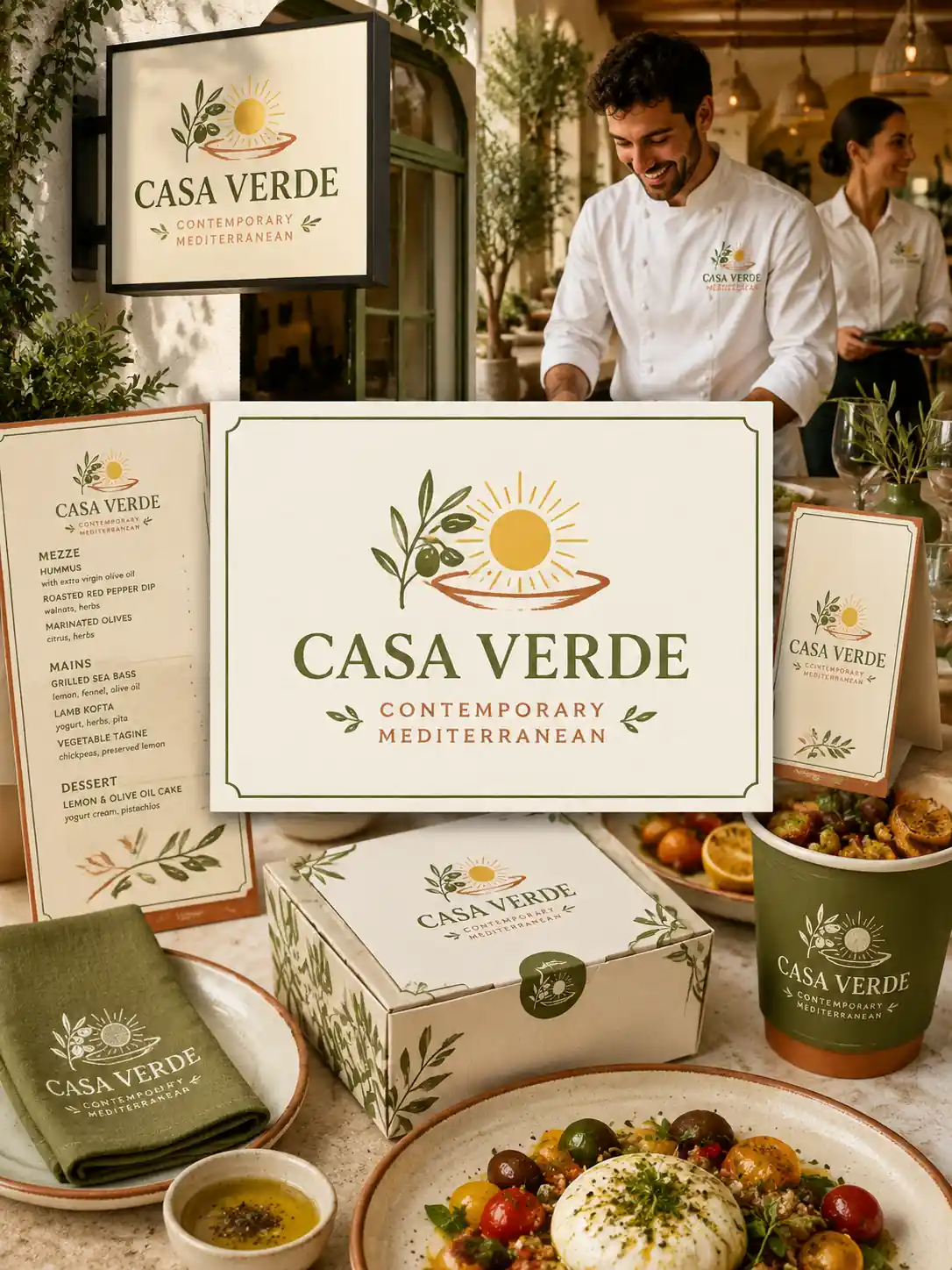
View and Reuse Our AI Logo Prompt Examples
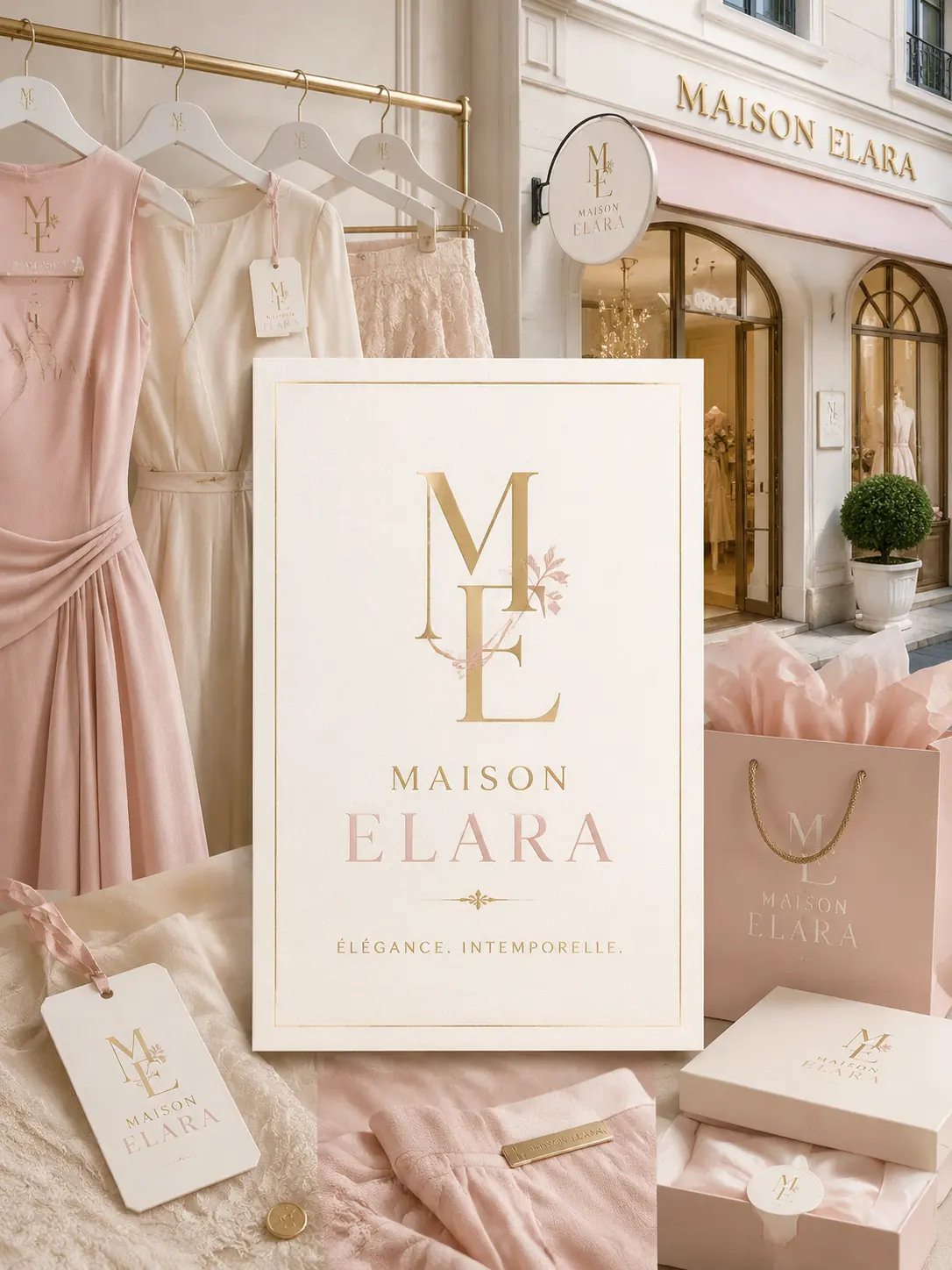
Browse prompt examples for coffee shops, skincare brands, startups, ecommerce stores, and more. Reuse them directly or customize the details for your own logo.
Retail & Lifestyle Brands

Business & Professional Services
Product, Health & Specialty Brands
How to Use Vokes AI Logo Generator
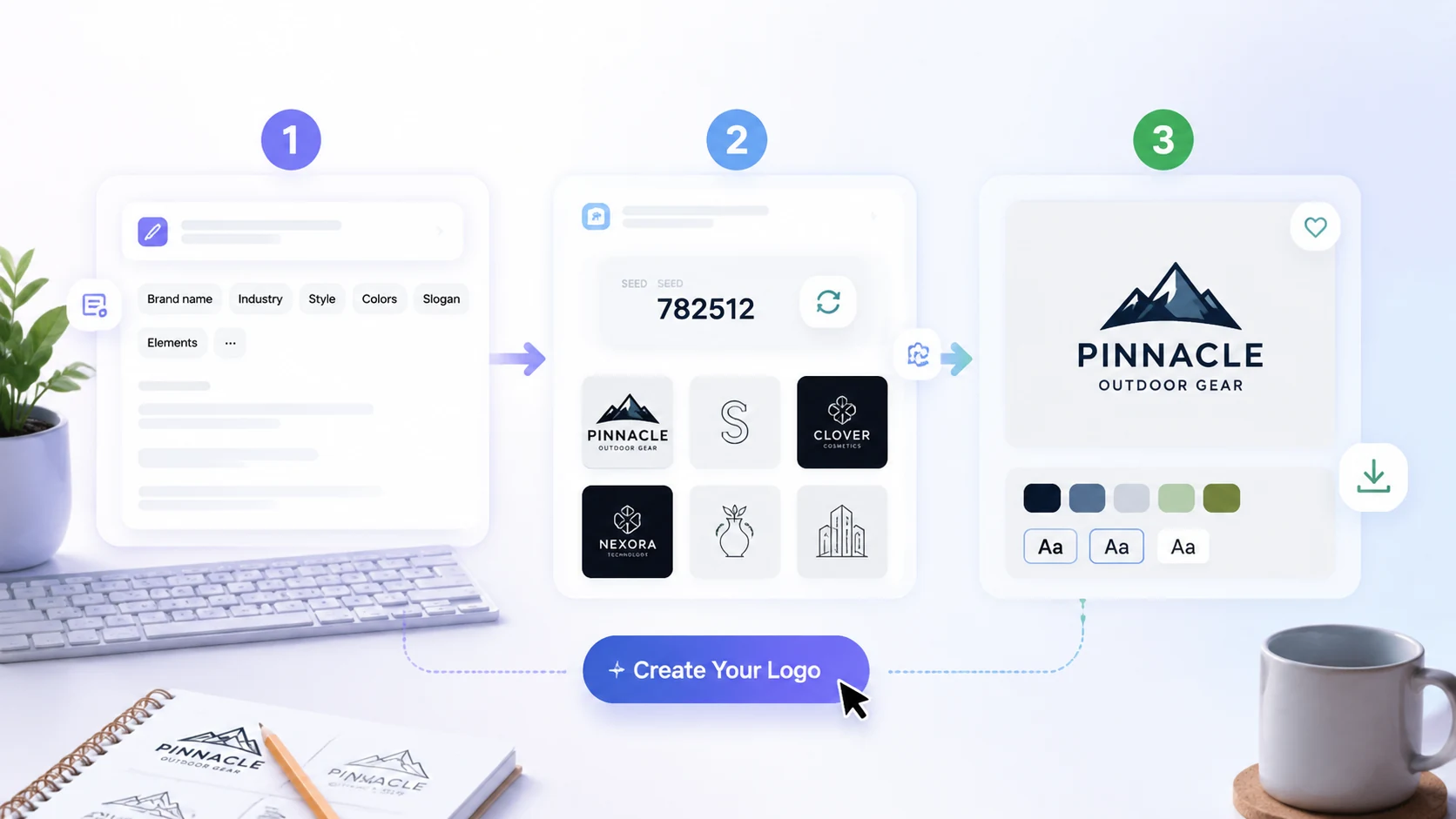
Describe your brand, set a seed, and click Create. In three simple steps, Vokes turns your idea into a custom logo for your business or product.
1
Enter Your Logo Prompt
Describe your brand name, industry, font style, color palette, slogan, and any design elements you want in the logo.
2
Choose or Refresh a Seed
Use the seed to generate a repeatable design direction, or refresh it to explore a different logo style.
3
Generate Your Logo
Click Create to turn your prompt into a polished AI logo for your brand, company, product, or store.
AI Logo Generator Features Built for Real Brand Growth
Create logo assets that are easy to launch, adapt, promote, and reuse, so your business can move from a single idea to a consistent visual presence across products, stores, and campaigns.
Create Ready-to-Use Logos from a Text Idea
Turn a simple text idea into polished logo designs with a text to logo AI generator built for real brand use. Create a logo from a brand name, short concept, slogan, or business description, then use it across websites, product pages, social profiles, pitch decks, and campaign materials.
Start with a Text Idea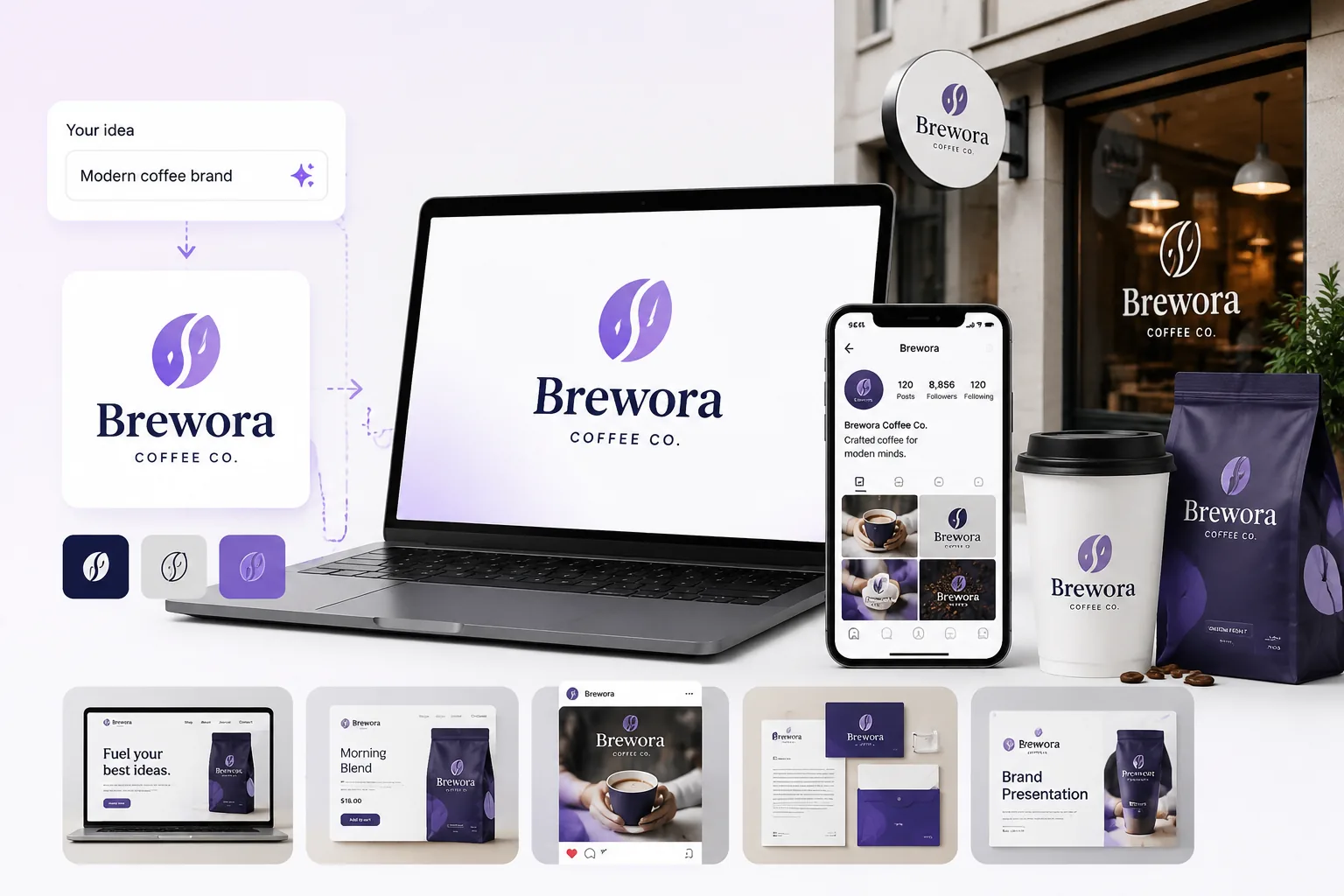
Make Products and Brand Materials Look More Recognizable
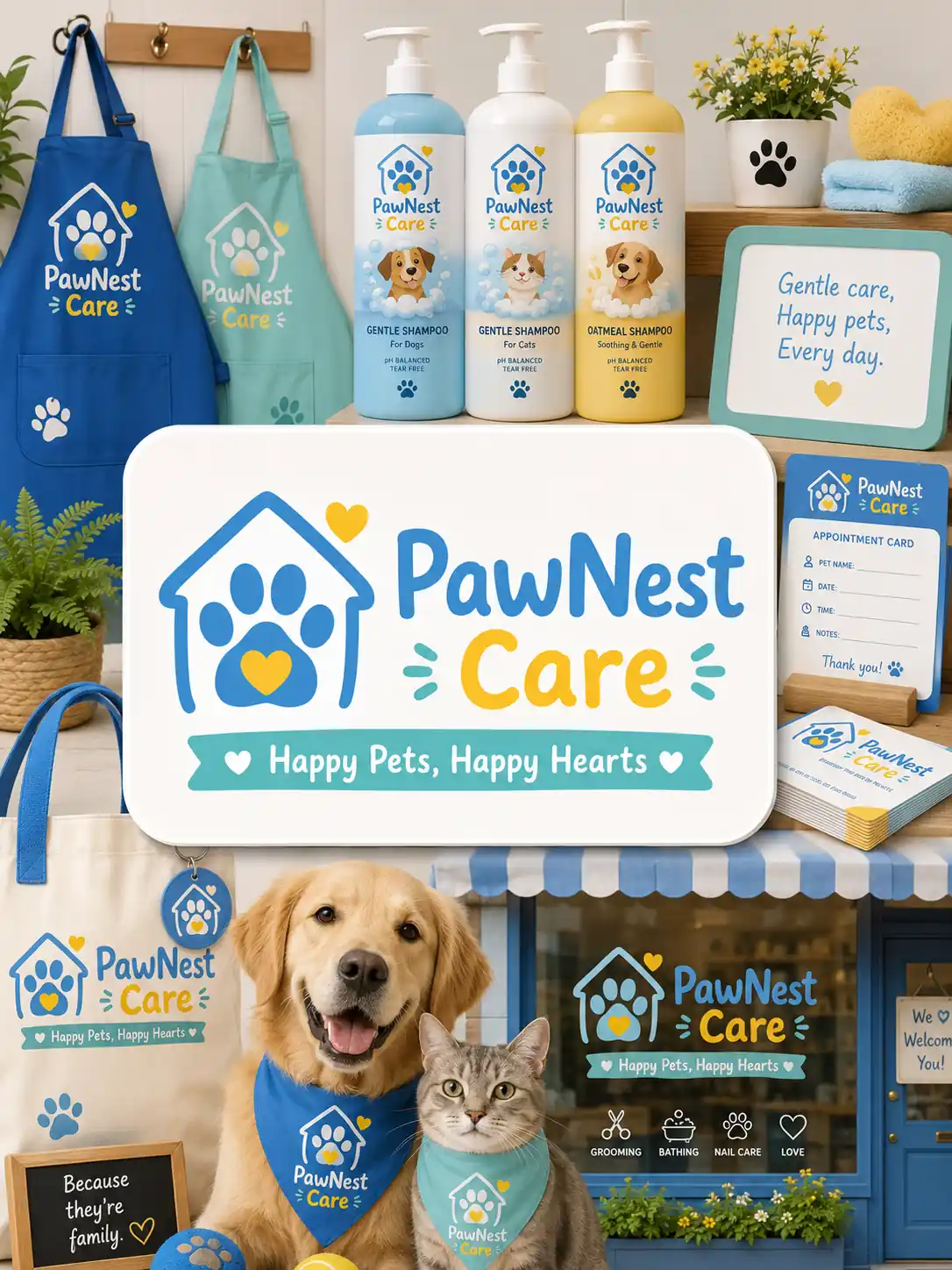
Use an AI logo generator for business to give product visuals, packaging, store pages, menus, ads, and social content a clearer identity. It is useful for small business branding, ecommerce stores, skincare brands, coffee shops, bakeries, and new products that need to look easier to remember.
Make It Recognizable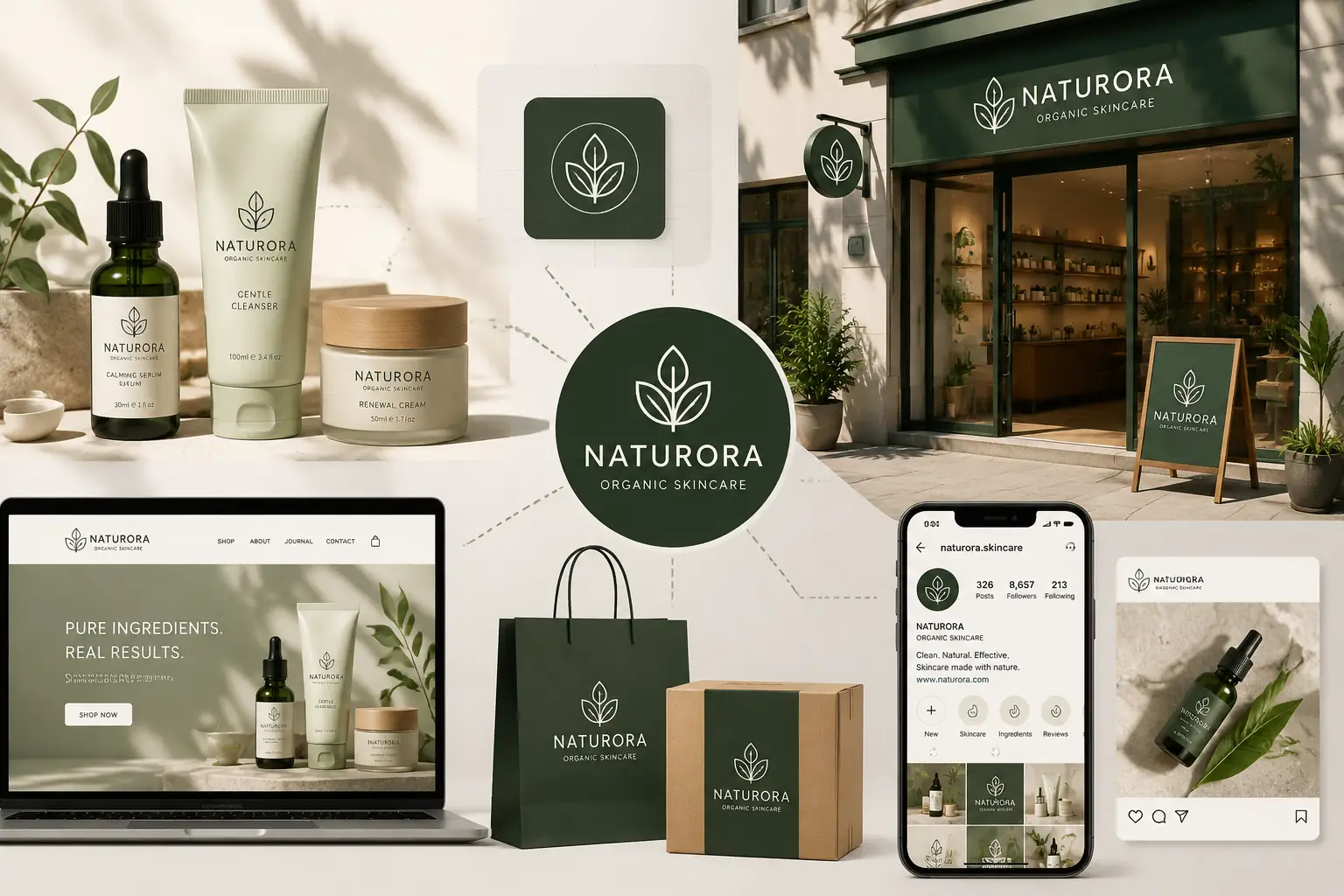
Create Logo Formats That Fit Every Brand Placement
Generate logo formats for the places your brand appears most: wide website headers, square social icons, round stickers, product labels, app tiles, clothing prints, packaging marks, and storefront signs. This works well for a modern logo generator or professional logo generator workflow where one design needs to stay usable across many placements.
Create Flexible Formats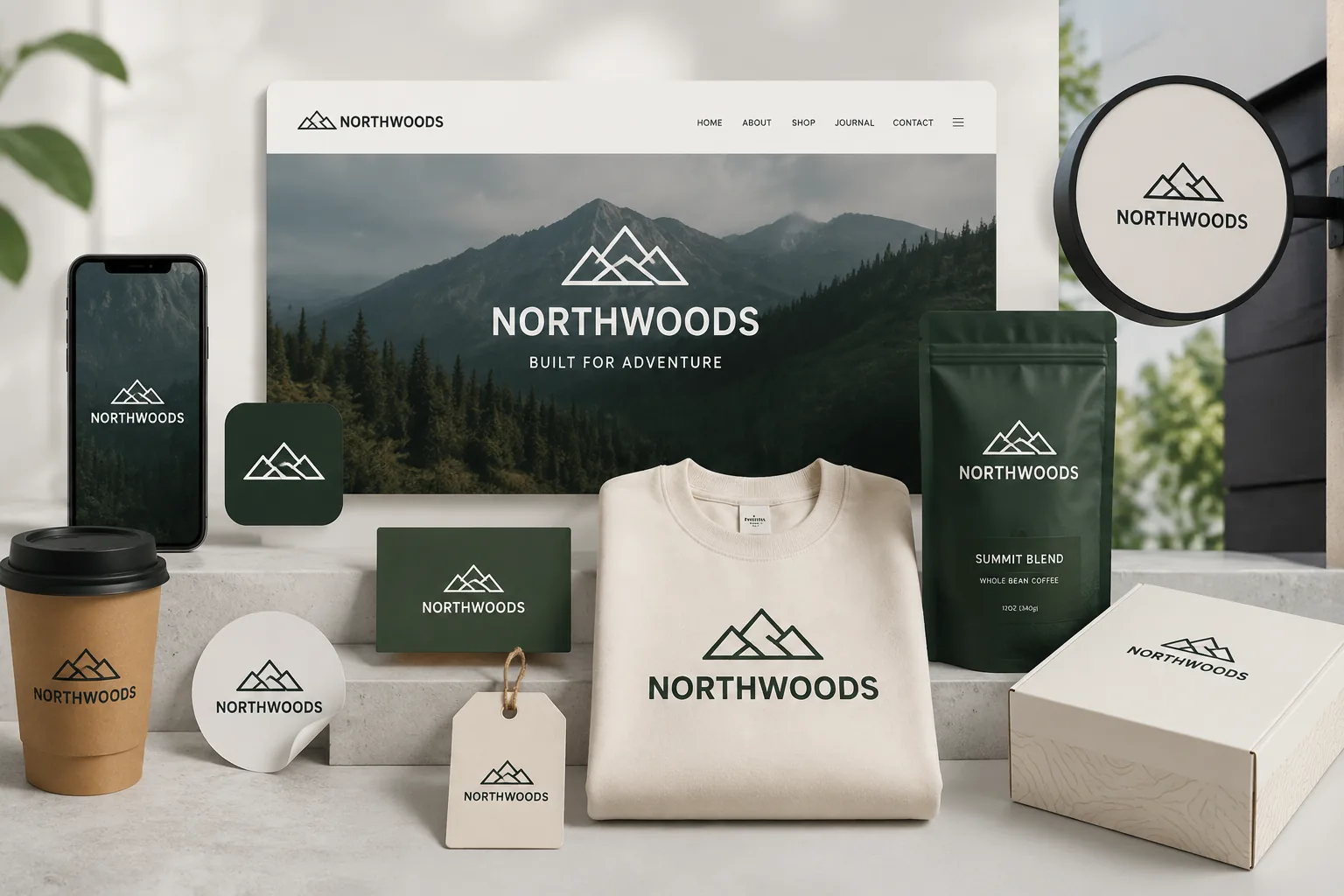
Use Your Logo Across Any Marketing and Sales Campaign
Create an AI generated logo that can support product launches, seasonal promotions, paid ads, social posts, store updates, brochures, event materials, and offline displays. Keep every campaign connected, whether you are building an online store logo, a startup launch identity, or fresh logo ideas for a new business.
Create Campaign Visuals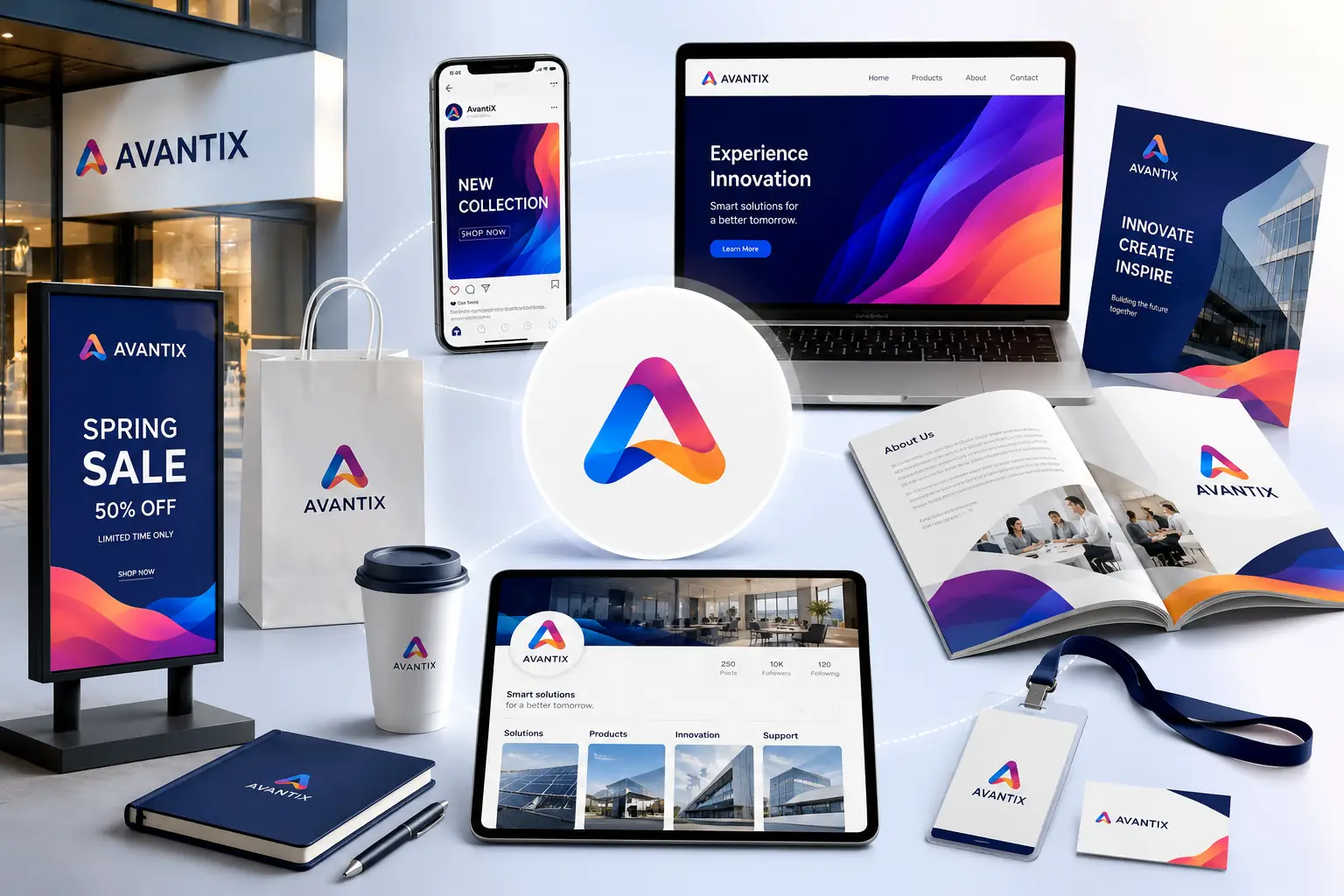
Refresh Campaign or Product Line Logos Without Rebuilding the Brand
Keep the core logo direction and update only what needs to change, such as an AI logo color palette, layout, seasonal detail, product-line cue, or AI logo with slogan. It helps teams test new campaign looks, generate related logo versions, and refresh brand visuals without starting over.
Refresh Logo Style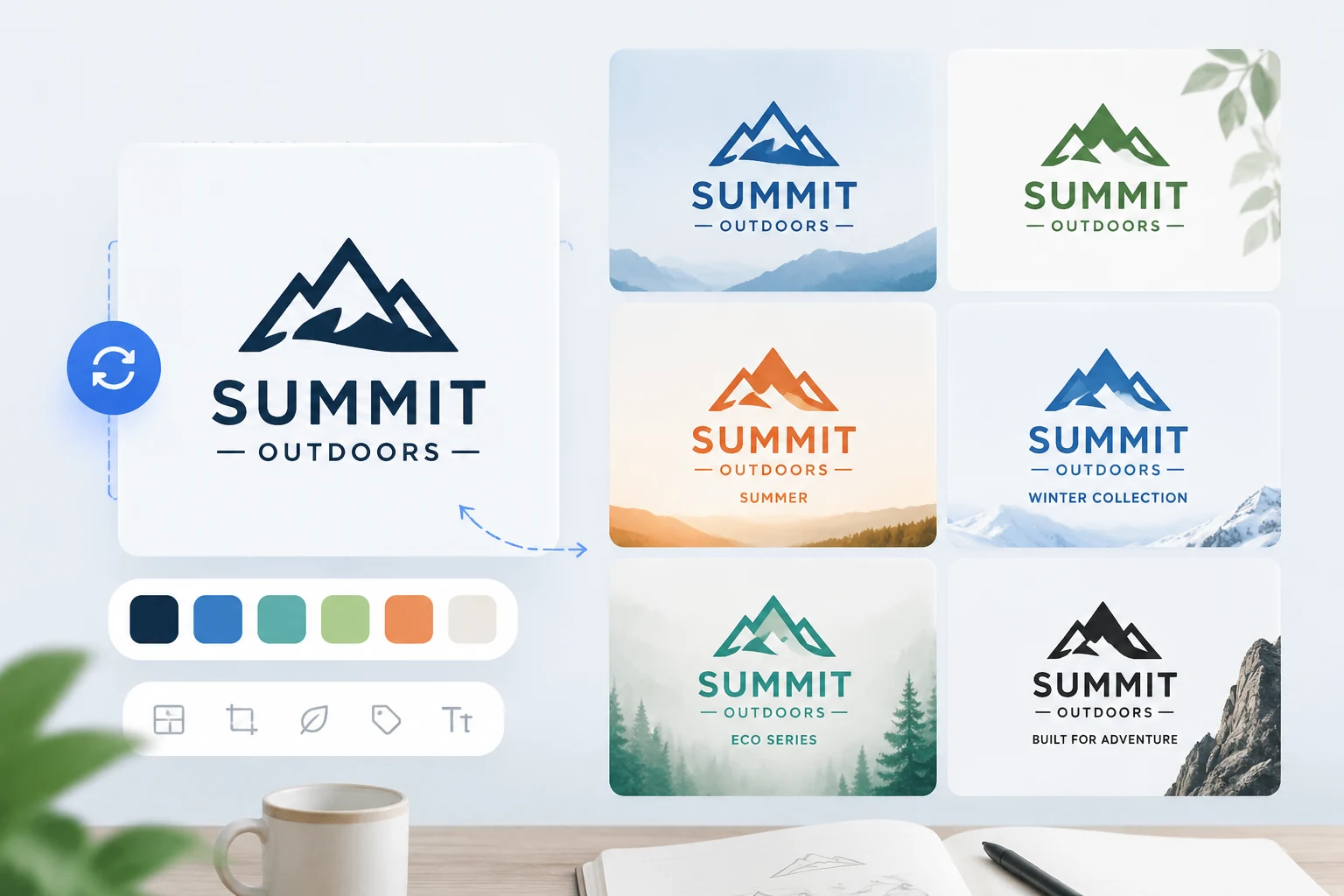
More AI Tools to Build Your Brand Visuals
Why Choose Vokes AI Logo Generator?
Free to Start
Create logo ideas for your business, product, or brand without paying before you try.
No Watermark Output
Generate clean logo visuals that are easier to use in websites, product pages, campaigns, and brand materials.
High-Quality Logo Images
Get polished AI generated logos with sharp details, bright colors, and clear visual structure.
Privacy-Safe Creation
Create logo ideas from your own prompts while keeping your brand concepts, product names, and creative directions private.
What Users Say About Vokes AI Logo Generator
I needed a logo generator for skincare brand ideas that did not feel generic. The prompt let me describe the color palette, soft typography, and natural style, and the AI generated logo looked close to what I had in mind.
Frequently Asked Questions
What is an AI Logo Generator?
An AI Logo Generator is a tool that creates logos from text prompts. You can enter your brand name, industry, style, colors, slogan, and design elements, and the AI will generate logo images for a business, product, store, or personal brand.
How do I use Vokes AI Logo Generator to create a logo?
Describe the logo you want in the prompt, including your business type, visual style, color palette, font direction, and symbols. Then click Create. Vokes will generate an AI generated logo based on your description.
Do I need design experience to use an AI Logo Maker?
No. Vokes AI Logo Maker is built for small business owners, startup teams, ecommerce sellers, creators, and anyone who wants to generate a logo with AI without using complex design software.
How do I write a better AI logo prompt?
A good prompt should include your brand name, industry, target style, colors, typography direction, slogan, and key visual elements. For example: "modern logo for a skincare brand with soft green colors, elegant typography, and a leaf symbol."
Can AI generated logos be used for business or brand promotion?
Yes. AI generated logos can be used across websites, product pages, social profiles, ads, packaging, menus, brochures, and store visuals. For trademark registration or long-term brand ownership, it is best to review originality and legal use before publishing.
Is Vokes AI Logo Generator free?
Vokes offers a Free AI Logo Generator experience so you can test logo ideas and explore different styles. For higher usage, advanced features, or expanded output needs, you can choose a subscription pricing plan.
